Technology · PRACTICAL GUIDE
SQLite database is locked? Find the writer and transaction before raising busy_timeout
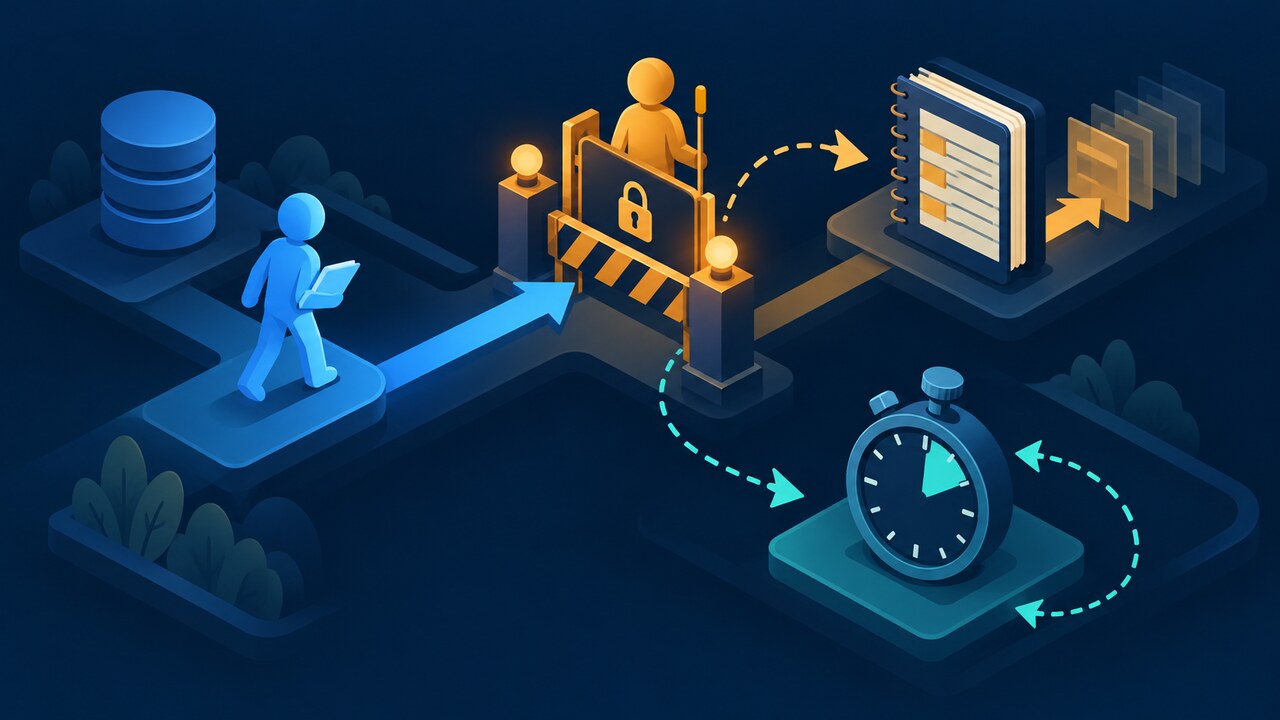
Treat SQLITE_BUSY as a lock-timeline problem: prove the writer, connection, transaction phase and journal mode before increasing a timeout, switching to WAL or retrying.
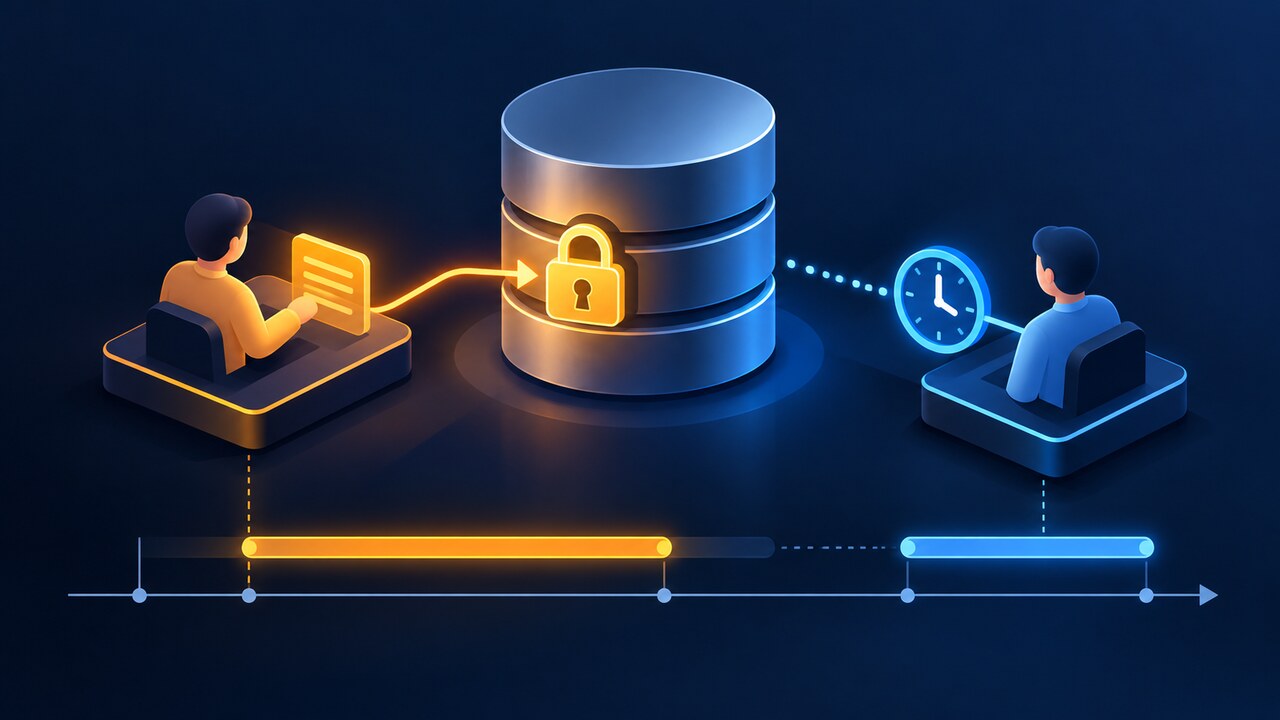
SQLite’s “database is locked” says a requested lock was unavailable; it does not identify the process, connection or transaction that holds the conflicting state. Raising busy_timeout first can hide a long transaction without fixing it.
Build a connection timeline, distinguish ordinary waitable contention from a DEFERRED read-to-write upgrade, then apply the narrowest repair and replay the original operation under measured load.
Freeze the failing operation and error code
Capture the complete exception, numeric SQLite result code, SQL operation, process, thread, connection identifier and timestamp before changing settings. Record whether the failure occurred on BEGIN, the first write, COMMIT, a WAL checkpoint, startup recovery or connection close.
Do not delete -wal or -shm files, copy only the main database, or assume a GUI is harmless. Preserve the database and companion files together, and list every application, shell, migration, worker and editor that can open the path.
Build a per-connection transaction timeline
Log when each connection opens, begins a transaction, performs its first read, attempts its first write, commits or rolls back, finalizes statements and closes. Include journal_mode, busy timeout and transaction mode. The goal is to identify the writer and the exact interval during which the conflicting lock exists.
Reproduce with two labeled connections if possible. If one process holds a write transaction while doing network calls, file I/O or user interaction, move that slow work outside the transaction before tuning retries.
Separate waitable contention from a transaction upgrade
SQLite permits many readers but only one write transaction. A default DEFERRED transaction that reads first may later need to upgrade to a writer; if another writer is active, that first write can return SQLITE_BUSY. That is different from a new write waiting for a lock that will soon clear.
Use BEGIN IMMEDIATE only when the unit of work is known to write and acquiring the writer slot at the start matches application semantics. It can still return SQLITE_BUSY when another writer already exists, so it is a scheduling choice rather than a universal fix.
Use busy_timeout only for bounded, temporary waits
A timeout tells a connection how long to wait before reporting a lock error; it does not commit another connection, close a leaked cursor or shorten a transaction. Set it per connection and measure elapsed wait, retry count and the identity of the lock holder.
Retry only an idempotent operation or a whole transaction whose side effects are controlled. Add jitter and a hard attempt limit, and surface the final error with the original lock timeline instead of looping indefinitely.
Treat WAL as a concurrency mode, not an unlock switch
WAL usually lets readers continue while a writer appends, but it still allows only one writer. WAL can also return SQLITE_BUSY during exclusive locking, cleanup or recovery, and long-lived readers can delay checkpoints.
Before enabling WAL, confirm that every process supports it, the filesystem supports shared-memory behavior, and backups copy the database with its WAL state safely. After enabling it, monitor checkpoint progress and writer duration.
Apply the narrowest repair and verify it
Close statements and connections deterministically, commit or roll back on every exit path, shorten write transactions, serialize unavoidable writers, and remove slow external work from transaction callbacks. Use a bounded timeout or IMMEDIATE only for the diagnosed contention class.
Replay the original operation with connection IDs and timing. Verify that lock duration fell, no write was duplicated, checkpoints complete and the application fails visibly after its retry budget. If sustained concurrent writes are fundamental, evaluate a client-server database.