Technology · PRACTICAL GUIDE
Can a Smart TV Work Without Internet? Use an Antenna for Local Channels
For U.S. viewers, a compatible TV tuner can receive ordinary local antenna broadcasts offline after setup. Check initial activation, Google TV Basic Mode limits, and any external NextGen TV receiver separately.
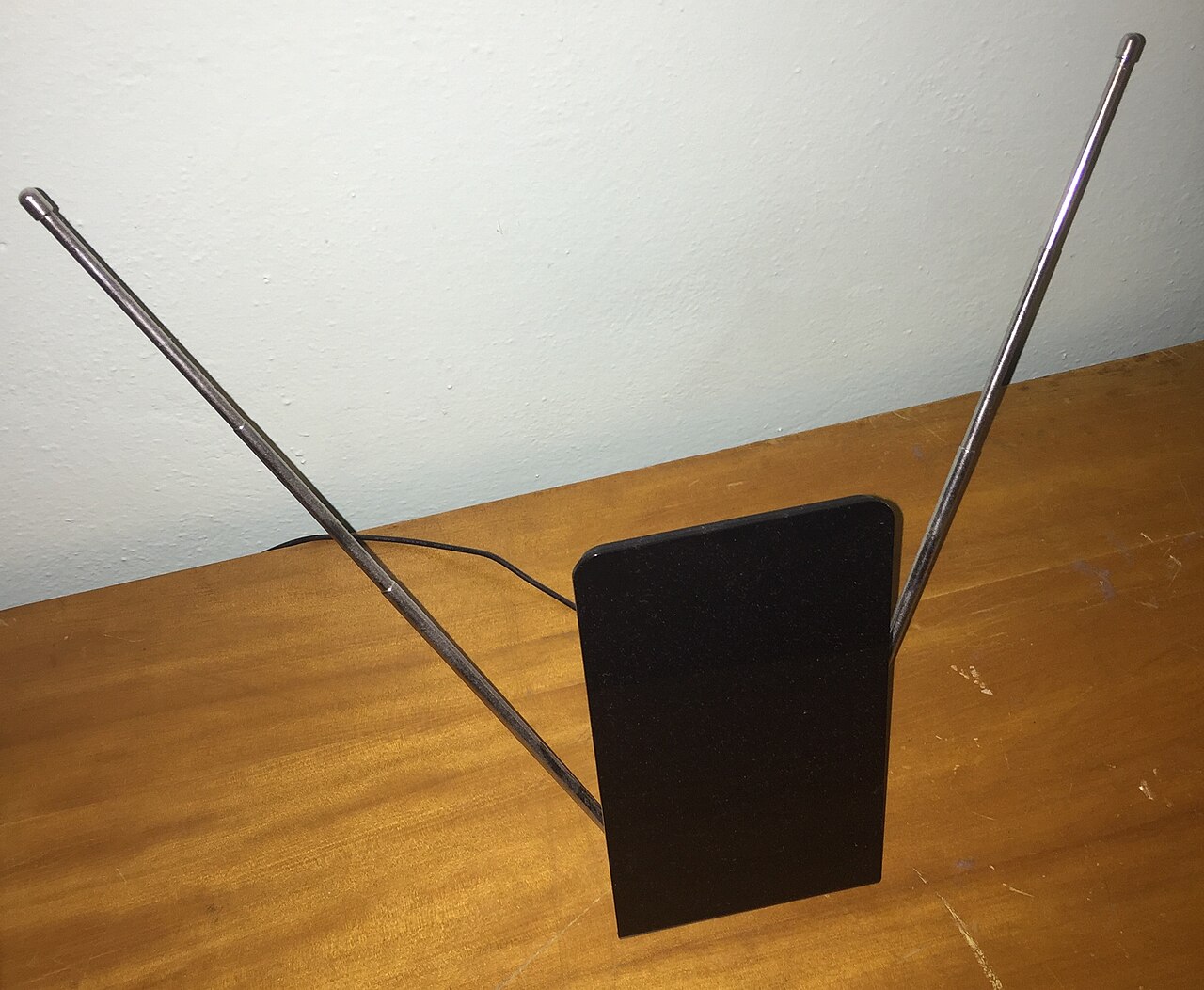
Yes—once the TV is ready to use, its built-in tuner can usually receive local over-the-air broadcasts without an ongoing internet connection. Connect an antenna to the coaxial antenna input, choose the antenna or live-TV source, and run a channel scan.
The important exception is setup. Some platforms require internet for initial activation, while others offer a basic or offline mode with fewer features. Check the exact model before purchase or factory reset, because an antenna supplies broadcast signals, not streaming apps, software updates, voice features, recommendations, or every electronic program-guide service.
First separate initial setup from everyday antenna viewing
A TV can need internet for initial setup yet later show antenna channels without Wi-Fi. Roku says this applies to its own branded TVs. On sets with Google TV built in, Basic TV can be selected during setup without internet or a Google Account. It retains tuner/input viewing and a limited set of preinstalled apps; installing apps, Assistant search, casting and Google-account services are unavailable.
Before buying, moving, or factory-resetting a TV for an offline location, read the exact model's setup manual. Do not assume every Roku TV, Google TV, webOS TV, or other platform presents the same offline path. If activation cannot be completed offline, briefly connecting by home internet or a permitted hotspot may be necessary before the antenna workflow is available.
Connect the antenna to the tuner, not to an HDMI input
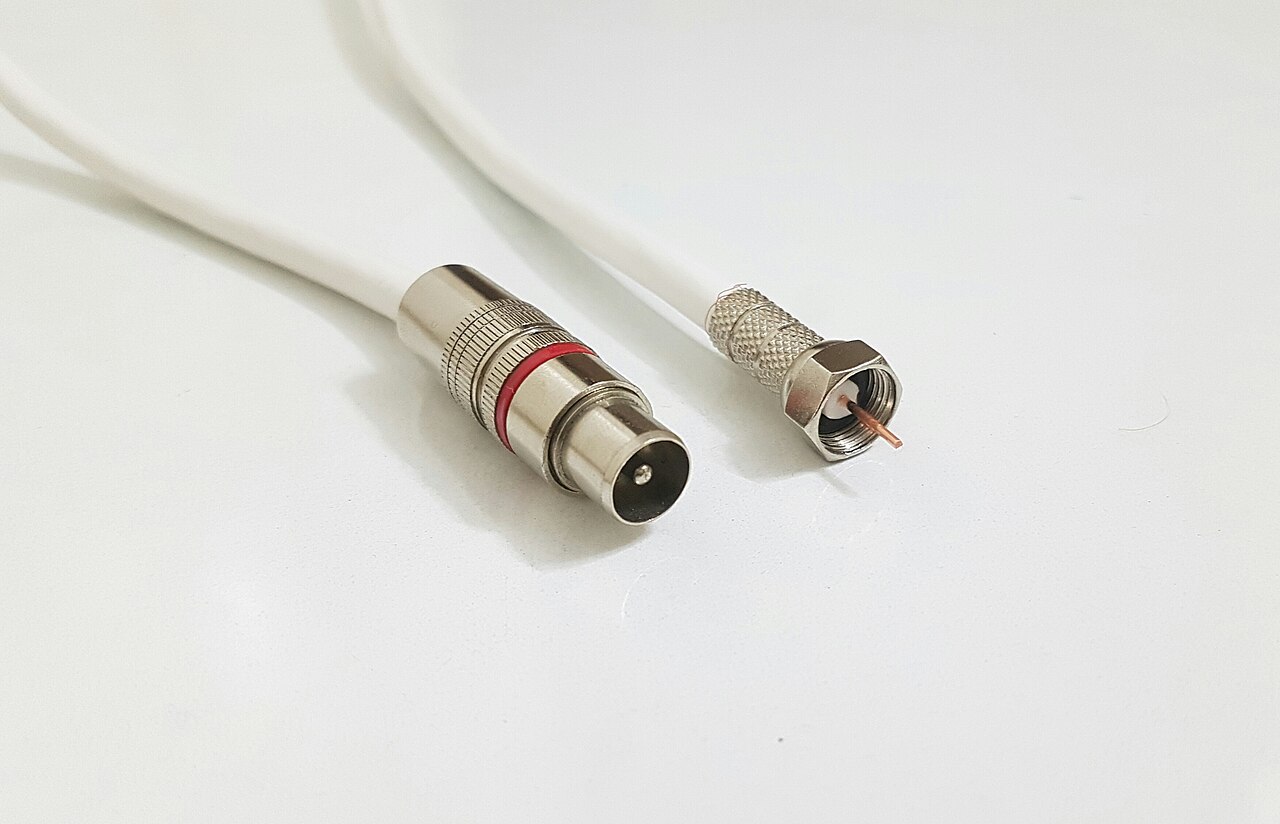
Attach the antenna's coaxial cable to the TV input labeled Antenna, RF, Cable/Antenna, or a similar name. Then select the antenna, air, broadcast, or live-TV source in the input or channel menu. A streaming stick or cable box connected by HDMI is a different signal path and does not scan local broadcasts through the TV tuner.
Place an indoor antenna where reception is strongest, often higher or near a window and away from interference. TCL notes that walls, building materials, distance and antenna direction affect reception. Check local station availability with the broadcaster; a successful scan at one address does not guarantee the same channels elsewhere.
Run a full channel scan and save the results
Open Settings and look for Channels, Broadcasting, Live TV, Tuner, Auto Tuning, or Channel Scan. Choose Antenna or Air rather than Cable, start a full digital scan, and let it finish. LG's current guide notes that menu names vary by model and webOS version; TCL likewise documents a separate Antenna TV input and scan flow.
A scan saves only channels received at that moment. After moving the antenna, scan again and select a saved broadcast channel. Confirm an actual picture and sound while the TV is disconnected from the internet, then check that the same channel remains accessible after restarting the TV. A saved channel count alone does not prove reliable offline viewing.
Know what remains available offline—and what usually does not
The basic offline path is the tuner, local channel list, picture and sound controls, and connected HDMI devices that do not themselves need internet. Exact program information varies: some stations broadcast schedule data over the air, while richer guides, search, account sync, app stores, and platform recommendations may be internet-dependent.
Streaming apps such as Netflix, YouTube, FAST channels, and cloud DVR services need connectivity. Voice assistants, casting, remote-control apps, firmware downloads, personalized home screens, and automatic clock or guide enhancements can also be reduced or unavailable. Offline viewing does not make a connected app's downloads appear on the TV unless that app and model explicitly support them.
This guide concerns a TV tuner receiving ordinary antenna broadcasts. Do not assume every external tuner or NextGen TV service works the same way: ADTH says its NextGen TV USB tuner needs internet for encrypted ATSC 3.0 channels. Check the exact receiver and station, and ask about an ordinary unencrypted broadcast alternative if offline viewing is essential.
If channels are missing, isolate reception before blaming the internet
Confirm that the coax plug is secure and select Antenna or Air rather than Cable or a streaming channel. Test a direct antenna connection with unnecessary splitters removed, while keeping any power supply required by the antenna according to its manual. Reposition the antenna and rescan; do not treat a powered antenna with its power removed as a valid reception test.
Compare the same antenna feed with another compatible TV or tuner if available. If neither receives the station, investigate reception and cable conditions. If the TV instead shows an internet prompt, a blank guide or an inaccessible tuner menu, record the model and software version and ask the manufacturer about the offline antenna input. Weak radio reception and a software or service restriction are different problems; reconnecting Wi-Fi is not a universal fix.