Technology · PRACTICAL GUIDE
Export qBittorrent's Content file list to CSV without changing downloads
Save one torrent's file response, then preserve indexes, skipped entries and progress fractions in a checked spreadsheet list.
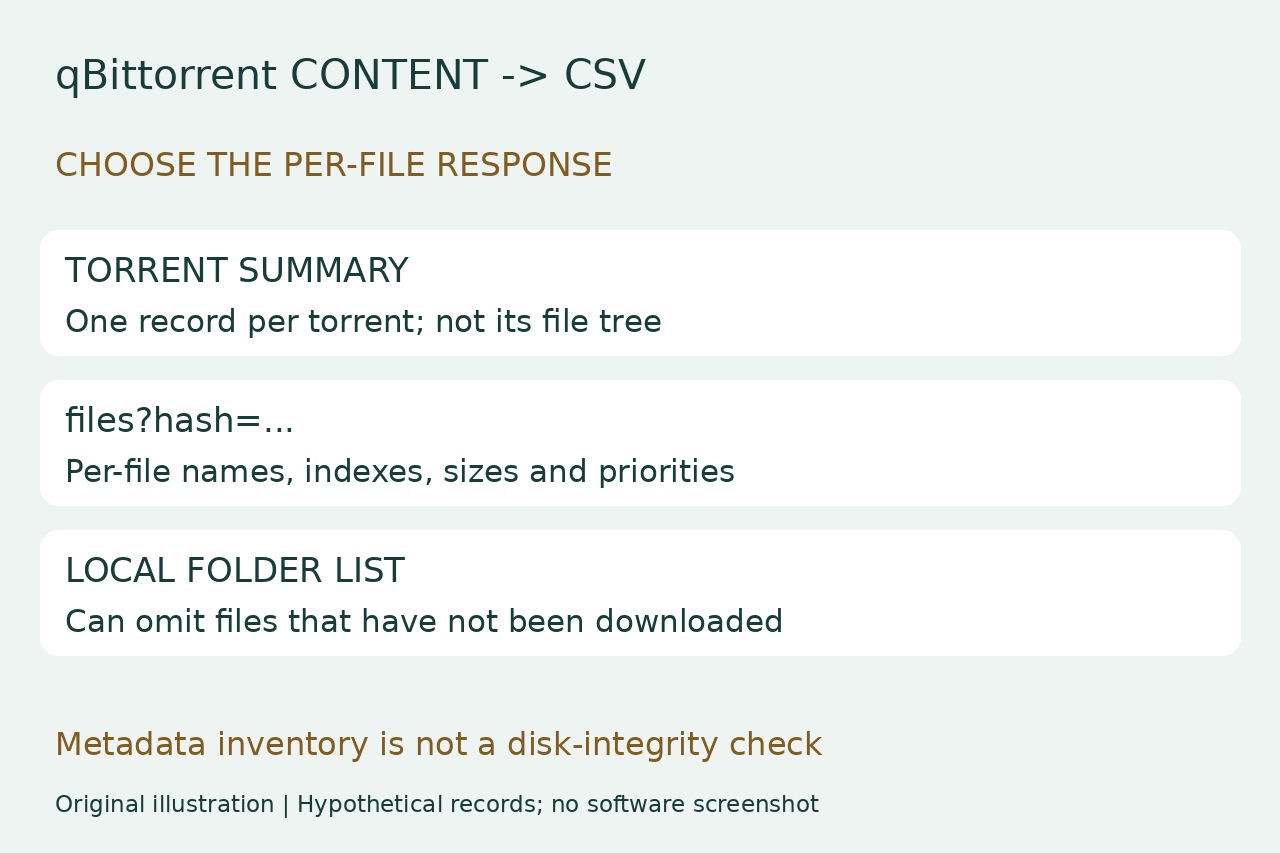
A list of torrent names is not a list of the files inside one torrent. If you want to search a large Content tree in a spreadsheet, including entries marked Do not download, use qBittorrent's per-file response rather than a folder listing that can miss files you have not downloaded.
The route below reads an existing torrent through an already configured, authenticated local WebUI, then converts a saved JSON copy offline. It does not add torrents, change priorities, download content or verify files on disk.
Save the right response for one torrent
Use this guide only with your own qBittorrent 5 instance and an already working local WebUI login. Keep its normal authentication and protections. For a same-computer WebUI at http://127.0.0.1:8080, open that address and sign in normally. Substitute your actual local port; if the WebUI is not configured, stop this method rather than exposing it publicly or disabling authentication.
In the same signed-in browser, open http://127.0.0.1:8080/api/v2/torrents/info. Find the intended torrent by its name and copy its hash field, checking the correct record if names repeat. Then open http://127.0.0.1:8080/api/v2/torrents/files?hash=YOUR_HASH with that exact hash. Use the same host and port you logged into, and omit indexes so the response is not narrowed to a subset.
Save the complete JSON response locally as files.json, or copy the entire raw response into a UTF-8 plain-text file. It must be an array of file objects, not a login page, HTML viewer markup or the torrent-summary array. Record the torrent identity and capture time separately. An empty array may mean metadata is unavailable; a missing torrent or authentication failure is not an empty valid inventory.
Convert the saved file records
With Python 3 installed, open a terminal in that folder. On Windows use py -3 instead of python3. Copy this as one line with straight quotes, choose a new CSV name and run without Python's -O option. Validation finishes before opening the output, and exclusive creation refuses an existing destination.
python3 -c "import csv,json,math,sys; r=json.load(open(sys.argv[1],encoding='utf-8-sig')); ok=lambda b:isinstance(b,dict) and type(b.get('index')) is int and b['index']>=0 and isinstance(b.get('name'),str) and type(b.get('size')) is int and b['size']>=0 and type(b.get('progress')) in (int,float) and math.isfinite(b['progress']) and 0<=b['progress']<=1 and type(b.get('priority')) is int and b['priority'] in (0,1,6,7); assert isinstance(r,list) and r and all(ok(b) for b in r) and len({b['index'] for b in r})==len(r), 'Expected nonempty unfiltered files array with unique indexes'; f=open(sys.argv[2],'x',encoding='utf-8-sig',newline=''); w=csv.writer(f); w.writerow(['index','name','size_bytes','progress_fraction','priority']); w.writerows([[b[k] for k in ('index','name','size','progress','priority')] for b in r]); f.close(); print(len(r),'file records exported')" "files.json" "content-files.csv"
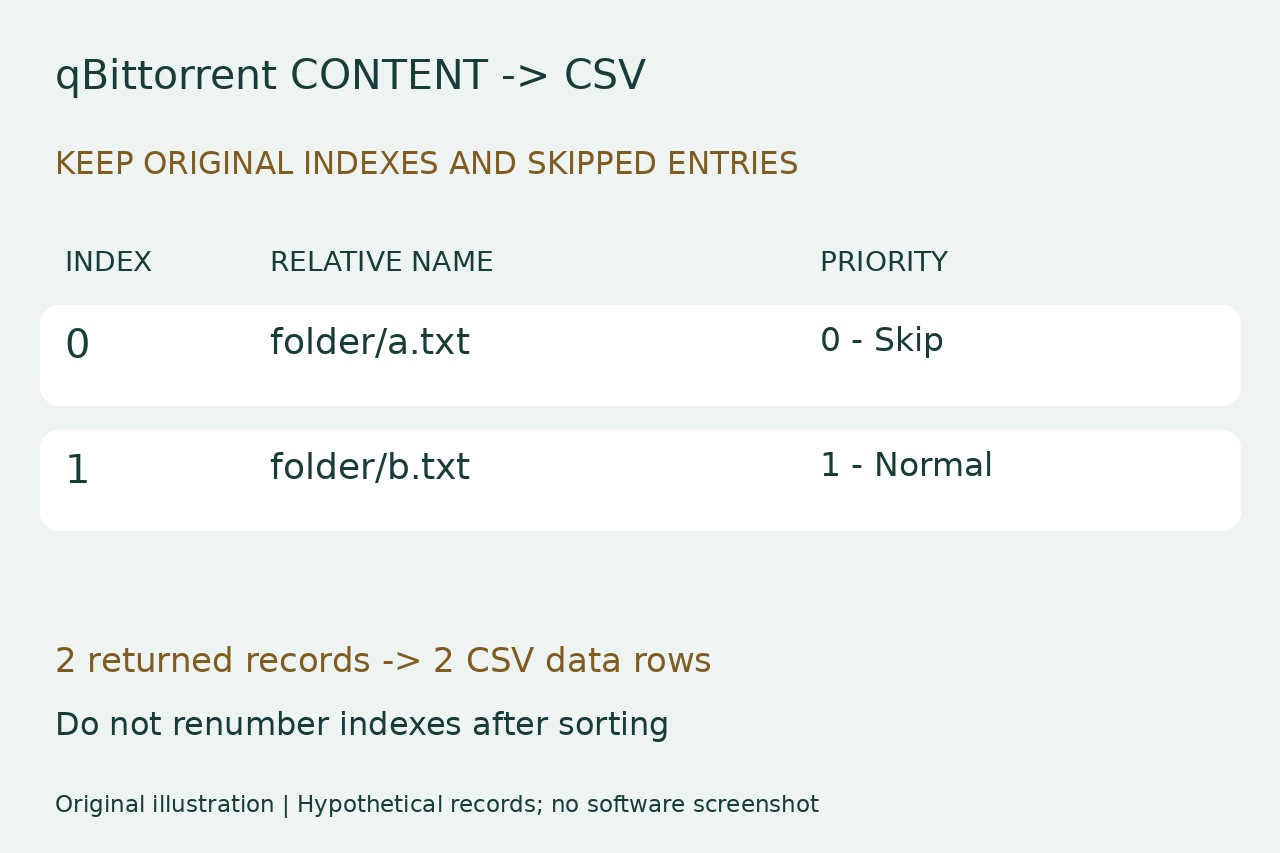
The five columns are index, name, size_bytes, progress_fraction and priority. Index is the original file index, not a new row number; do not renumber after sorting. Names include relative paths. Progress 0.25 means 25%, not 0.25%; priority 0 means Do not download, 1 normal, 6 high and 7 maximal. Every returned entry remains, including skipped files, zero-byte files and repeated basenames.
Import as text and compare records
In LibreOffice Calc choose File > Open and Text CSV. Select UTF-8, comma separator and straight double-quote string delimiter. Leave Merge delimiters, Trim spaces and Evaluate formulae off; set all five preview columns to Text. If the dialog is suppressed, enable Edit filter settings when opening. This preserves names and literal values rather than interpreting a filename beginning with = as a formula.
Compare the printed record count with CSV data rows excluding the header. Quoted filenames can contain line breaks, so physical text lines are not the record count. Check several full relative paths and original indexes against the unfiltered Content display, including a skipped entry. The illustration's indexes 0 and 1 are hypothetical; index 0 is the first file, not the CSV header or a new spreadsheet row number. Keep an unchanged master CSV before making a sorted or filtered working copy.
Interpret errors and scope honestly
A validation error means the file is empty, malformed, has duplicate indexes or lacks the expected names, sizes, progress or priorities. Recheck the exact files response and metadata readiness; do not remove validation to force a result. A destination-exists error calls for a new filename. A disk/write failure can leave a partial CSV: do not use it unless a successful rerun and parsed-row checks establish a complete output.
This is a captured client-metadata list, not proof of file existence, byte integrity, peer availability or a recoverable resume backup. Entries and progress can change afterward, and relative names are not standalone absolute disk paths. We ran 13 synthetic converter checks covering Unicode, commas, quotes, multiline names, nonsequential indexes, duplicates, zero values, invalid inputs and overwrite refusal. We did not run a real qBittorrent instance or browser/Calc interface. Keep your saved JSON and capture notes; share only metadata you intend to disclose.