Technology · PRACTICAL GUIDE
Python raises WinError 32? Prove who owns the file handle before retrying
The path is evidence, not the owner. Trace the live Python object, child process, directory context and external handle before changing permissions, sleeping or killing anything.
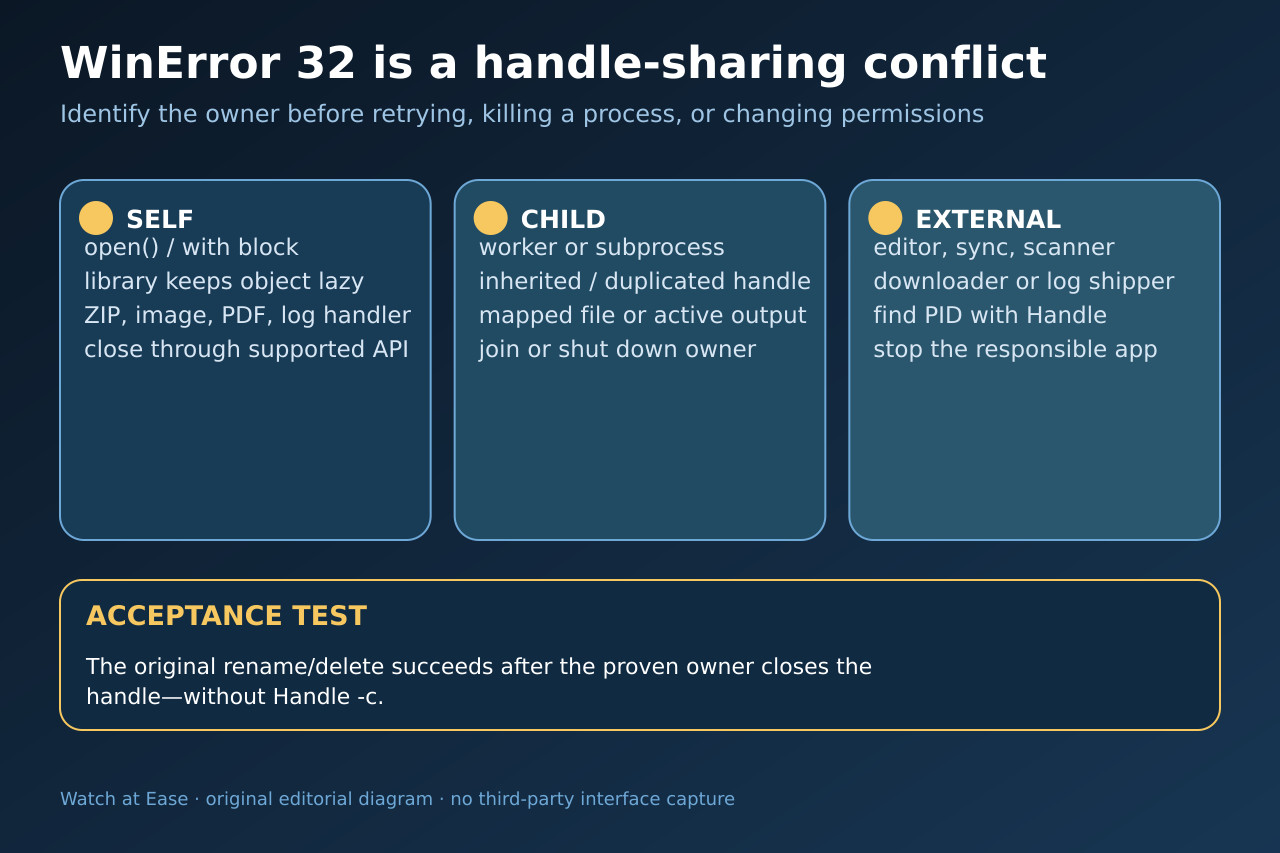
WinError 32 does not mean that Python needs broader permissions. It means the requested Windows access or sharing mode conflicts with a live handle. That handle may belong to the current Python object, a child, a directory context, or a separate program.
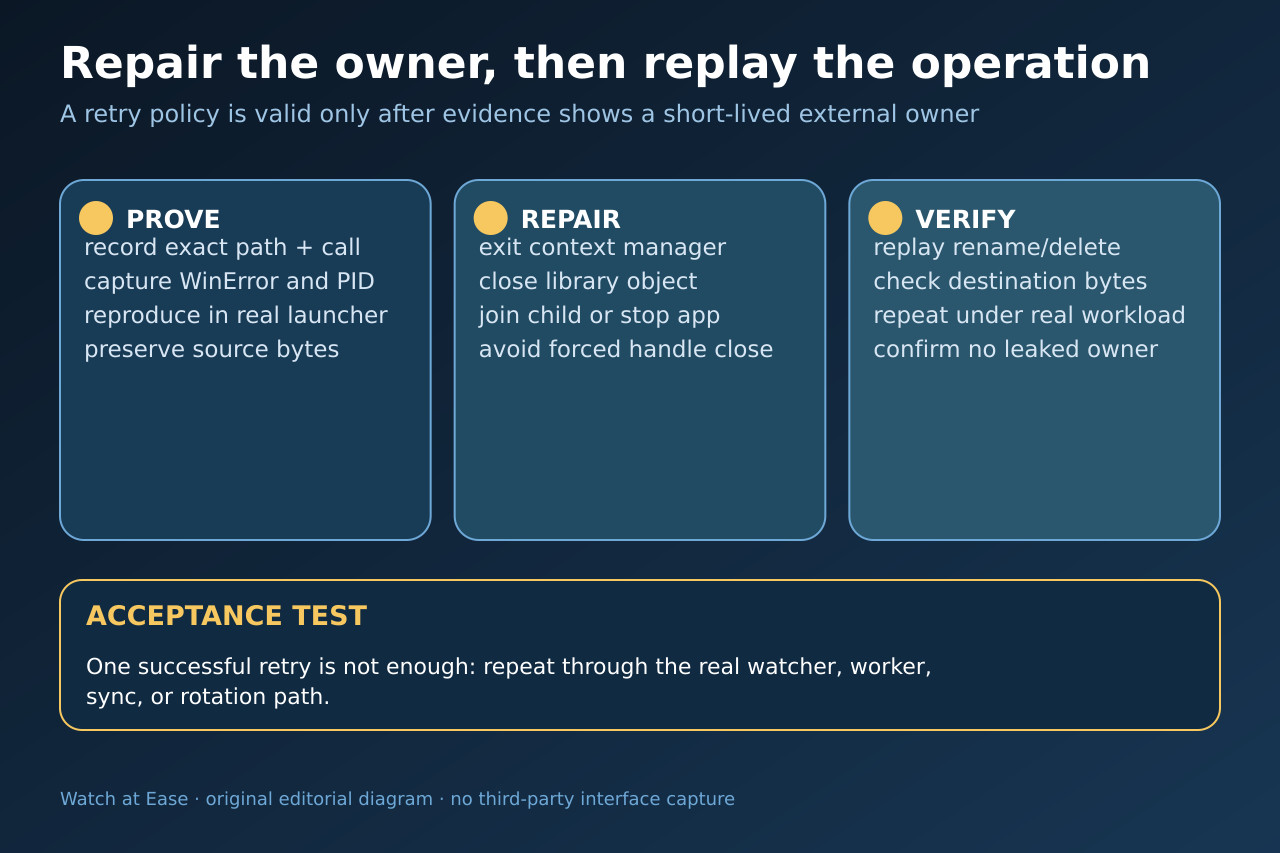
Freeze the exact operation and path, walk the owner ladder from the current process outward, close one proven owner through its supported lifecycle, and replay the real workload. Do not force-close handles or accept one lucky sleep as a repair.
1. Freeze the exact operation and path
Record the full traceback, exception.winerror, source and destination paths, process ID, thread, launcher and the exact remove, rename, replace or rotation call. Preserve the source bytes before experimenting. A failure on a file, its destination, or a directory requires a different owner search.
Reproduce once through the real watcher, worker, notebook, service or log-rotation path. Do not begin with administrator mode, chmod, sleep, antivirus exclusions or a broad retry; none proves which handle requested incompatible sharing.
2. Prove whether Python still owns the handle
Walk backward from the failing call. Check every open(), context manager, iterator, generator, ZIP, image, PDF, workbook, database, mapped file and logging handler that touched the same path. A path string has no close method; the library object or file object owns the handle.
Move the mutation after the with block, or call the library’s documented close/shutdown method in a finally path. Beware lazy readers: metadata may be returned while the underlying object remains open. Force garbage collection only as a diagnostic, never as the lifecycle contract.
3. Check children, directories and duplicate owners
Record live subprocesses, workers, pools and inherited resources. A child can keep the same file object alive after the parent variable disappears. Join or shut down the responsible owner, then prove it exited before mutating the path.
For directory rename or removal, record the current working directory of the parent and children. Also separate one object opened twice from one handle duplicated across processes; the visible Python variable count is not a reliable handle count.
4. Identify an external owner without force-closing it
If the current process and its children are clean, search the exact path with Microsoft Handle or Process Explorer and record process name, PID, account and operation time. Common owners include editors, viewers, downloaders, sync clients, indexers, scanners and log collectors.
Stop or reconfigure the owning application through its supported control. Do not use Handle -c as a routine fix: Microsoft warns that forced handle closure can cause application or system instability. If the owner is transient, measure its lifetime before choosing a bounded retry.
5. Repair one owner and replay the workload
Apply the smallest repair: exit the context, close the library object, join the child, rotate through one logging owner, wait for a measured downloader, or change the external application’s workflow. Keep the original bytes and a rollback path until the move, replace or delete is proven.
Replay the original workload twice. The operation must succeed, destination bytes and metadata must be correct, no owner should remain after completion, and the next rotation, sync or worker cycle must not recreate the conflict. A sleep that happens to pass once is not acceptance.