기술 · 실용 가이드
Python “.pyc bad magic number”? runtime과 source 경계를 먼저 증명하세요
cache 전체 삭제나 header 수정 전에 실제로 읽힌 file, 실행 interpreter, 사용할 source 존재 여부를 확인하세요.
cache 전체 삭제나 header 수정 전에 실제로 읽힌 file, 실행 interpreter, 사용할 source 존재 여부를 확인하세요.
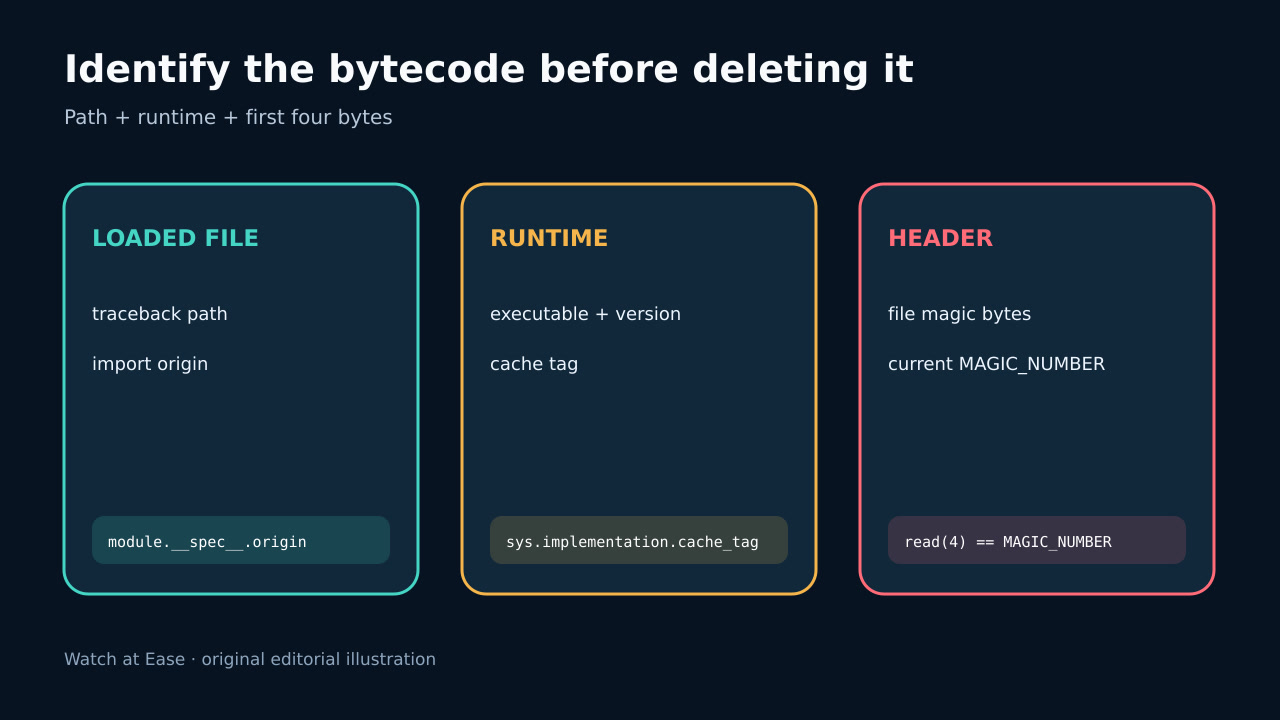
pyc header는 interpreter별 magic bytes로 시작합니다. importlib.util.MAGIC_NUMBER가 현재 값을 제공합니다.
1. 실패 file과 interpreter 기록
cleanup 전에 traceback, sys.executable, sys.version, cache_tag, working directory, import 환경 변수와 실패 path를 저장합니다. shell의 python은 service나 IDE가 쓰는 interpreter와 다를 수 있습니다.
traceback과 import discovery로 정확한 file을 찾고 sys.path, virtual environment, mount, deployment copy를 확인합니다. error는 해당 bytecode 불일치이지 모든 pyc 손상이 아닙니다.
2. 실행 없이 header 비교
file을 data로 열어 처음 4 bytes를 읽고 실제 실패 interpreter의 MAGIC_NUMBER와 비교합니다. 검사 목적으로 신뢰하지 않는 bytecode를 실행하지 않습니다.
불일치는 다른 runtime용임을 증명합니다. 일치해도 안전 증명은 아니며 나머지 header, marshal code, source 관계가 잘못될 수 있습니다.
3. source와 pyc-only 분류
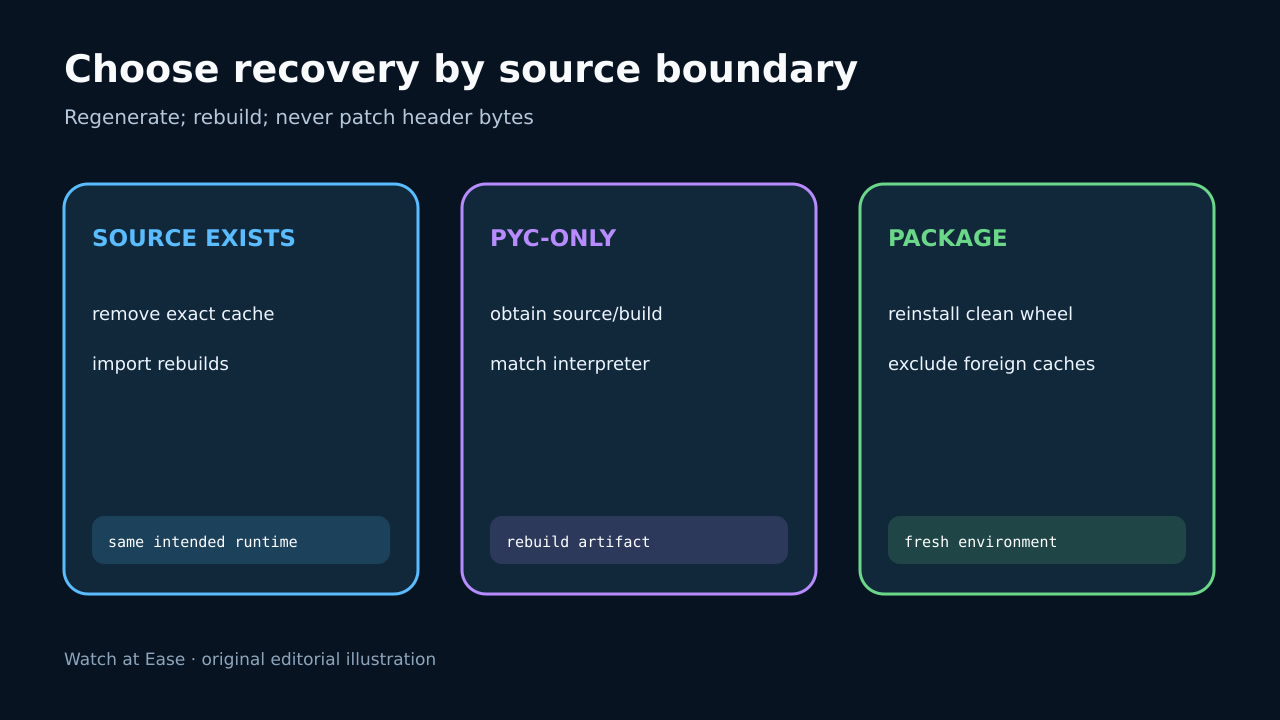
신뢰할 .py source가 있으면 old pyc를 보존하고 정확한 cache만 제거해 intended interpreter가 재생성하게 하며 쓰기 권한도 확인합니다.
pyc-only deployment는 삭제하면 program이 사라집니다. source나 target runtime rebuild를 얻고 magic bytes만 바꾸지 않습니다.
4. 올바른 artifact 재생성
installed package는 metadata와 비교해 trusted wheel/source로 clean environment에 재설치합니다. PyPA는 wheel이 보통 pyc를 담지 않고 installer가 생성한다고 설명합니다.
container/serverless는 production runtime에서 clean rebuild하고 host __pycache__를 제외하며 upgrade 뒤 old mounted cache를 공유하지 않습니다.
5. import 검증과 재발 방지
real entry point를 재시작해 executable, import origin, module version을 확인하고 새 process에서 대표 imports를 검증합니다.
path, magic bytes, runtime, source 상태, rebuild 출처와 결과를 기록하고 foreign cache를 막는 clean-build test를 추가합니다.