Technology · PRACTICAL GUIDE
Nginx says “upstream prematurely closed connection”? Align the backend timeline before raising timeouts
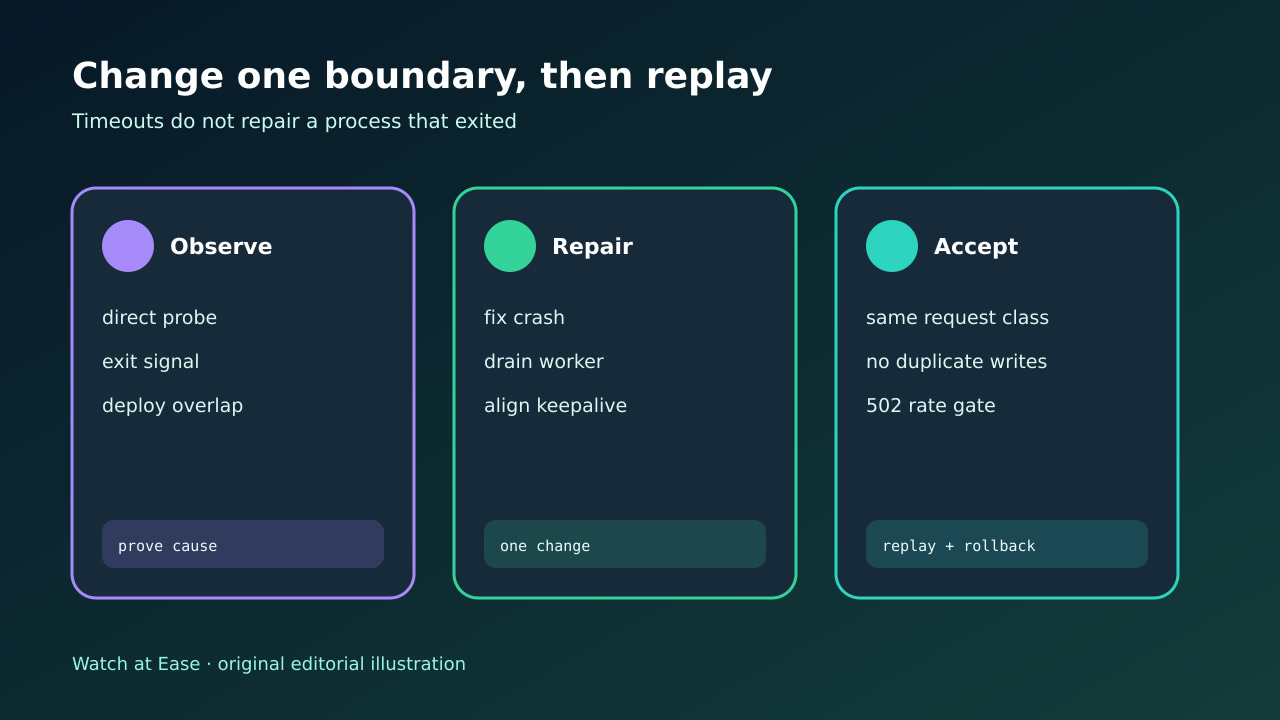
This log means Nginx reached an upstream but the peer ended the exchange before the expected response completed. Preserve the exact phase and upstream address, correlate the same request with process exits or restarts, then change one boundary and replay safely.
This log means Nginx reached an upstream but the peer ended the exchange before the expected response completed. Preserve the exact phase and upstream address, correlate the same request with process exits or restarts, then change one boundary and replay safely.
The response-header form means Nginx was still reading upstream headers when the peer connection ended. proxy_read_timeout measures inactivity between successive reads, not total response duration.
1. Freeze one failed request at both clocks
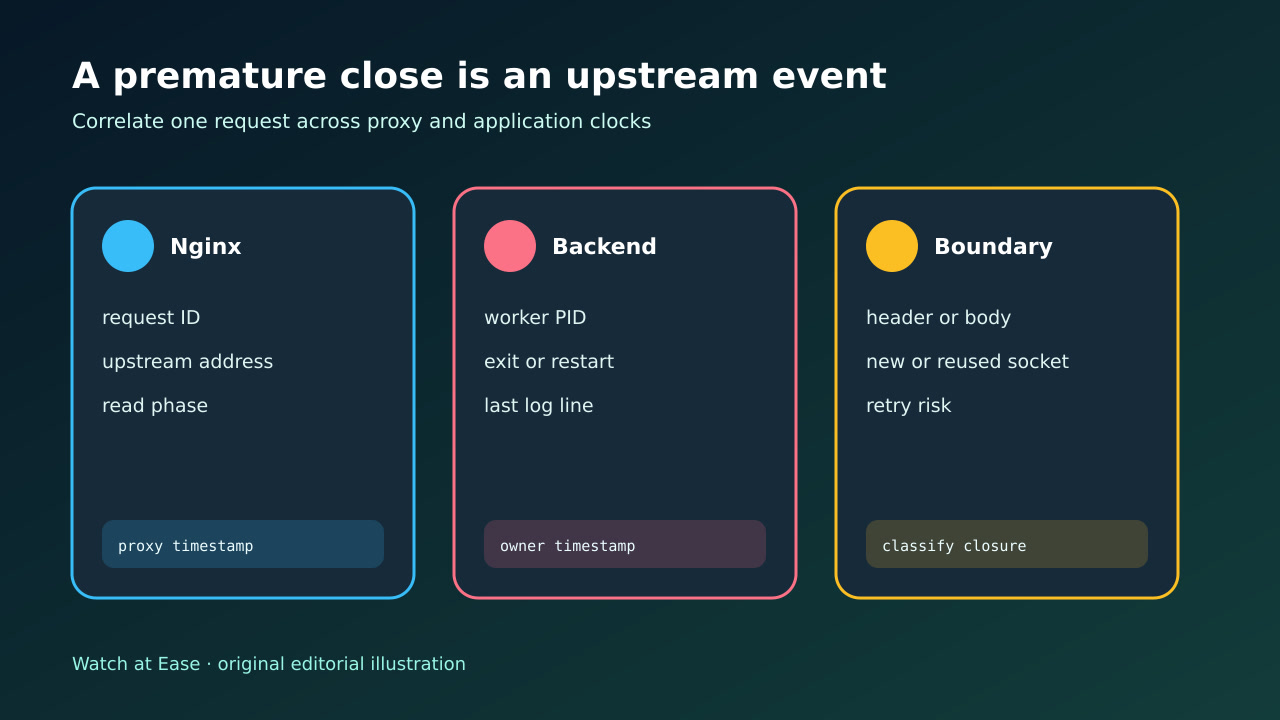
Capture the complete error line, request ID, method, URI, status, upstream address, selected server, upstream connect/header/response times and whether the failure occurred while reading headers or body. Preserve the matching access line before rotation.
At the backend, keep the same request or trace ID, worker PID, container or pod identity, first and last application log, exit code or signal, restart count, deploy event and OOM evidence. Normalize clock offsets instead of assuming timestamps already align.
2. Separate close, timeout and connect phases
A refused or failed connection happens before an HTTP exchange. A proxy read timeout means no upstream bytes arrived within the configured interval between reads. A premature close means the peer connection ended while NGINX still expected response data; increasing proxy_read_timeout cannot revive a process that already exited.
Probe the exact upstream from the NGINX network namespace using the same scheme, host header and request class. A direct success is useful but not final: intermittent worker recycling, stale pooled sockets and one bad member can disappear from a single probe.
3. Identify the upstream process or socket owner
Group failures by upstream address and correlate them with worker timeout, crash, OOM, deployment drain, max-request recycle, payload boundary, protocol mismatch or shorter backend keepalive. For reused sockets, compare near-zero connect time with the backend idle-close policy.
Do not label every 502 a buffer problem. NGINX can report which stage failed, but only the upstream process manager and application logs can explain why the peer closed. Preserve both sides before restarting the backend.
4. Change only the proven boundary
Fix a crash, memory limit or exception at the application. Drain workers during deployment, align keepalive policies, correct HTTP versus HTTPS, or move long blocking work away from a worker timeout only when the timeline supports that branch.
Increase proxy_read_timeout only when the backend remains alive and legitimately pauses between response reads. Change a backend worker timeout only after measuring its concurrency and capacity impact. Avoid enabling retries for POST or PATCH until duplicate side effects are controlled.
5. Replay safely and require an exit gate
Replay the same request class against one identified backend, then through NGINX. Test a successful request, the former slow path, a deployment or recycle boundary and a reused connection. Confirm response status, body completeness and exactly-once side effects.
Under representative load, require a bounded 502 rate, no correlated worker exits, stable latency and safe retry behavior. If the change merely delays failures, duplicates writes or hides an unhealthy member, roll it back and return to the correlated timeline.