科技 · 實用指南
NGINX 改了仍回 413?先證明哪一跳限制 request body
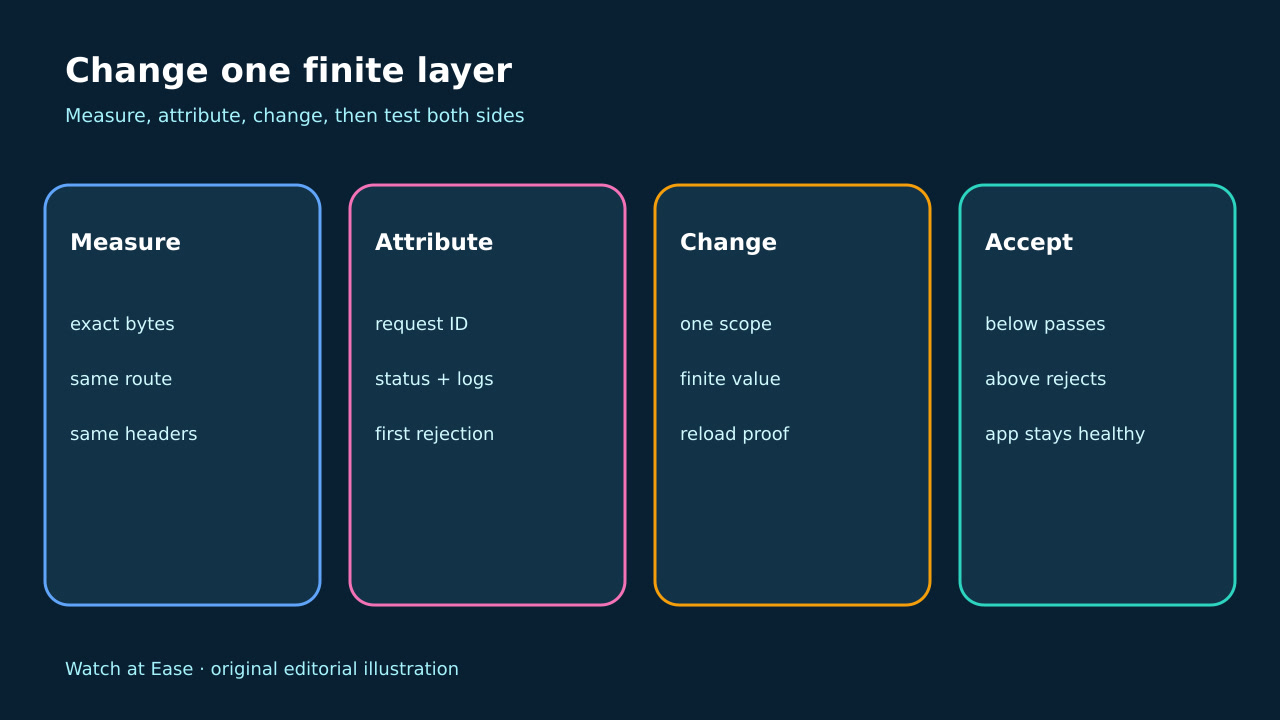
不要把每層 proxy 都調大,也不要設為無限。用同一個 marked request 找出最先拒絕的 hop,匯出該層實際設定,只改一個有限 scope,再驗證門檻上下兩側。
不要把每層 proxy 都調大,也不要設為無限。用同一個 marked request 找出最先拒絕的 hop,匯出該層實際設定,只改一個有限 scope,再驗證門檻上下兩側。
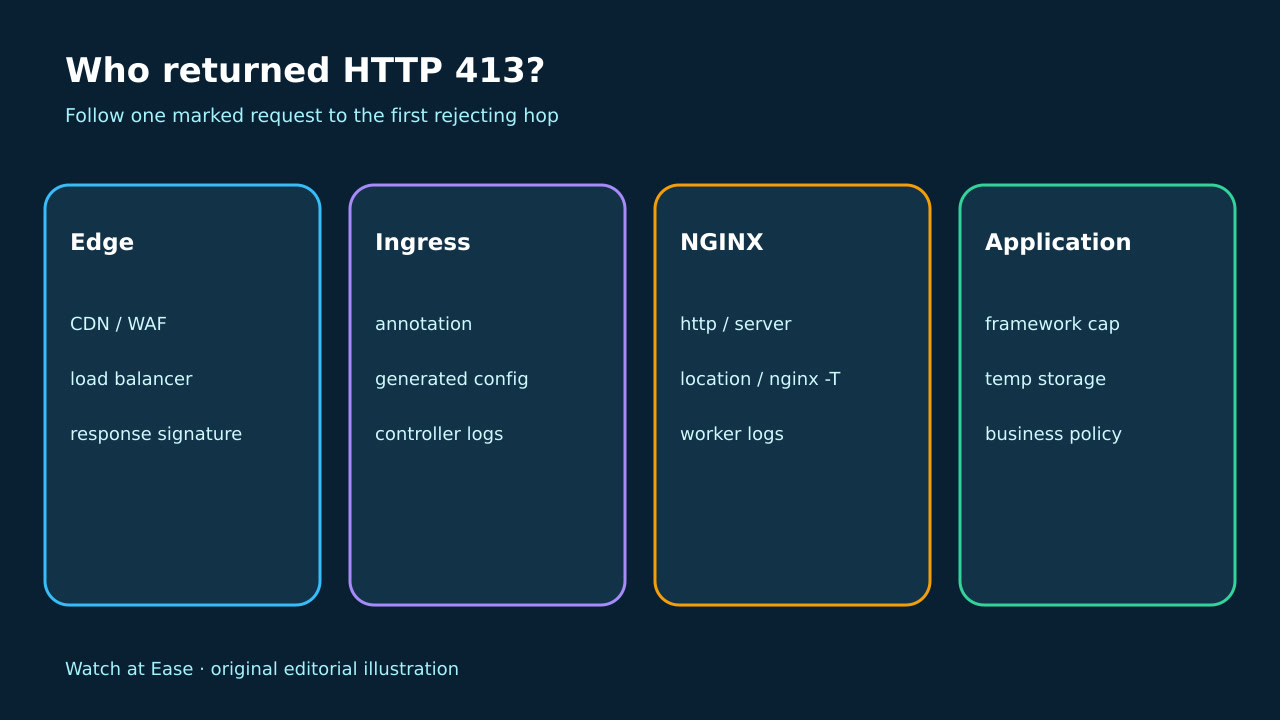
HTTP 413 可能來自 request path 任一 server 或 proxy。 NGINX client_max_body_size 預設 1m,可位於 http、server、location。
1. 固定可重現 request
建立圍繞目標 limit、精確計數且無敏感資料的 body,以相同 method、auth、content type 與唯一 request ID 送到正確 route。保存 status、headers、response prefix、時間與 client trace,不能靠 browser 文案判斷責任。
2. 定位最先拒絕 hop
將 response headers、TLS endpoint、server signature 與 request ID 對齊每一 hop 的 access/error log。最先產生 413 的層才是拒絕者;app 沒有同一 request 代表 body 未到達。
3. 證明實際 policy
standalone NGINX 從實際 instance 執行 nginx -T,找出 governing URI 的 http、server、location。ingress-nginx 保存 Ingress、annotation、controller version、ConfigMap 與 generated block,edge 與 app cap 分開查。
4. 只改有限的一層
選擇 memory、buffer、timeout、scanner、storage 可承受的有限值,只改第一個拒絕層與目標 scope。未經 security review 不設為 0。驗證 syntax 並保存 worker、Pod 或 generation identity。
5. 驗證門檻兩側
用同一 request 測試略低、等於(允許時)與略高門檻的 bytes。較小 body 必須到 app,較大 body 應由預期層拒絕。保存 route、config hash、logs、結果、rollback 與小 request health。