Technology · NEWS EXPLAINER
NBA 2K27 joins Xbox Play Anywhere: what one purchase now covers
NBA 2K27 is arriving in the Xbox PC store with Play Anywhere support. An Xbox-store digital purchase now covers console and Windows PC, but Steam remains a separate storefront and players should verify the owning account, edition and save after the first PC launch.
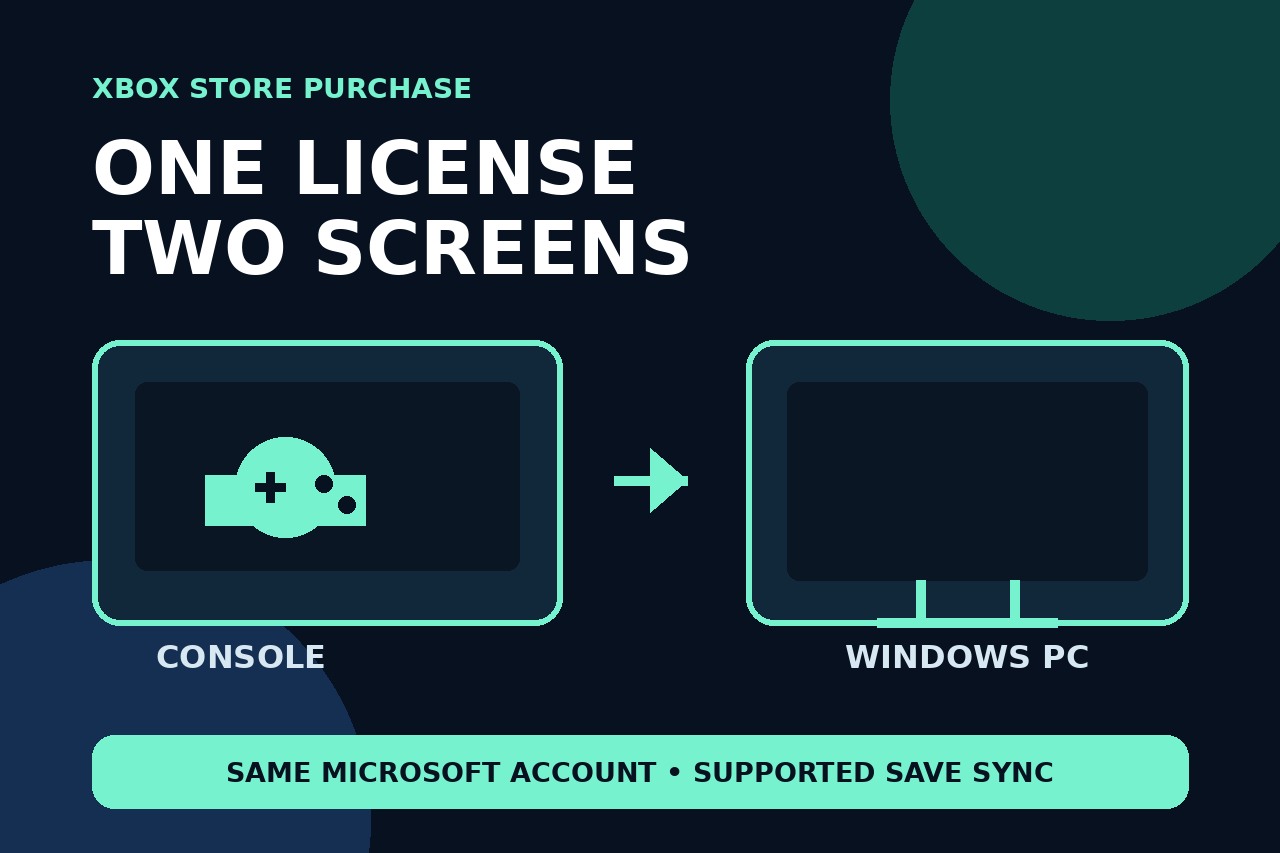
NBA 2K27 is joining the Xbox PC store as an Xbox Play Anywhere title. The practical change is straightforward: people who own the supported digital game through the Xbox store can install it on an Xbox console and a Windows PC without buying the base game twice, using the same Microsoft account.
What changed this week
NBA 2K27 launched on September 4 for Xbox Series X|S and for PC through Steam. The new development is not a second game launch: it is the addition of an Xbox PC-store build with Xbox Play Anywhere support. The Verge reported the change on October 14 and said the PC version would appear in the Xbox store during the week. That distinction matters because an existing Steam copy and an Xbox-store entitlement are not the same purchase.
One Xbox-store purchase, two device types
Microsoft defines Xbox Play Anywhere as a cross-device entitlement: buy a supported digital game from the Xbox store and play it on both Xbox console and Windows PC. For NBA 2K27, The Verge reports that existing Xbox-console buyers receive the Xbox PC copy at no extra charge, while buying from the Xbox PC store also grants the console version. Sign in to the Xbox app with the same Microsoft account that owns the game; a different account will not inherit the license.
Steam is still separate
The original 2K launch notice lists Steam as the PC storefront at launch, while the new entitlement is tied to the Xbox store. Nothing in the current reporting says a Steam purchase converts into an Xbox Play Anywhere license. If a player owns the Steam version, the safe assumption is that it remains a separate purchase unless Microsoft or 2K explicitly states otherwise. Before downloading, open the Xbox app and confirm that the game appears as owned under the correct account.
What should carry between console and PC
Microsoft says Xbox Play Anywhere titles support shared progress, saves and achievements across Xbox console and Windows PC. The current NBA 2K27 Xbox listing also shows Xbox cloud saves among its capabilities. That supports a reasonable expectation that the same Xbox profile can continue on the other device, but it does not mean every platform, edition-specific bonus or separately sold item automatically becomes interchangeable. Launch online, let synchronization finish and verify the expected save before starting a new session.
A four-point check before installing
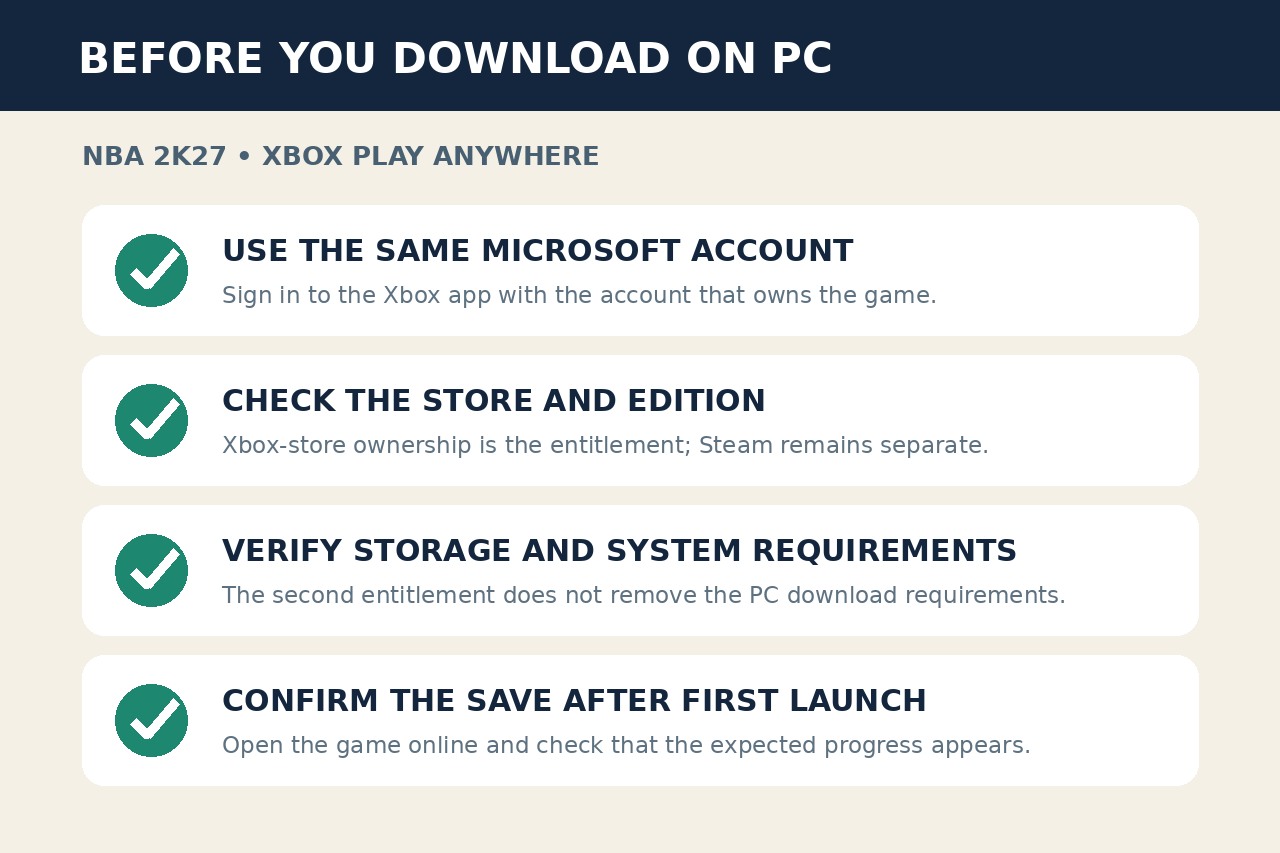
First, sign in to the Xbox app with the Microsoft account that owns the Xbox-store purchase. Second, check that the listed edition matches what you bought; a base-game entitlement does not automatically describe every premium extra. Third, review the PC storage and system requirements because Play Anywhere removes a second base-game purchase, not the need for a capable PC or a full download. Fourth, after the first online launch, confirm that the intended profile, progress and save are present before making new changes.