テクノロジー · 実用ガイド
Linux の「getcwd() failed」?再起動前に working directory の unlink を証明
同名で作り直した directory は process が保持する旧 object ではありません。caller を保存し、stale cwd から退避して原因 owner を追います。
同名で作り直した directory は process が保持する旧 object ではありません。caller を保存し、stale cwd から退避して原因 owner を追います。
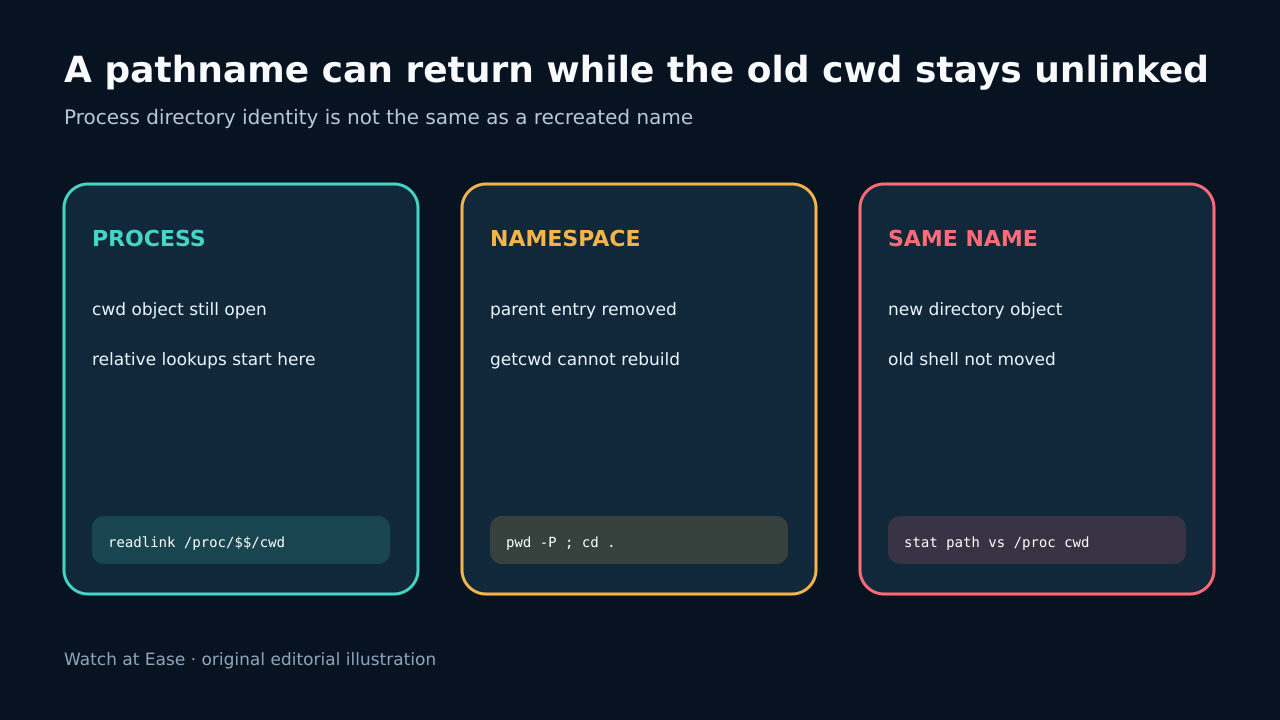
cwd が unlink されると Linux getcwd は ENOENT を返します。 pathname entry の削除後も process は directory object を保持できます。
1. caller evidence を保存
command、error、PID、parent、user、shell/service、container/mount namespace と表示 cwd を保存します。new shell の成功は original caller の証拠ではありません。
restart や recursive cleanup を先に行うと、unlinked cwd、missing mount、parent access failure の区別が失われます。
2. pathname と object identity を証明
affected shell で pwd -P と cd . を記録します。Linux getcwd は cwd が unlinked の場合 ENOENT を返します。許可があれば /proc/PID/cwd の deleted 表示を確認します。
現在同名の pathname と process object は別物になり得ます。stat identity、mount、namespace を記録し、同じ文字列を continuity とみなしません。
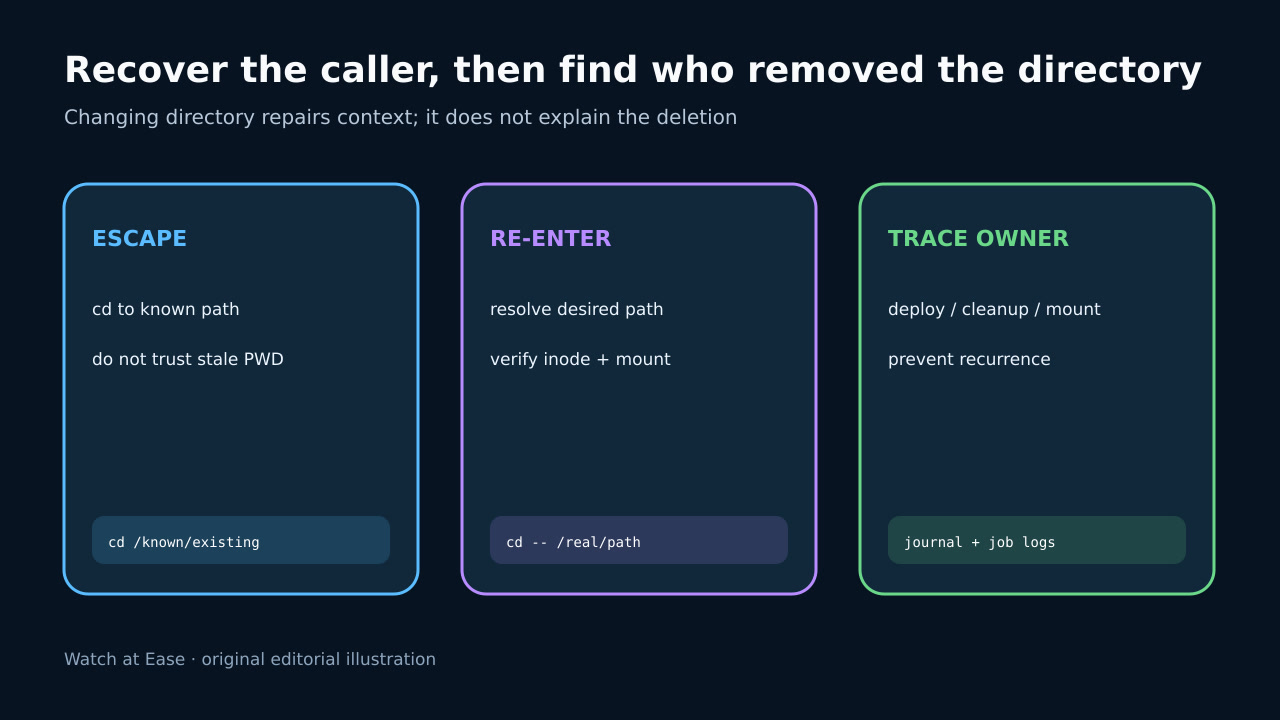
3. 既知の live directory へ退避
verified absolute path へ cd -- し pwd -P を確認します。これは caller context の修復であり、削除理由の説明ではありません。
service や worker は evidence 保存後に config または restart を行います。mount 不在なら同じ namespace で mount を復旧し、代替 local directory を作りません。
4. 意図した path へ明示的に再入場
deployment/service config から authoritative target を決め、owner、permission、mount source と identity を確認して明示的に入ります。
同じ caller context で original command を再実行し、same-name replacement は別 directory として検査します。
5. removal owner を追跡
deployment swap、cleanup job、tmp policy、package hook、container teardown、manual maintenance を logs/events と照合します。
replace 前に caller を退避し、stable cwd と mount lifecycle を設計して evidence、recovery、successful verification を記録します。