科技 · 實用指南
Linux 顯示「Value too large for defined data type」?先證明哪個 metadata 欄位 overflow
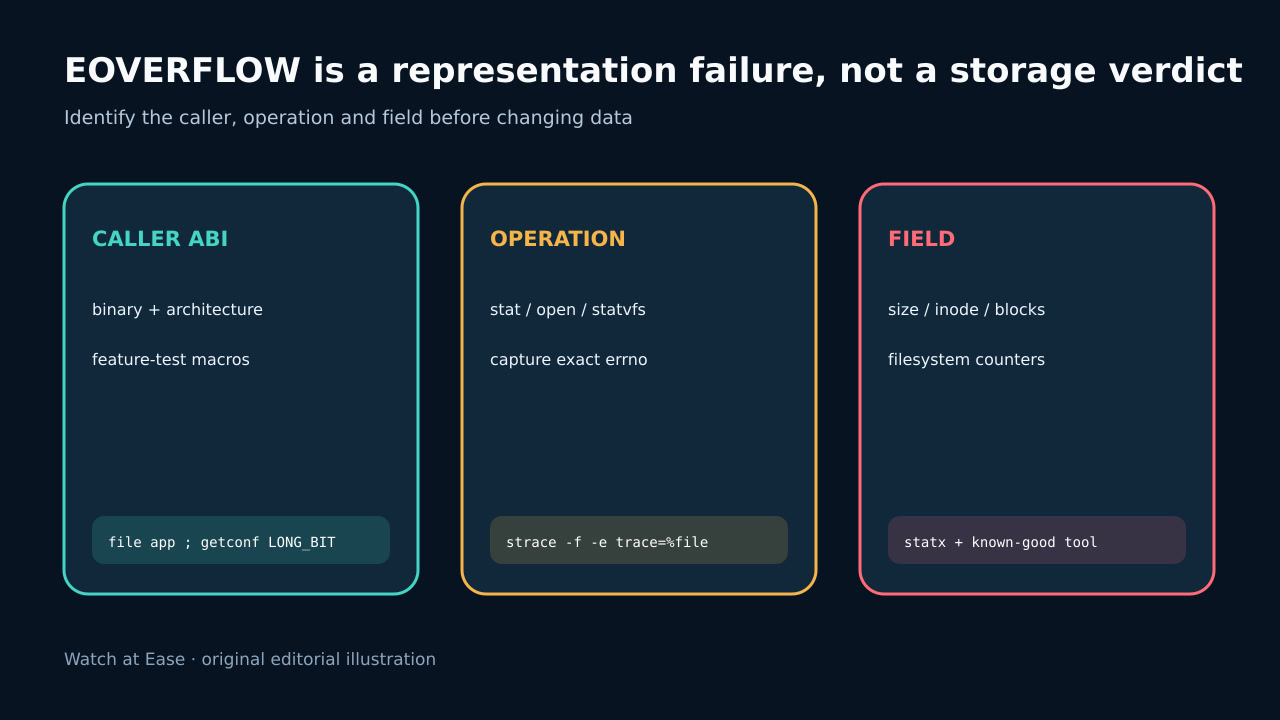
檔案可能正常。先鎖定 binary 與 syscall,判斷 size、inode、blocks 或 filesystem counters 是否超出 ABI,再修 caller boundary。
檔案可能正常。先鎖定 binary 與 syscall,判斷 size、inode、blocks 或 filesystem counters 是否超出 ABI,再修 caller boundary。
EOVERFLOW 是 caller type 無法表示結果。 Linux stat 的 off_t、ino_t、blkcnt_t 都可能 overflow。
1. 保存 caller 與 error
保存 command、stderr、exit、binary path/version、process architecture、container、runtime library 與 mount namespace。64-bit host 不保證 caller 使用 64-bit fields。
不要先刪除、truncate、copy 或 remount;EOVERFLOW 是 representation failure,不等於 corruption 或 disk full。
2. 分類 operation 與 metadata
以 bounded syscall trace 鎖定 stat/open、statfs/statvfs 或 time conversion,保存 exact pathname 與 errno 75。
stat 可能是 size、inode 或 block count;filesystem statistics 也可能是 counters,不能只猜 large file。
3. 用 known-good interface 比對
在同 namespace/mount 用 current tool 讀同一路徑,記錄 device、inode、size、blocks 與 filesystem。
檢查 binary 是否 32-bit、static、legacy toolchain 或 compatibility wrapper;小檔案也可能遇到 large inode。
4. 修 program boundary
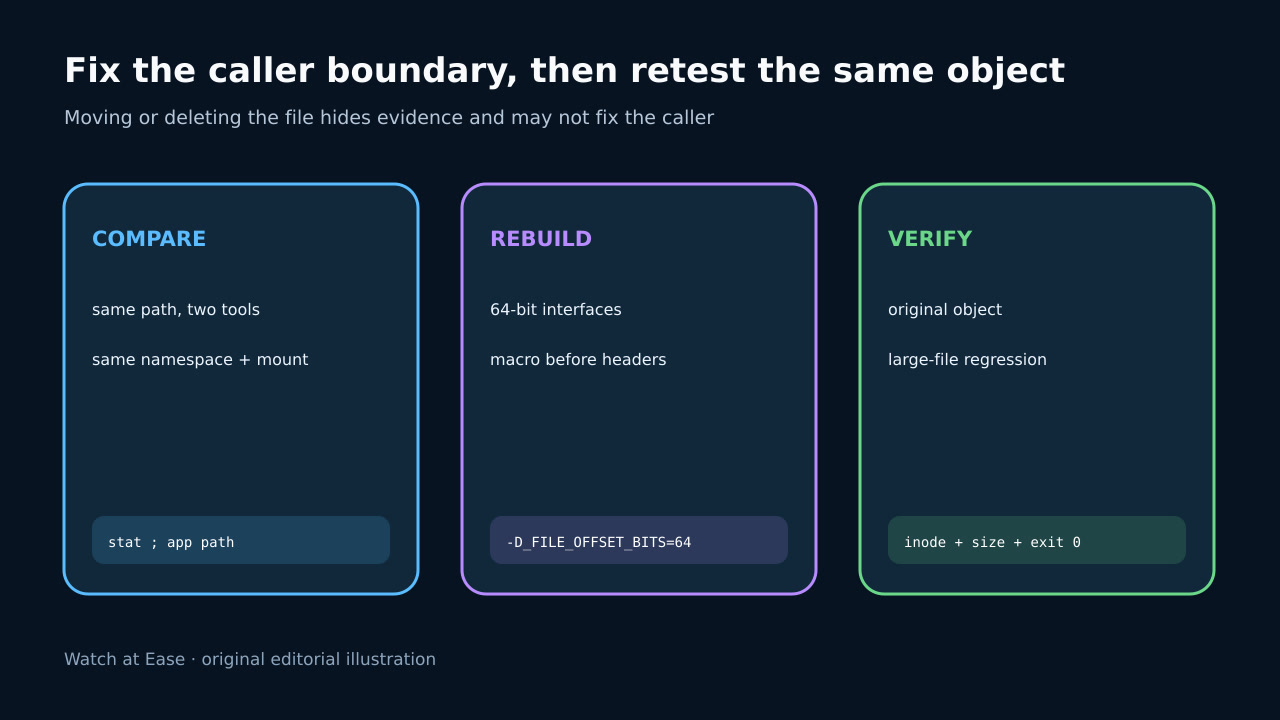
source owner 要全 build 一致選 large-file interface;_FILE_OFFSET_BITS=64 必須在 headers 前影響 declarations。
無 source 時改用 maintained ABI-correct build;搬資料只可作比較或 containment。
5. 驗證 original object
以修正程式讀 original unchanged object 與 boundary fixture,核對 identity 並確認 success。
build 記錄 architecture/macros,package 阻擋 legacy binary,對各 mount class 測 large file/inode。