Technology · PRACTICAL GUIDE
Moving Kobo highlights to a new reader? A notes export is not a restored book
Check what survived when EPUB transfer advice meets a KEPUB library, and keep the old reader until book-level checks pass.
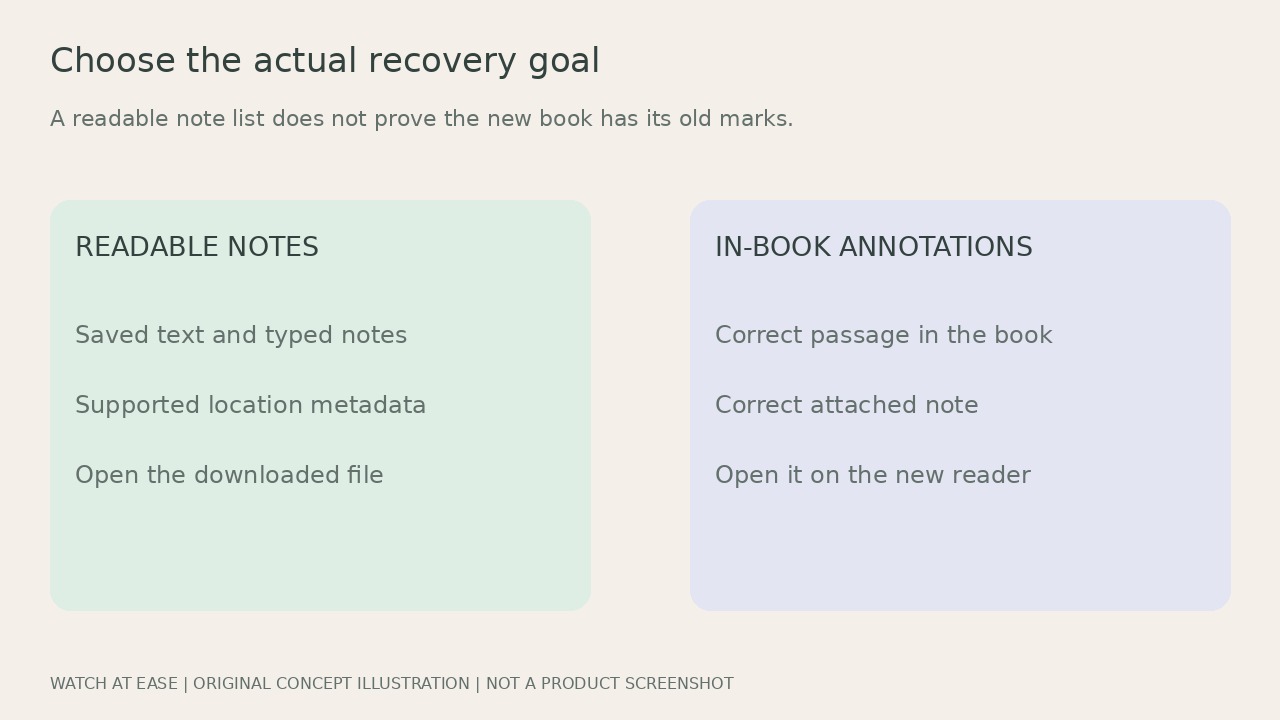
If your new Kobo has the books but none of their old highlights, saving a PDF or Markdown list does not show that the marks have returned inside those books. Start by deciding whether you need readable notes, working highlights in the new reader, or both.
Readers have reported missing annotation folders after moving from EPUB to KEPUB and uncertain database transfers. This guide separates current documented export capabilities from device restoration. It does not offer a tested universal database transplant or promise recovery of already deleted records.
1. Record the actual book and annotation types
Before resetting or giving away the old reader, open an affected book there. Note whether you still see its highlighted passages, typed notes and any handwritten markups. Record the model, firmware, exact file and whether it is EPUB, KEPUB or PDF. Also identify Kobo-store or Kobo Plus material versus a sideloaded file. A shared title or matching cover does not establish the same file.
Compare one affected title on the new reader with the old reader. If an EPUB-oriented tutorial expects a Digital Editions annotation folder that you cannot find, do not create an empty folder and call the transfer complete. Check the tutorial’s stated format and actual files. A reported EPUB procedure is not evidence of a tested KEPUB migration on your firmware.
2. Use the current website route only within its scope
For eligible Kobo-purchased or Kobo Plus books, sync before using Kobo.com: My Account → My Books → the book’s Actions → Export Annotations. Choose the format, generate the file and download it from Annotations. Kobo lists PDF, HTML, TXT and Markdown. Availability also depends on author approval. Download your own copy before the account’s 30-day generated-file retention ends.
Kobo says this feature does not export markups. A sideloaded book without this export option is outside that documented website route, not proof that its local highlights disappeared. Likewise, the exported PDF is a readable annotation document; these instructions do not establish that importing it into another book will recreate working highlight anchors.
3. Preserve a local record without replacing the new database
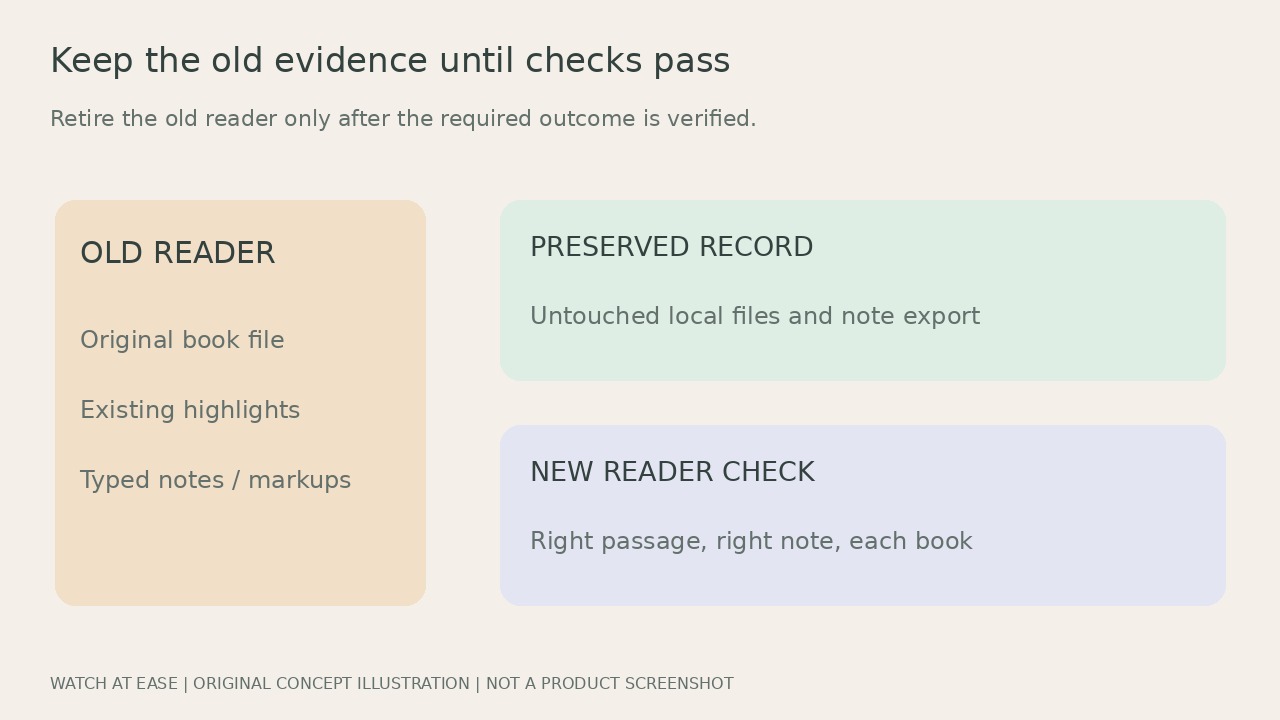
For local highlights, the developer of Kobo Highlights Exporter documents extraction from .kobo/KoboReader.sqlite into Markdown. Its README describes selecting a copied database and distinguishes EPUB from KEPUB; PDF is not supported. For a copy-only extraction route, retain an untouched database copy and the corresponding original ebook files. Keep the new reader’s current data separately.
Treat the tool’s output and compatibility descriptions as developer-documented capabilities, not our device test or a restoration guarantee. A copied database without its sideloaded book can leave chapter titles unavailable, according to the README. Book or chapter percentages also are not page numbers in a paper edition. Do not overwrite the new reader’s database with an old one just because an exporter could read it.
4. Accept readable export and device restoration separately
Open the downloaded notes file and compare the text of selected early and late highlights and their typed notes with the old reader. Check Unicode, note text and whatever location metadata the chosen exporter actually supports. One successful title does not establish that all books, handwritten marks or formats survived. Keep a book-by-book record of omissions.
If you also require annotations inside the new reader, open each affected book and check that the right passage and note are attached at the right place. A Markdown list alone does not pass this check. Keep the old reader and backups when this remains unresolved. For a format-specific migration, use a method explicitly applicable to your firmware or seek authorized support with redacted examples; do not erase the old device on the strength of a generic export success.