Technology · PRACTICAL GUIDE
UnsupportedClassVersionError? Prove the class and loading JVM before changing Java
The error already names both sides of a compatibility mismatch. Preserve the class major, artifact and real launcher; decide whether to raise the runtime or retarget the build; clean every stale output; then verify the same entrypoint in local, CI and production-like contexts.
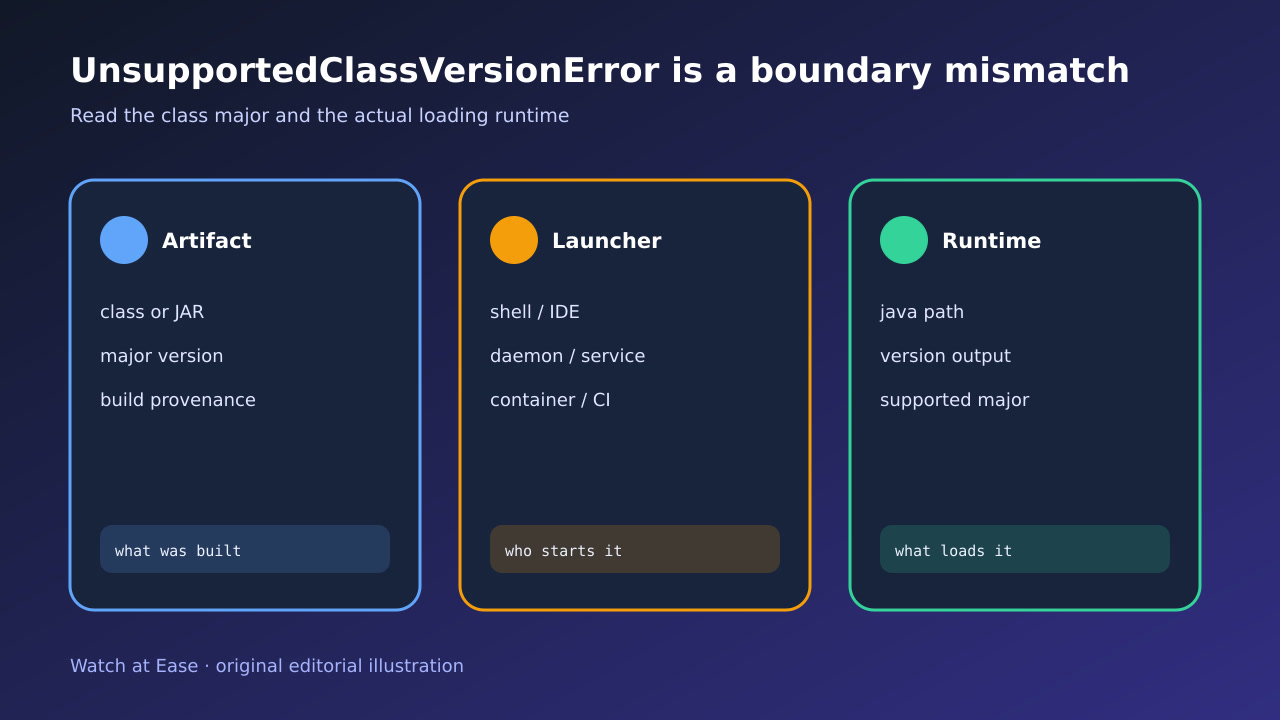
The error already names both sides of a compatibility mismatch. Preserve the class major, artifact and real launcher; decide whether to raise the runtime or retarget the build; clean every stale output; then verify the same entrypoint in local, CI and production-like contexts.
A JVM can load only class-file versions it supports; a higher major is rejected before application code runs. Java 8 through 25 map to class-file majors 52 through 69 respectively.
1. Freeze the exact mismatch
Copy the complete first UnsupportedClassVersionError, including the rejected class, reported class-file version, maximum recognized version, launcher command and timestamp. Preserve java -version and javac -version from the failing context, not a different shell opened later.
Translate the two major numbers with the JVM specification, but do not stop at a version table. A normal major mismatch and a minor 65535 preview mismatch have different requirements; record both major and minor when the message or javap exposes them.
2. Identify the rejected artifact
Locate the exact .class or JAR named by the first stack frame. Record its path, cryptographic hash, package coordinates or image digest and build provenance. Use javap -verbose on the extracted class when practical to confirm the major version without executing it.
Decide whether the rejected class belongs to your application, a build plugin, an annotation processor, an IDE helper or a transitive dependency. Changing the application target cannot retarget a third-party plugin that already ships newer bytecode.
3. Prove the actual loading runtime
Trace the process that actually loads the class. Capture the resolved java executable, process command line, JAVA_HOME or toolchain source, working directory and container image. For services, inspect the unit or supervisor environment; for CI, inspect the runner step; for IDEs and build daemons, restart and recheck their configured runtime.
Do not treat which java output from your login shell as proof. Wrappers, SDK managers, symlinks, daemon reuse, PATH order and container layers can select another JVM after your shell appears correct.
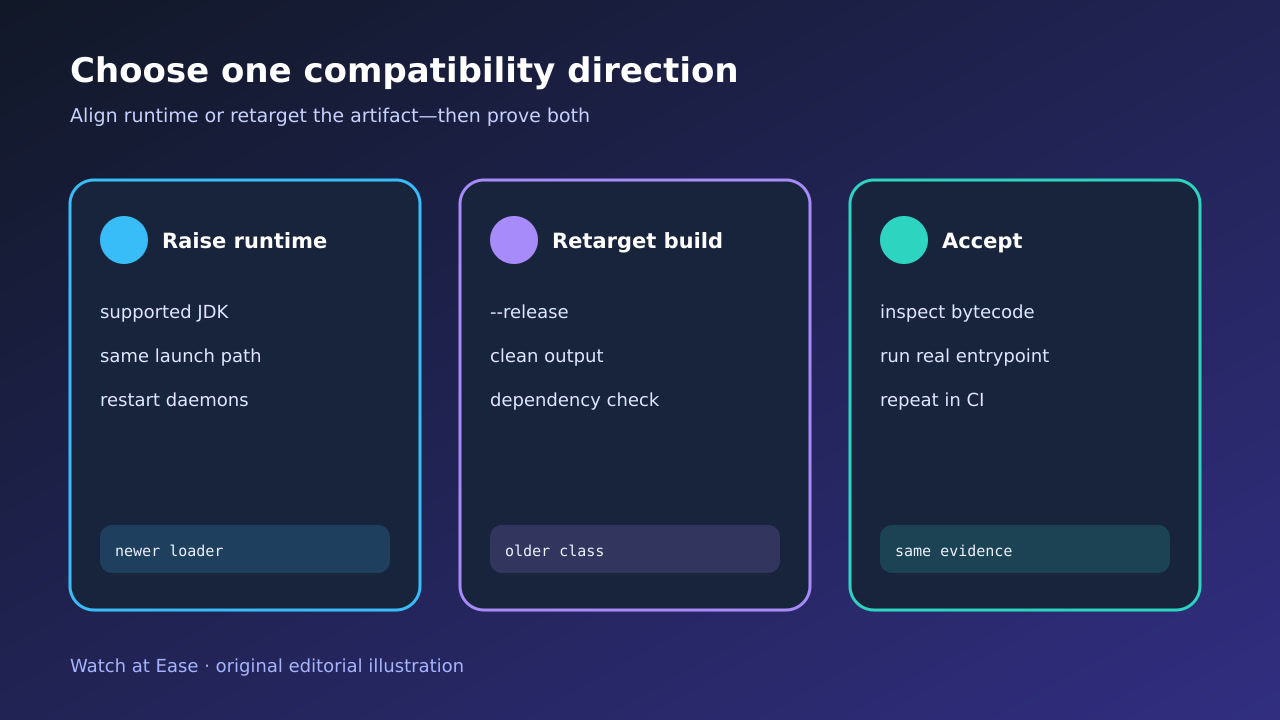
4. Choose one compatibility direction
If the application requires the newer bytecode and dependencies support it, upgrade the loading runtime at the owning launcher and verify its support window. Change the service, CI image, IDE or container—not only the developer shell—and restart persistent daemons.
If the supported runtime must stay older, retarget code you control with --release or the build tool equivalent, and select dependency or plugin versions that publish compatible bytecode. Avoid byte-editing class headers or assuming source compatibility proves runtime compatibility.
5. Remove stale and mixed outputs
Delete or isolate compiled outputs, caches and packaged artifacts that can retain newer classes. Run a clean build with the chosen toolchain, record the artifact hash and inspect representative application, generated and dependency classes.
Mixed multi-module outputs are common: one module, generated source task or plugin can still compile with another JDK. Prove the build log, toolchain selection and final package rather than accepting a successful compile as sufficient.
6. Verify every real entrypoint
Run the exact artifact hash through the real shell, IDE or build tool, CI job, service and production-like container that matter. Require the first class to load, the intended tests to pass and no later incompatible class to appear.
Keep an acceptance table with launcher, java path, runtime version, artifact hash, class major, result and rollback. Success means one documented compatibility policy controls builds and loaders; a local one-off run is not closure.