Technology · NEWS EXPLAINER
iPhone 18 Pro Max loses AT&T service: update before failure, replace after it
Apple says iOS 27.0.1 and a carrier settings update are preventive; an iPhone 18 Pro Max that has already lost AT&T service cannot be restored by software and needs replacement.
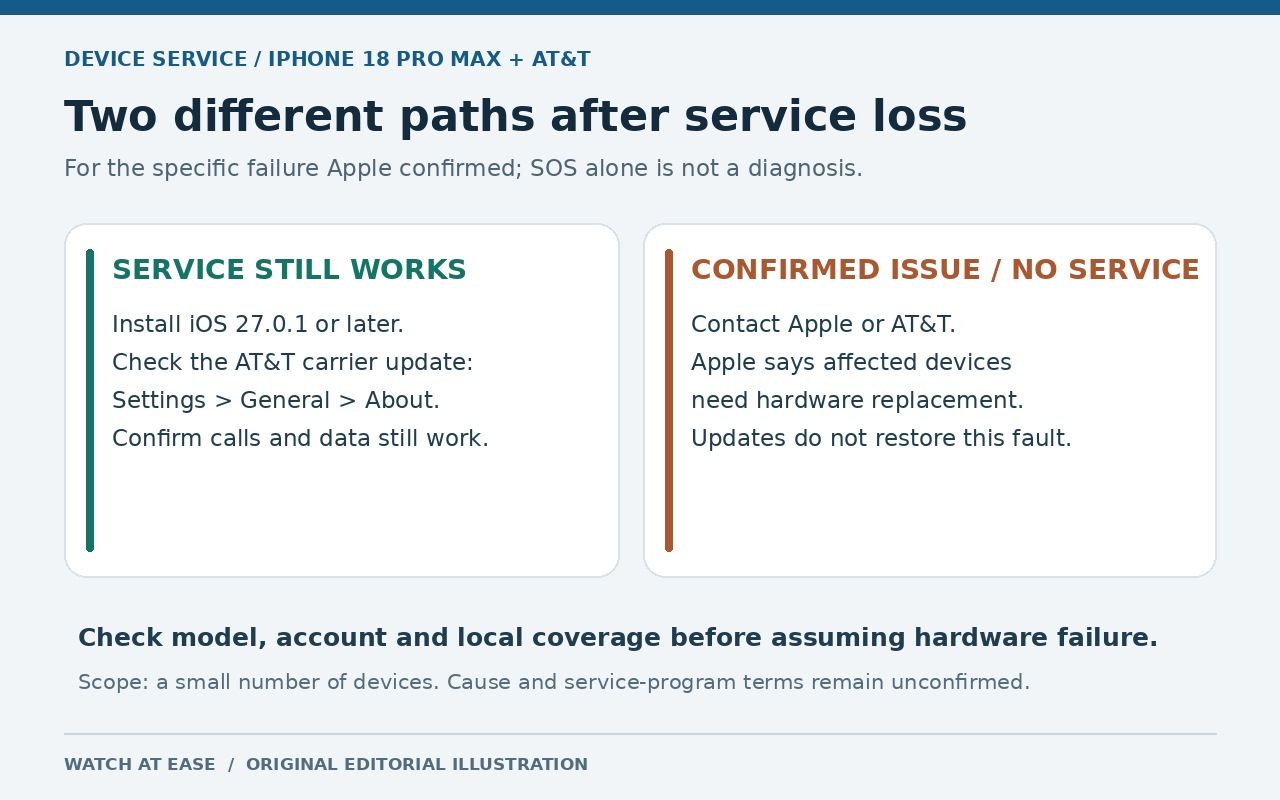
Apple has confirmed that a small number of iPhone 18 Pro Max devices on AT&T can lose cellular service. The action depends on the phone’s current state: update a working phone now to reduce the chance of failure, but if the device has already dropped to SOS and lost AT&T service, Apple says software will not reactivate it and the phone must be replaced.
Use this 60-second decision check
First confirm the exact device and carrier in Settings. Apple’s statement is limited to iPhone 18 Pro Max on AT&T in the United States; it does not describe a general iPhone 18 problem or an outage affecting every AT&T customer. If calls, texts and mobile data still work, follow the preventive update steps. If the status bar shows SOS or No Service and AT&T service has failed, contact Apple or AT&T for diagnosis and replacement eligibility. SOS alone does not diagnose this hardware fault.
Test a normal call and mobile data where AT&T coverage is normally available, then check software and carrier settings. Apple calls the affected group small, and neither company has published a serial-number checker. The useful decision points are the exact model, the AT&T line and whether service is working now—not whether the phone had one weak-signal moment.
Working phone: install both preventive updates
Open Settings > General > Software Update and install iOS 27.0.1 or the latest available version. Then connect to Wi-Fi, open Settings > General > About and wait for a carrier settings prompt. Apple says the iOS update and the AT&T carrier settings update work together to help prevent this issue from affecting additional iPhone 18 Pro Max users.
Apple says the carrier update will also download automatically over the next 14 days, but opening About is the manual check. Restart after both updates, then confirm calls and mobile data still work. These steps are preventive, not a promise that every unrelated AT&T signal problem will disappear. Updating a working phone is different from recovering one that has already lost service.
SOS phone: contact Apple or AT&T for replacement
Apple says an iPhone 18 Pro Max already affected by this AT&T issue cannot have service reactivated through the software updates. The required remedy is hardware replacement. Contact Apple Support or AT&T, or visit an Apple Store or AT&T location, and state that an iPhone 18 Pro Max on AT&T lost service after the confirmed issue. Bring identification and purchase or coverage details if available.
The confirmed failure can disrupt calls, texts and mobile data. If the device cannot place a call, use another working phone or verified connection for urgent communication and support. Do not rely on repeated network resets, eSIM deletion or a factory erase as a substitute for the replacement path; those steps can add setup work without restoring the failed service.
Scope, unknowns and data protection
Apple says it has observed the confirmed issue only on iPhone 18 Pro Max devices using AT&T. It has not identified other iPhone models or carriers as affected by this specific failure. Reports note modem differences between U.S. and other models, but Apple has not said the modem caused the problem. The company also has not disclosed the cause or announced a dedicated public service program, so owners should not assume every weak-signal complaint qualifies automatically or that terms are identical in every case.
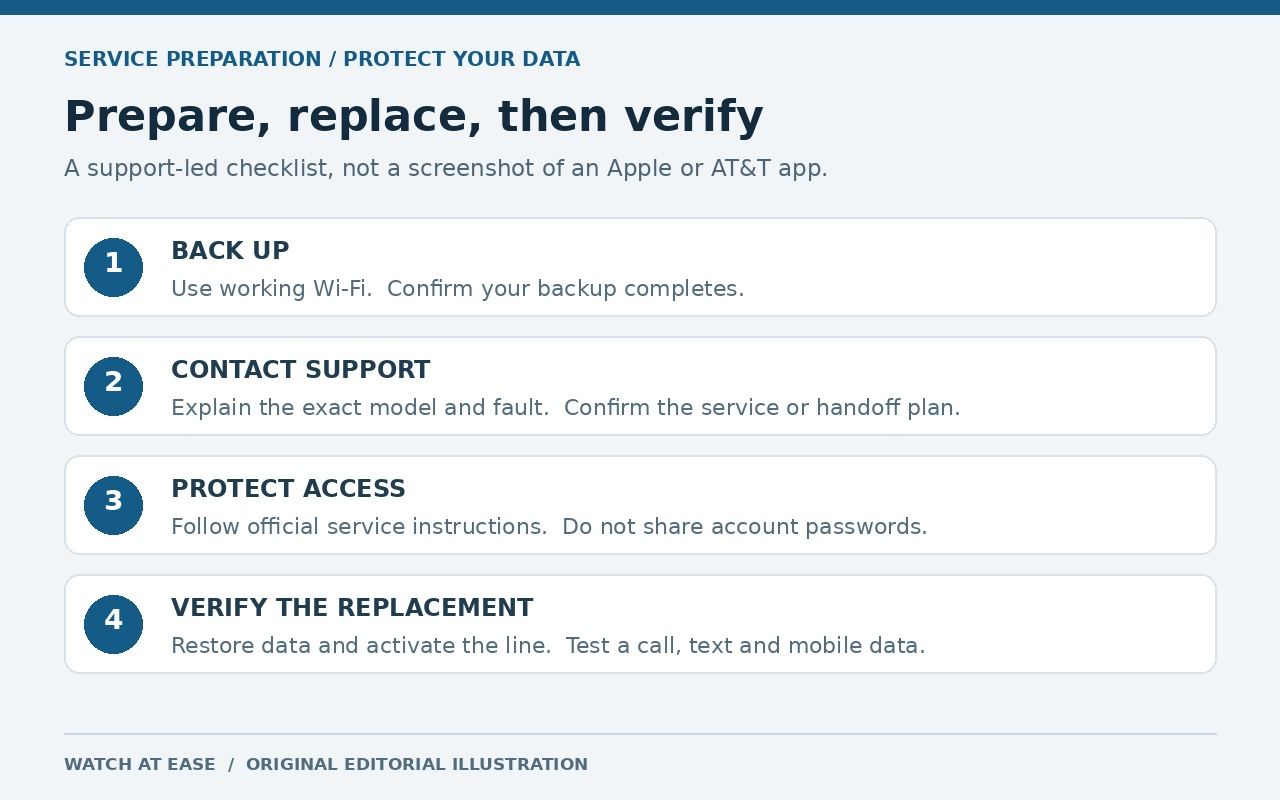
Before an appointment or shipment, make a current iCloud backup or encrypted computer backup while Wi-Fi still works. Do not erase the old phone until Apple or AT&T confirms the handoff and the backup has completed. After replacement, restore or transfer the data, confirm the AT&T line activates, and test a call, text and mobile data before returning the old device. Install the latest iOS and carrier settings on the replacement too.