Culture/Entertainment · PRACTICAL GUIDE
Hulu Offline Downloads: Laptop Limits and Missing Download Options
Hulu’s official offline feature uses its mobile app. If downloads are missing, separate device support, your Hulu plan and the exact episode before changing your subscription.
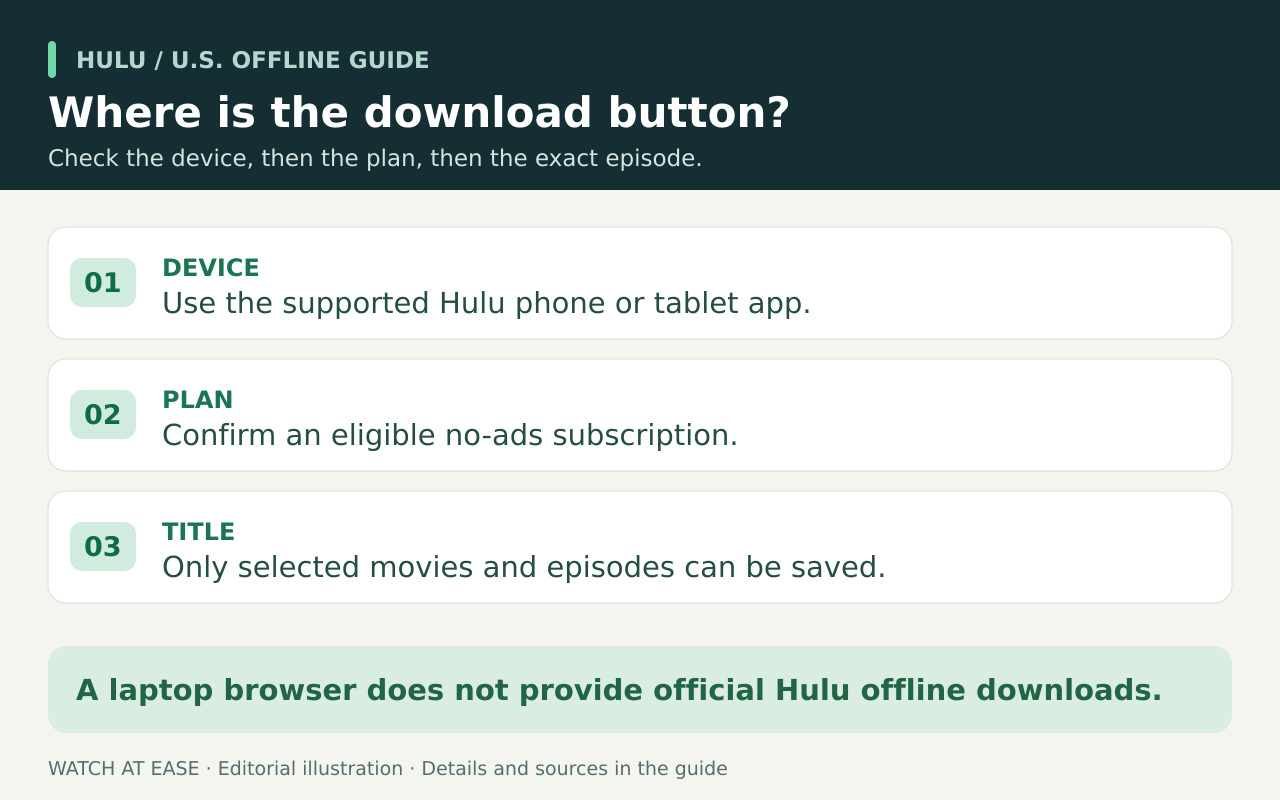
No. For the U.S. Hulu service, Hulu’s official offline-download route is its supported mobile app, not a Windows or Mac laptop. If a laptop is your only screen, arrange internet access for streaming; paying for an eligible plan does not add laptop downloads.
For a phone or tablet, a missing Download option needs a different diagnosis. Check the Hulu entitlement, the particular title and the app/device separately. The order below helps you avoid paying again for a problem that a plan change cannot solve.
Start with the Hulu part of your subscription
Open your account or billing details and read the Hulu plan itself. Hulu’s Premium page and its own App Store description associate downloads with the No Ads offering. Do not infer Hulu download access from the price of a bundle, its Live TV channels or another included service’s ad-free tier.
If your Hulu entitlement is already eligible, stop treating an upgrade as the default fix. If it is not, first confirm that you have a supported mobile device and that the title you want is eligible; upgrading cannot solve the laptop limitation or make every title downloadable.
One episode has no button, or every title has no button?
Open the exact film or season and episode you want. Hulu promises selected downloadable titles, not its whole catalog. As a comparison, find another title with a Download option in the same mobile app and account. If that title downloads but your target does not offer the option, investigate that title’s eligibility before changing the account.
If you cannot find a Download option anywhere, return to the plan and device checks. This comparison narrows the question; it does not prove that a missing button is a licensing decision, an outage or a specific bug. Avoid repeatedly reinstalling the app to fix an unexplained single-title restriction.
Check the actual app and device, not just the Hulu logo
Use Hulu’s mobile app on a device supported by the current store listing. For iPhone and iPad, the U.S. listing currently names Hulu, LLC as the developer and requires iOS or iPadOS 16.4 or later. It lists Apple TV separately; app availability on a television does not establish offline-download support.
If your device cannot install the current app, resolve compatibility before troubleshooting the title. For Android or Fire devices, check Hulu’s current supported-device help for your exact model rather than applying Apple’s requirements. A browser shortcut on a laptop does not turn the mobile-only feature into a desktop download.
What counts as ready for the trip
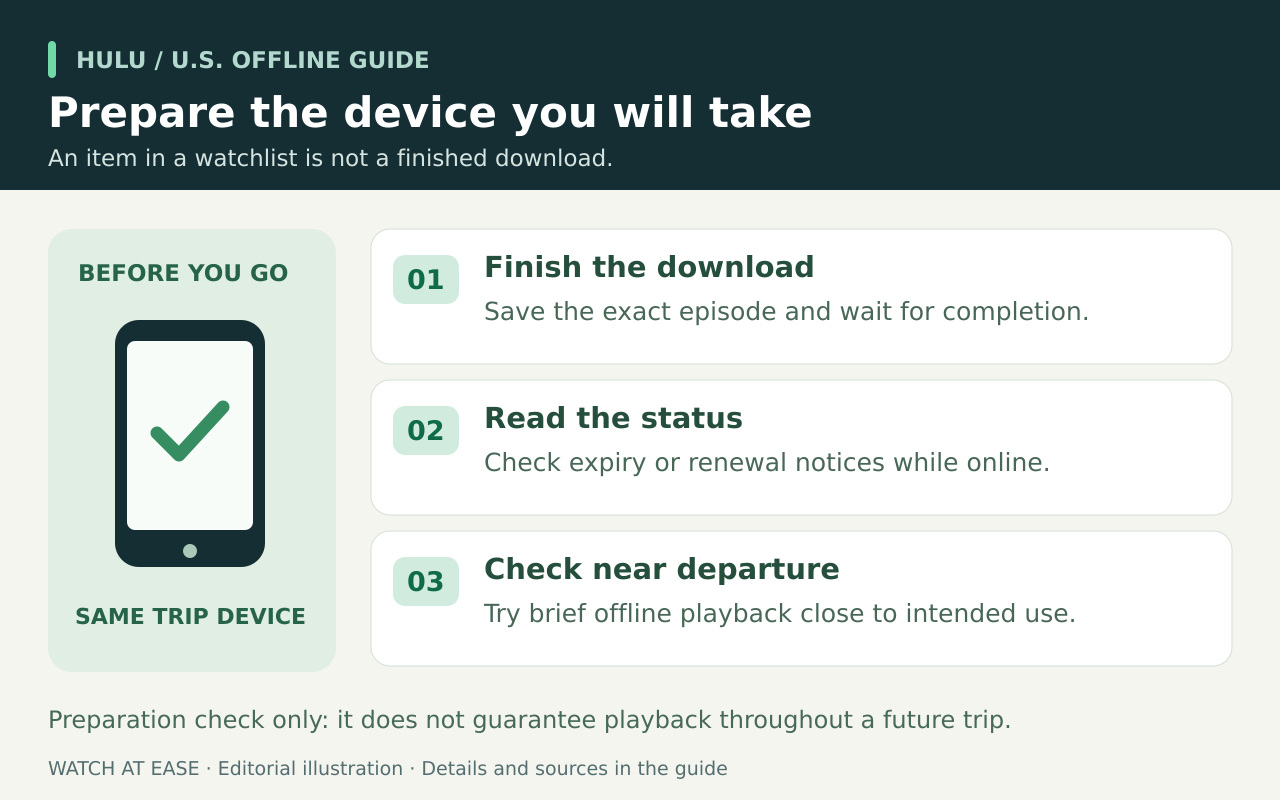
Our preparation checklist: on the device you will carry, connect to reliable Wi-Fi, request the exact episode and wait until the app shows it is downloaded. Open the app’s Downloads area and check the individual items. An online stream, a watchlist entry or an unfinished progress indicator is not proof of a usable offline copy.
Review any expiration, renewal, storage or account-limit message while you still have a connection. If you choose to test playback without internet, make that brief check close to when you intend to watch, then reconnect if the app requires attention. This is an editorial readiness check, not a guarantee of later access; follow the timing shown for the saved item.
If an eligible mobile download still fails
Record the Hulu plan name, device model, operating-system and app versions, exact episode, error text, and whether another downloadable title works. Send those details to Hulu support. Distinguish “no Download option,” “transfer never completes” and “completed item will not play”; they describe different failure stages.
Before a last-minute sign-out, app removal or data-clearing attempt, ask support what it will do to your saved items and allow time to restore them. This guide does not claim a universal fix. If the download remains unverified at departure, plan around content you have confirmed works or an available internet connection.