Technology · PRACTICAL GUIDE
Google Contacts anniversary imported, but no Calendar reminder? Check the field first
Separate a missing contact date from a missing calendar event or notification before importing your address book again.
A successful contact import does not establish that every anniversary became a repeating, notifying calendar event. First open one affected contact in the same Google Account and locate its actual event date. A date stored as a Custom Field or buried in Notes is a different outcome from a date in the contact’s event field.
This documentation-based workflow addresses reports of missing custom-event imports and missing anniversary reminders. It does not identify a universal Google bug, promise automatic anniversary synchronization in every account, or claim a tested repair of your data.
1. Establish whether the date really imported
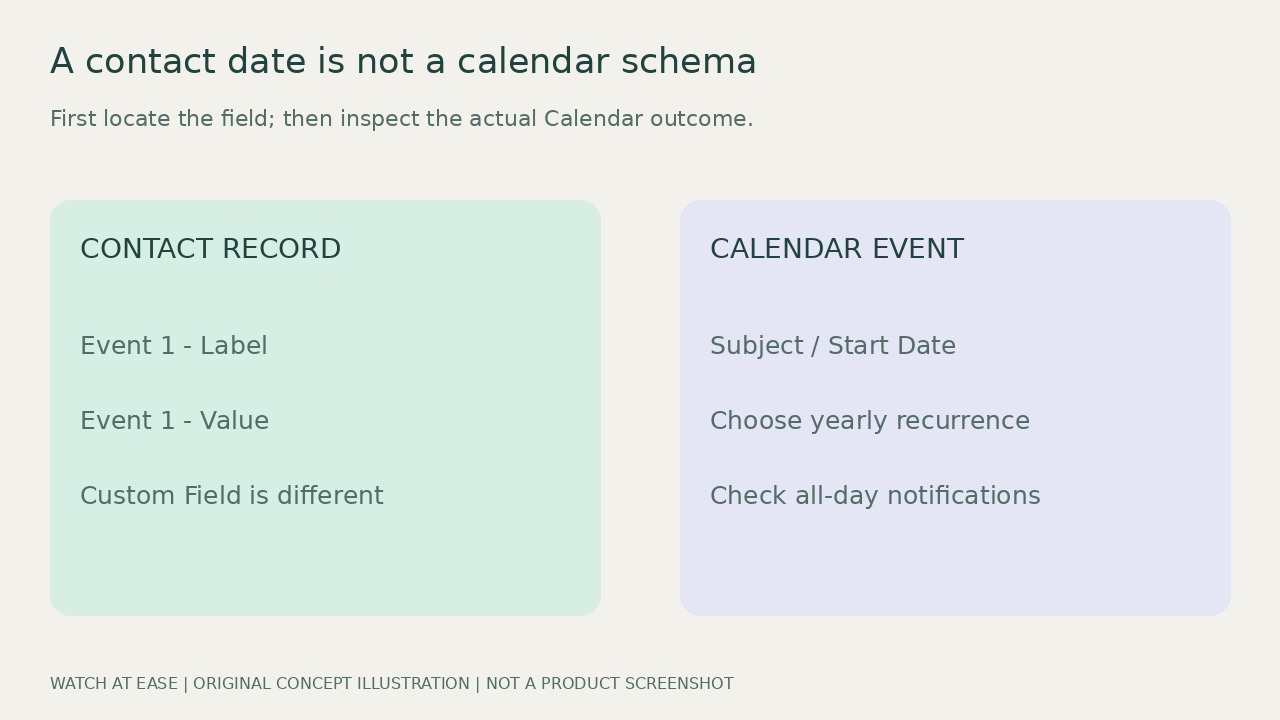
Keep the original CSV and export your existing contacts before changing a batch. On a computer, compare one affected record with the current Google Contacts template: use Event 1 - Label for its label, such as Anniversary, and Event 1 - Value for its date. The template documents YYYY-MM-DD and a month-day form without a year. Keep its original headers; Custom Field 1 - Value is not the event-date column.
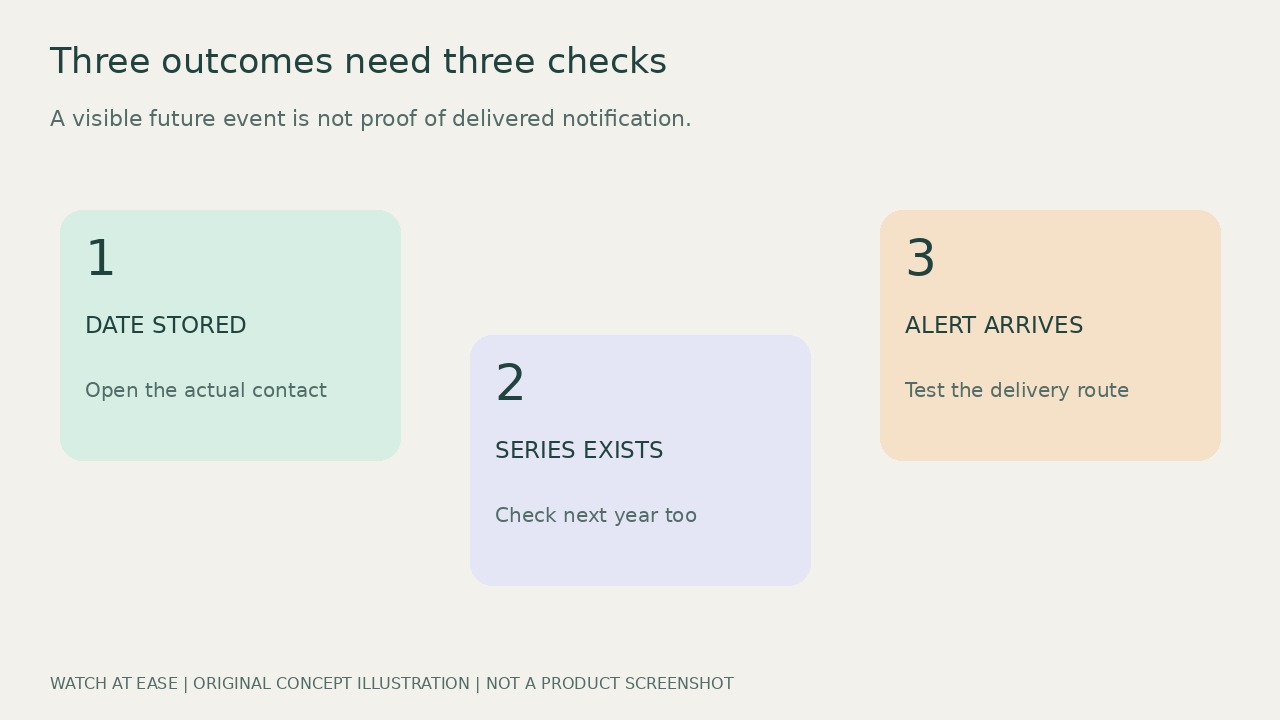
Open the imported contact and inspect its date field and Notes. Google specifically recommends checking Notes for an imported detail that seems absent. If the date is there only as text, the problem precedes Calendar. A correct-looking source row still does not prove successful field mapping. Record what actually arrived; do not repeatedly import the entire address book, since each populated row creates a contact.
2. Check the Calendar outcome without deleting it
In the same account’s web Calendar, find the expected date and inspect the relevant calendar’s visibility. Compare with the phone: if the web event exists but the phone cannot show it, concentrate on that account and calendar on the phone. If neither shows an event, distinguish that result from an imported date that never reached Contacts.
Current Google documentation describes birthday synchronization and mentions important dates among synced events. It does not justify either an across-the-board promise that every custom label will appear or the claim that anniversaries can never synchronize. Android calendars can also display dates through local contact access rather than a server-generated calendar. Do not turn off Sync from Contacts as a reset: Google warns that it deletes synced events, including changes made to them.
3. If you need a dependable fallback, create one explicit series
For a date that remains absent, you can maintain a separate ordinary Calendar event. First check for an existing series to avoid a second reminder. Create an event in a calendar you own, select the actual next anniversary date, make it all-day if you want a date-only reminder, and set its repeat frequency to yearly. Review any end condition before saving. Label the record as manually maintained.
A calendar occurrence needs a concrete date; using the next occurrence year does not establish the original wedding year. Do not add an age or anniversary number unless that history is known. Check next year’s occurrence after saving. This is a fallback, not a repaired contact link: later contact edits will require you to update this separate series. A Google Contacts CSV is not a Calendar CSV, whose required fields include Subject and Start Date.
4. Verify the alert separately from the event
Open the saved event and review its notification or email settings. For a calendar you own, Google distinguishes Event notifications from All-day event notifications, so check the setting applicable to this series. Notifications are personal: a family member viewing your calendar does not inherit your alerts. On desktop, browser notifications also require site permission and Calendar to remain open.
Use a nearby temporary event to check the chosen delivery route without altering the anniversary date, and remove that temporary event afterward. A visible next-year occurrence proves neither delivery nor automatic contact synchronization. If the original correctly mapped contact still fails, seek authorized support with account type, app versions, the exact field labels and a redacted example. Do not expose the whole address book or delete existing synced events merely to test.