Technology · PRACTICAL GUIDE
Git says a branch is already checked out in another worktree? Prove the owner before pruning or forcing
List every linked worktree, preserve dirty or unpushed work, then distinguish a live owner from a moved, offline or missing path before choosing remove, repair, prune, detach or another branch.
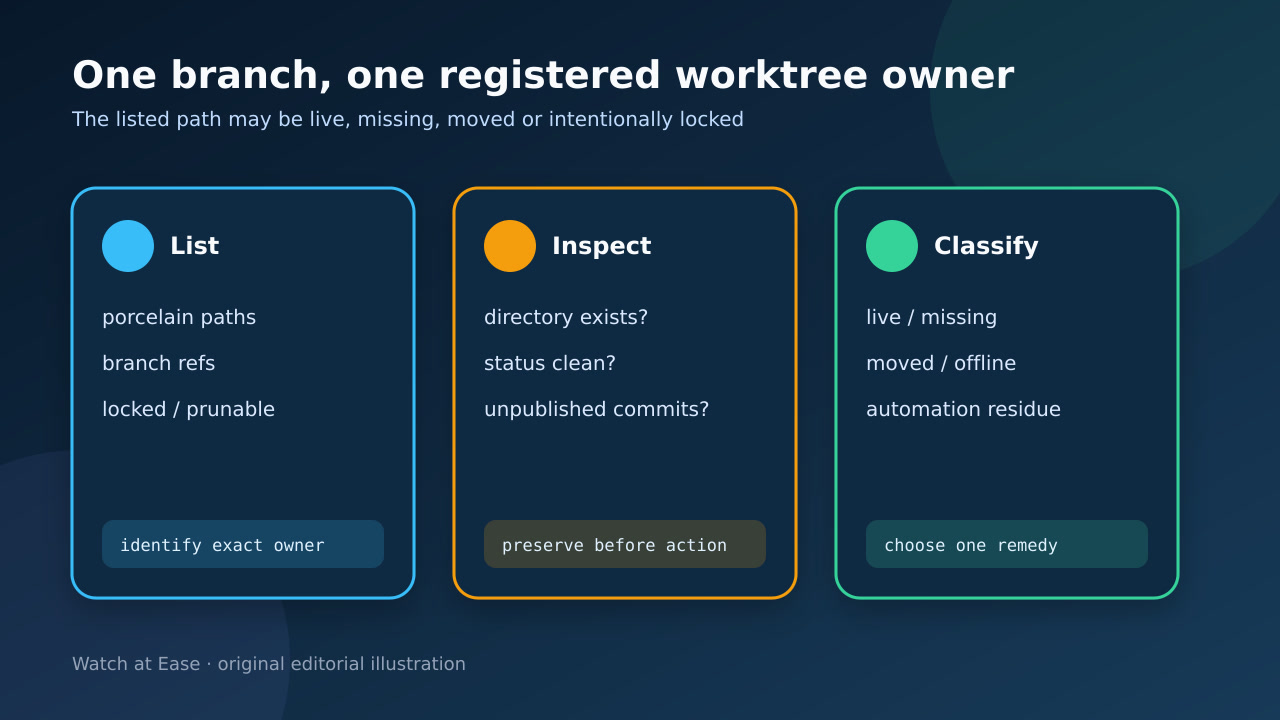
Git blocks a branch from being checked out in more than one worktree because both directories would move the same branch ref. The path in the error is evidence of a registered owner, not permission to delete it.
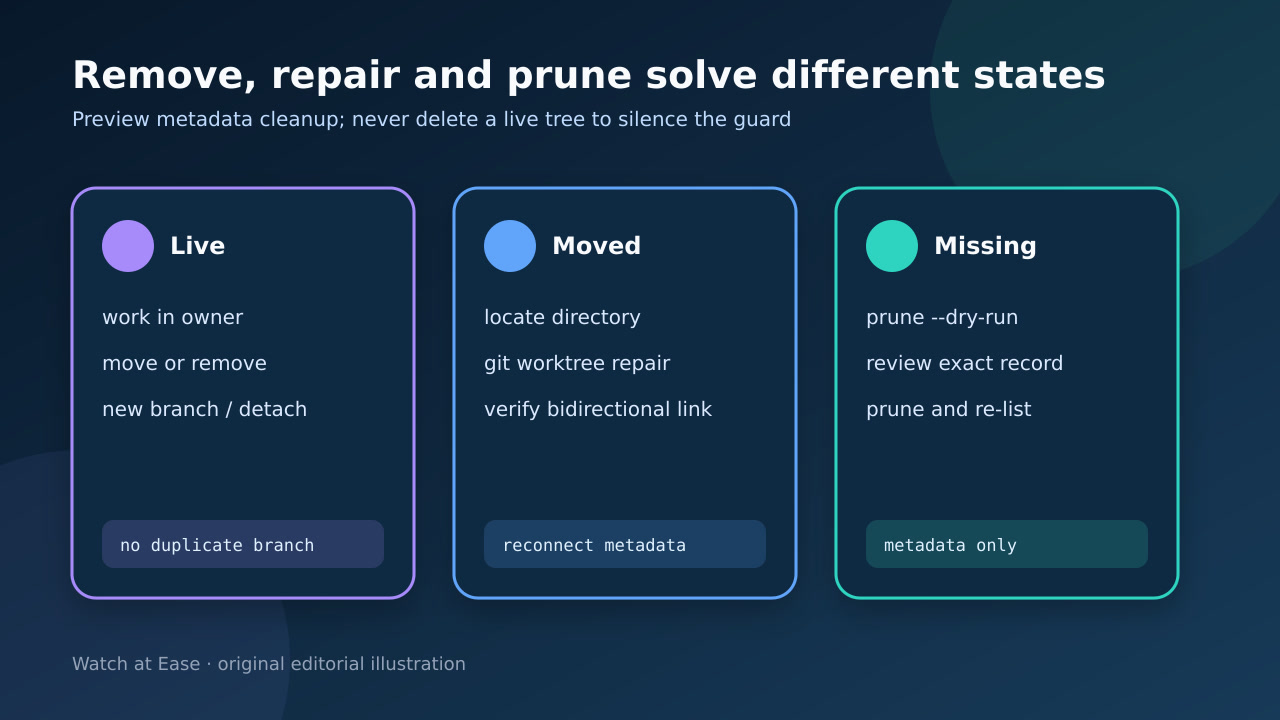
Start with a porcelain inventory and inspect the named tree. Prune is for missing working directories; repair is for moved links; remove is for a worktree you deliberately retire.
1. Inventory the registered owners
Run git worktree list --porcelain from any healthy worktree and record every path, HEAD, branch, lock reason and prunable marker. Resolve the exact path from the error before touching .git/worktrees.
Also record the command that failed and whether a wrapper already completed a remote action. A PR may be merged even though local cleanup stopped at the branch-in-use guard.
2. Inspect the named path and its work
If the directory exists, run status and inspect commits not reachable from the intended base or remote. Preserve patches, untracked files and commit IDs before removal.
Do not infer safety from a name such as temp, agent or build. A locked tree or an apparently old directory can still contain unpublished work or be temporarily offline.
3. Classify live, moved, offline or missing
A live owner should remain the place where that branch moves. A moved directory needs git worktree repair; a portable or network path may be intentionally locked and temporarily unavailable.
Only classify a record as missing after proving the directory is gone rather than unmounted, renamed or inaccessible from the current namespace. Preview with git worktree prune --dry-run --verbose.
4. Apply only the matching remedy
For a live clean tree you no longer need, use git worktree remove path. Use git worktree move when relocating a supported linked tree, or repair when it was moved externally.
For concurrent read-only work, detach HEAD or create another branch instead of overriding the same branch owner. Use force only after evidence shows what dirty or locked state will be discarded.
5. Verify one owner and the intended result
Re-run the porcelain list and confirm the branch appears in exactly the intended owner. Retry only the local step that failed, not an already-successful remote merge or push.
Finish with status and reachability checks in the surviving tree. The acceptance record should name the owner path, branch ref, preserved commits and whether metadata, directory or wrapper state changed.