Technology · PRACTICAL GUIDE
Git says “terminal prompts disabled”? Audit the credential boundary before changing the remote
The message proves Git could not obtain a username non-interactively; it does not prove the token is expired or that SSH is required. Trace the caller, effective URL, prompt policy and helper without exposing secrets.
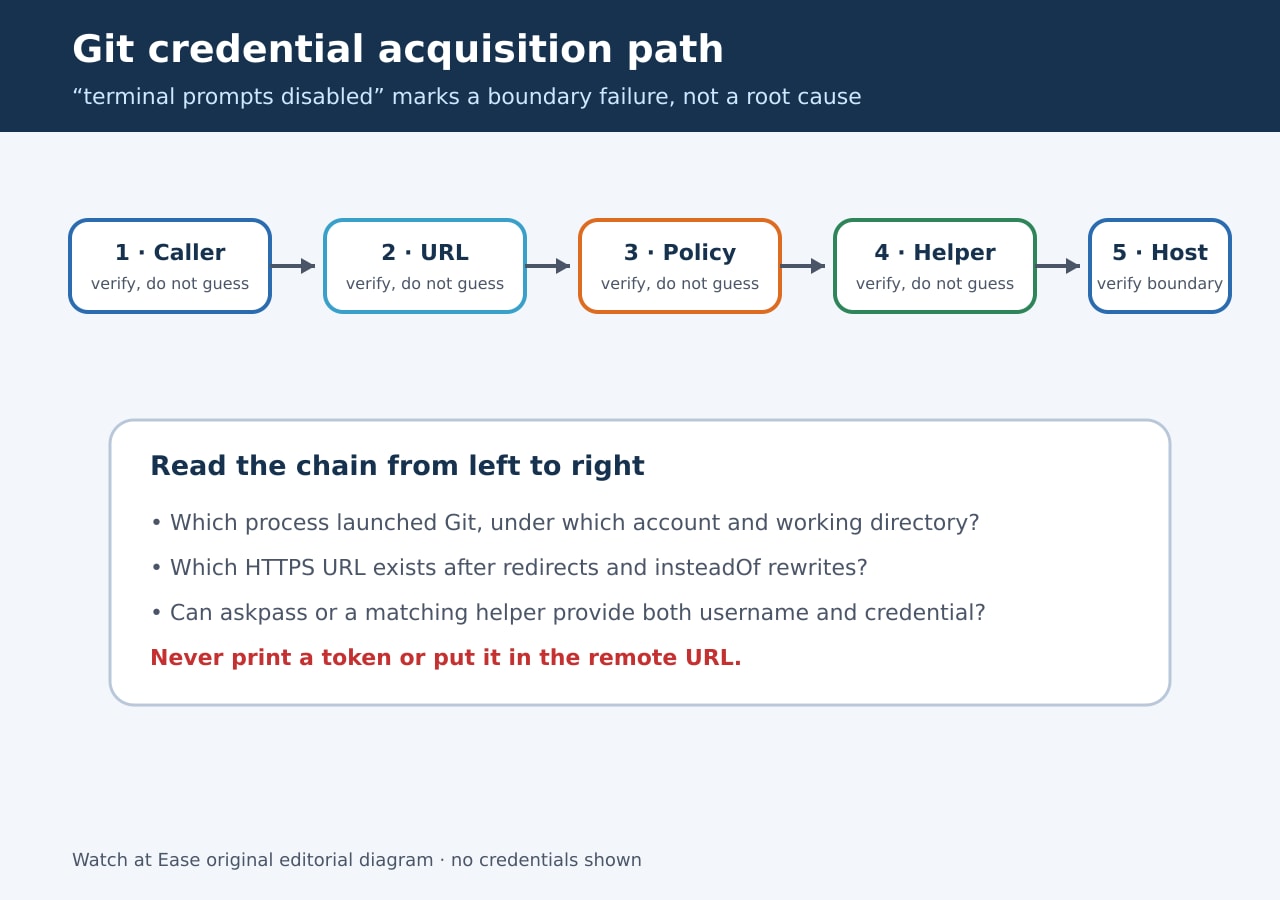
Treat “could not read Username … terminal prompts disabled” as a credential-acquisition-path failure, not a diagnosis of the credential itself.
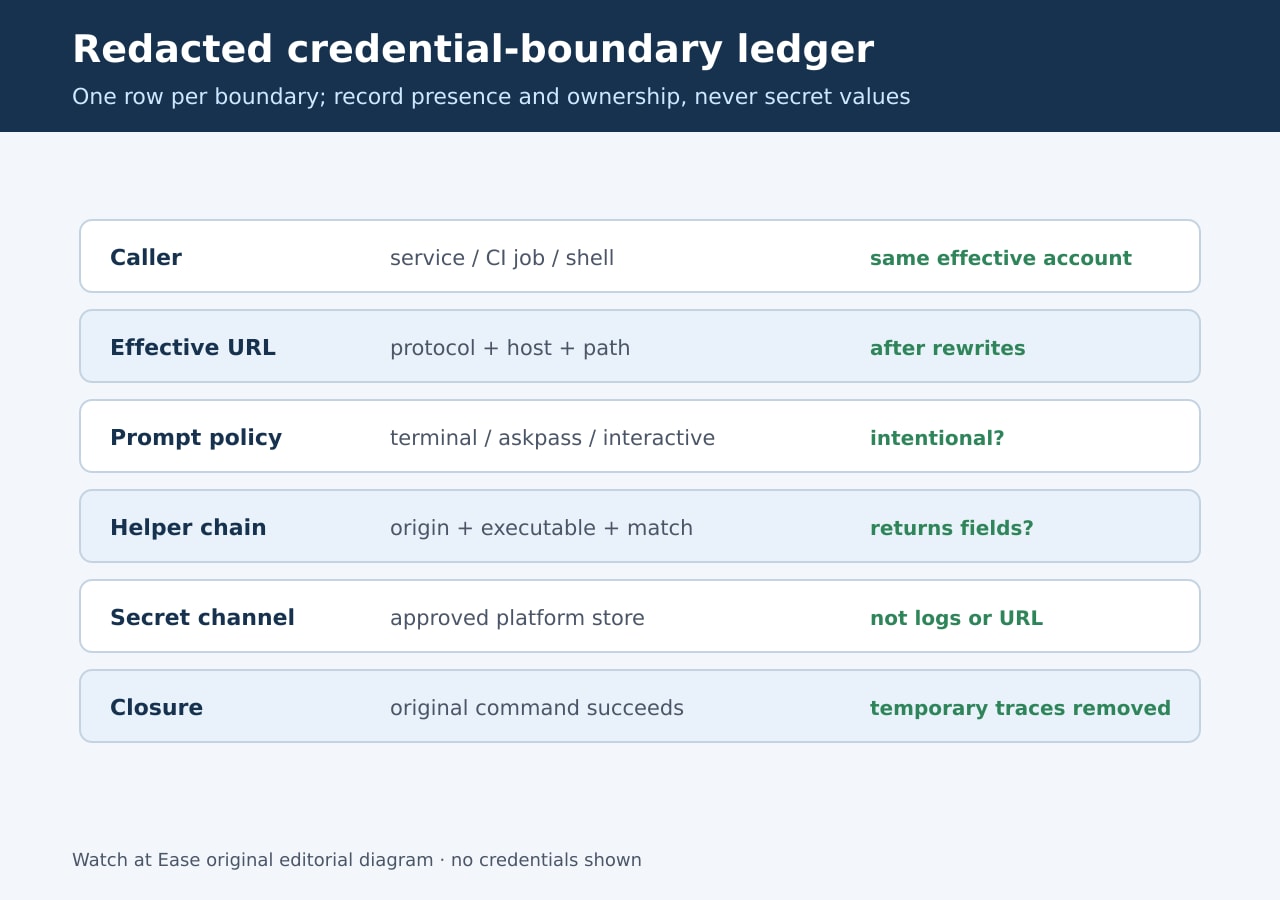
Capture the caller, effective URL, prompt controls, matching helper and approved secret-delivery boundary before changing protocols or enabling prompts.
1. Freeze the failing context
Record the exact Git command, working directory, caller, effective account, Git version and the sanitized remote URL. Compare the same operation in an interactive shell only as evidence; a successful shell run does not prove the CI job or service receives the same configuration and credentials.
Preserve the first complete error and the caller logs, but redact tokens, cookies, passwords and authorization headers. Do not run with broad trace variables until you know what they may expose.
2. Separate prompt policy from credential supply
The Git documentation says GIT_TERMINAL_PROMPT=0 prevents terminal prompting. Git may still use GIT_ASKPASS, core.askPass, SSH_ASKPASS or credential helpers. The error therefore means the available non-interactive path did not supply what the HTTPS request needed.
Do not start by setting GIT_TERMINAL_PROMPT=1. In automation that can hang a job or hide the real defect behind a manual login. Record whether non-interactive behavior is intentional, then repair the approved credential path.
3. Resolve the effective URL and helper context
Inspect the remote URL after url.*.insteadOf rewrites and record protocol, host and relevant path. Git credential contexts match protocol and host exactly; useHttpPath can make the path significant. A credential stored for another host, scheme or path may never be offered.
Read configuration with its origin and scope so system, global, local and command-level values stay distinguishable. Confirm every configured helper executable is available to the actual caller, not just to your personal shell.
4. Test acquisition without revealing the credential
For the exact HTTPS context, verify that the helper chain can return both a username and a credential to the effective account. Record only whether required fields are present and which helper owned the response; never paste values into logs or this worksheet.
Then separate acquisition from authorization. A present token can still lack repository access, be expired or be blocked by policy. Test access through the platform’s approved secret mechanism and keep the private repository response distinct from a missing-helper failure.
5. Repair the owner boundary and prove closure
Restore the missing helper executable, correct the matching URL context, pass the approved CI credential, or intentionally switch to SSH only when SSH is the chosen transport. Avoid global insteadOf rewrites unless every affected tool is meant to change.
Rerun the original non-interactive command under the original caller. Require success without a prompt, confirm the intended repository operation completed, remove temporary traces and rotate any credential that was accidentally exposed.