Technology · PRACTICAL GUIDE
Git says “remote origin already exists”? Read the existing URLs before changing anything
The error proves only that the local name origin is already configured. Inspect fetch, push and tracking roles before keeping, changing, renaming or adding a remote.
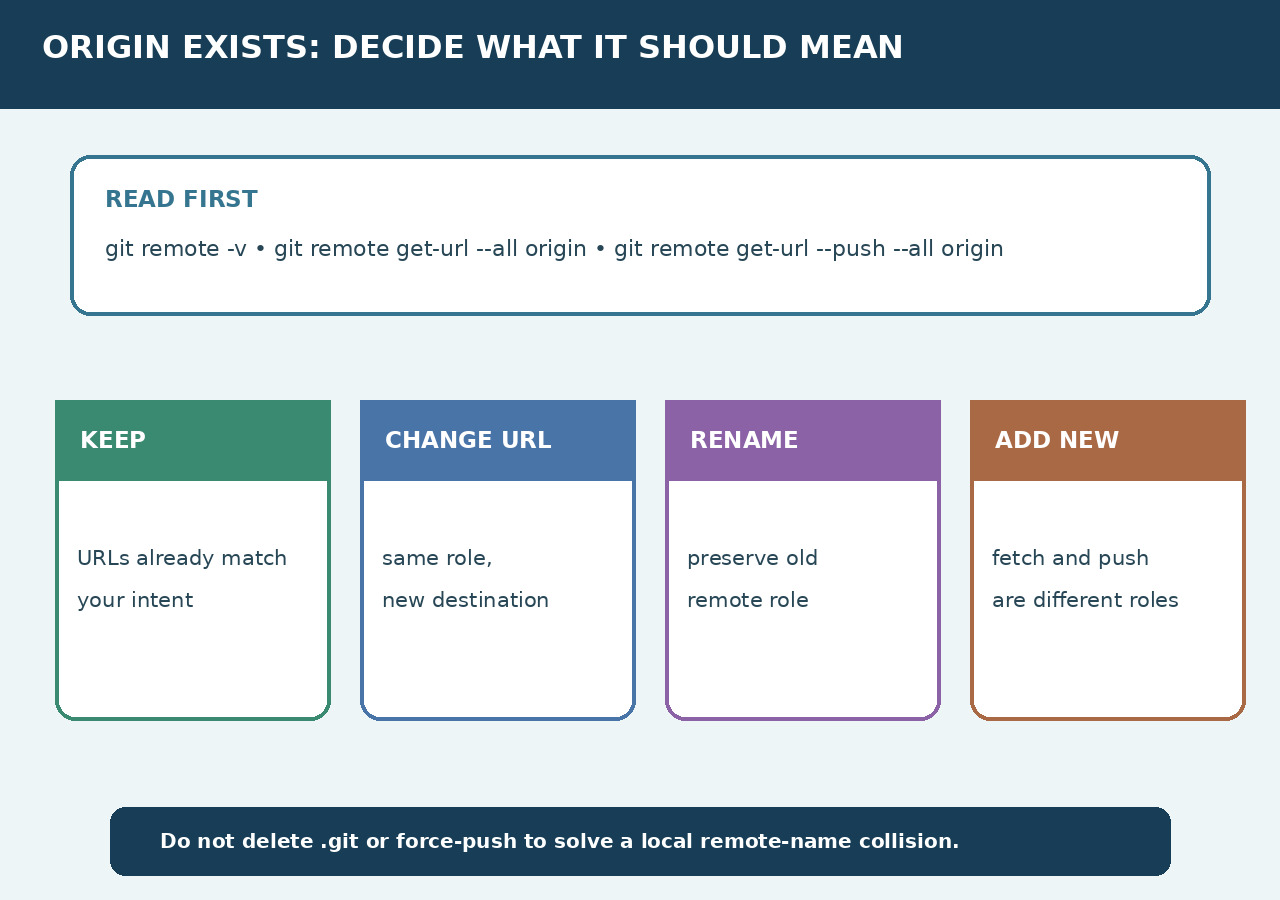
Do not delete .git or force-push because a local remote name collides. First record every URL and decide what origin should mean in this repository.
Record the repository and every URL
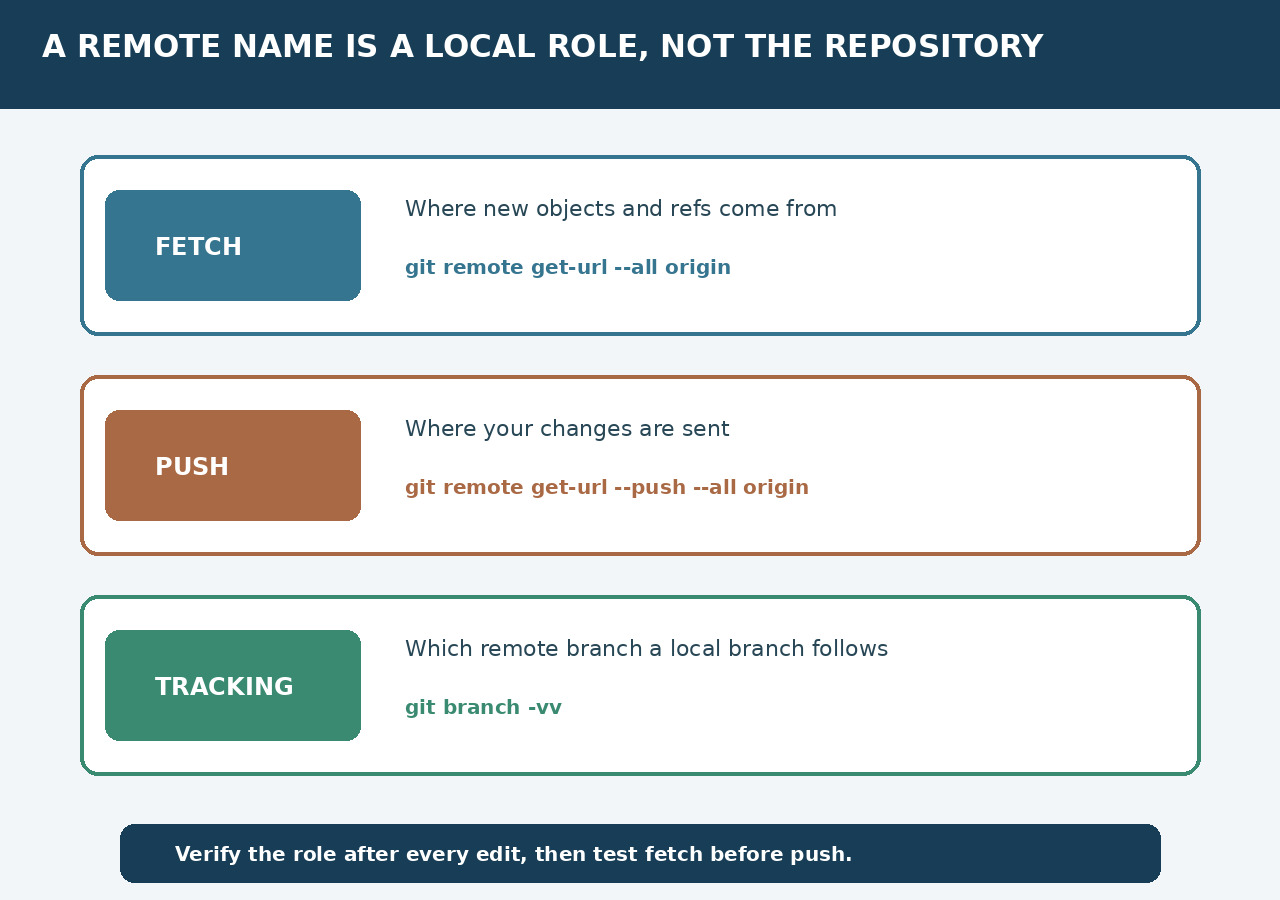
Write down the repository root, current branch, git remote -v output, every fetch URL and every push URL for origin. Use get-url with --all and the push form because remote -v can hide multi-URL detail. This is read-only and preserves the evidence.
State what origin should mean
Choose one sentence: keep the current collaboration remote, move this repository to a new destination, preserve the old remote as upstream, or add a separate publishing remote. The error does not choose among these outcomes.
Choose one mutation
Keep it when URLs already match. Use set-url when the same role moves. Rename when the old role remains useful. Add a new remote when fetch and publishing sources are genuinely different. Git warns that fetch and push URLs of one remote should still refer to the same place.
Protect tracking and repository history
Removing a remote only unlinks local configuration; it does not delete the hosted repository. Deleting .git is far more destructive because it removes local history and configuration. Force-push addresses ref updates, not a remote-name collision.
Verify before network writes
Re-read all URLs after the edit, inspect branch tracking, then run a read-only fetch or ls-remote against the intended name. Authentication or repository-not-found is a separate problem from the local name collision.
Test the original workflow
Repeat the tutorial, push or deployment command with the chosen remote. Confirm the expected hosted repository received the intended ref. Keep the previous URL in the change record so rollback is explicit.