Technology · PRACTICAL GUIDE
Git says “pathspec did not match any file(s) known to git”? Classify the argument first
Prove whether the failed checkout argument should resolve as a local branch, remote branch, commit, or tracked path before fetching, creating, restoring, resetting, or cleaning anything.
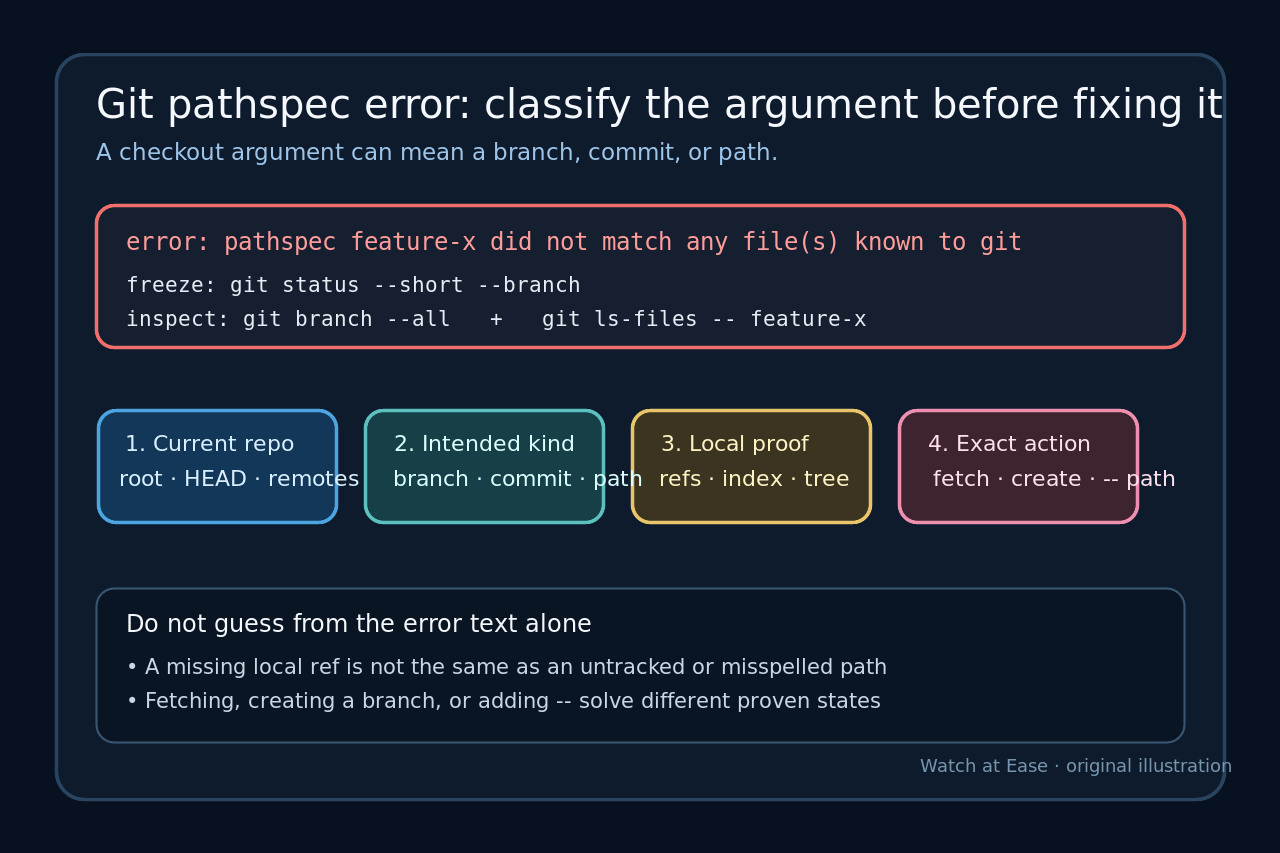
Git’s “pathspec did not match any file(s) known to git” message does not identify whether you meant a branch, a commit, or a tracked path. Preserve the exact command and repository state first; the safe repair depends on which namespace should contain the argument.
This guide uses read-only ref, object, index, and tree checks before any fetch, branch creation, restore, reset, or cleanup. Stop if the repository root or intended target is uncertain.
Freeze the repository and exact command
Copy the complete command, error, working directory, argument spelling and shell quoting. Record git rev-parse --show-toplevel, git status --short --branch, git remote -v and git --version before changing refs or files. If rev-parse fails, first confirm that the current directory is inside the intended repository.
Do not start with git reset --hard, git clean, a broad fetch, or an invented branch. Those actions can erase evidence or create a name that makes the error disappear while leaving the original intent unresolved.
Decide which noun the argument was supposed to name
Write one intended type beside the failing argument: existing local branch, remote branch, new branch, commit or tag, or tracked path. Git checkout accepts several modes, and an ambiguous token can be interpreted differently depending on the current refs, index, tree and use of --.
Treat that declaration as a hypothesis, not a fix. A branch-like word is not proof that a branch exists; a filename-like word is not proof that the path is tracked; and a copied hash fragment is not proof that the object exists locally.
Prove the local and remote branch states
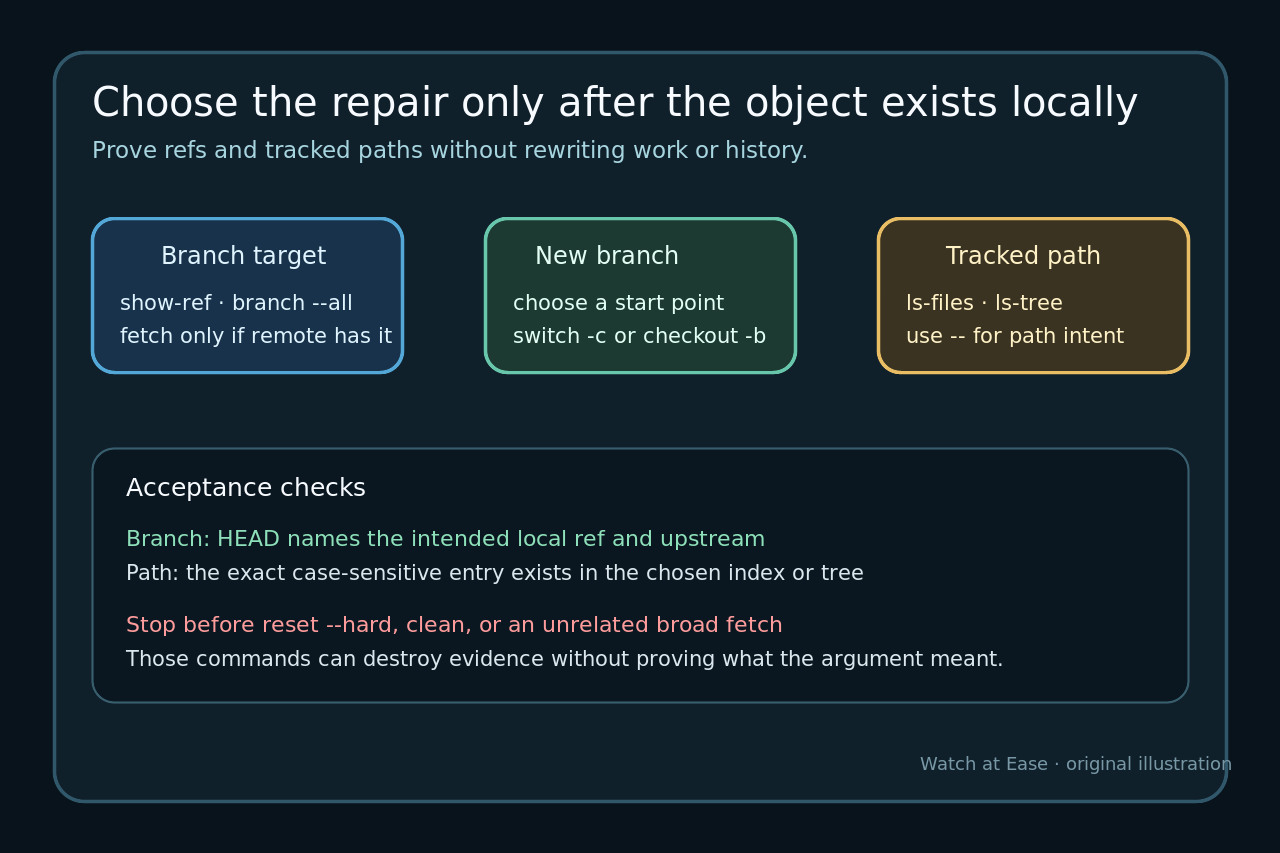
For a local branch, use git show-ref --verify refs/heads/NAME and inspect git branch --all --no-color. To query a claimed remote branch without mutating the repository, use git ls-remote --heads REMOTE NAME. Record whether the result is local-only, remote-only, both, or absent.
If the branch exists only remotely, fetch that exact remote ref and then create a tracking branch deliberately. If the desired branch is genuinely new, use git switch -c NAME START only after proving START. Do not use creation as a diagnostic shortcut.
Prove a commit or tag before checking it out
Use git rev-parse --verify --end-of-options ARG^{commit} to test whether the argument resolves to a commit in the current object database. Keep --end-of-options so a leading dash cannot become an option. A failure means the object or ref is not locally resolvable; it does not prove which remote contains it.
Before fetching, identify the promised source: a named remote ref, tag, pull-request ref, submodule record, or another repository. Fetch the narrowest verified ref. A broad fetch may be acceptable by policy, but it is not evidence that an arbitrary token was valid.
Prove a tracked path in the index or another tree
Use git ls-files --error-unmatch -- PATH to test the current index without changing the worktree. To test a path in a known commit or tree, use git ls-tree -r --name-only TREE -- PATH. Check exact case, directory separators, repository-relative spelling and whether a shell expanded metacharacters.
When you intend a path, place -- before it: git restore --source=TREE -- PATH or, for older workflows, git checkout TREE -- PATH. The separator forces path interpretation and prevents a branch name collision from changing the meaning.
Map the evidence to one narrow action
Switch to an existing local branch; create a new branch only from a verified start point; fetch and track a verified remote-only branch; check out a verified commit in detached mode only when that is intended; or restore a proven tracked path with --. Correct a typo or case mismatch instead of manufacturing a matching ref.
If none of the namespaces contain the argument, stop and return to the source of the name: documentation, a ticket, a CI variable, a script, or a teammate. The absence is the finding. Submodules, sparse checkouts and shallow clones need their own evidence branches rather than a generic pathspec workaround.
Verify the result and keep rollback evidence
Repeat the original intent with the corrected explicit command, then verify git status --short --branch, git rev-parse --verify HEAD and, when relevant, git branch -vv or git ls-files --error-unmatch -- PATH. Confirm that HEAD, upstream, index and worktree now match the intended state.
Record any ref created, exact ref fetched, path restored, previous HEAD and command used. Delete an accidental branch only after proving it has no unique work, and restore files only from a verified source tree. Success means the argument resolves in the intended namespace without collateral ref or worktree changes.