Technology · PRACTICAL GUIDE
Git LFS says a file should have been a pointer? Repair the index without losing the working copy
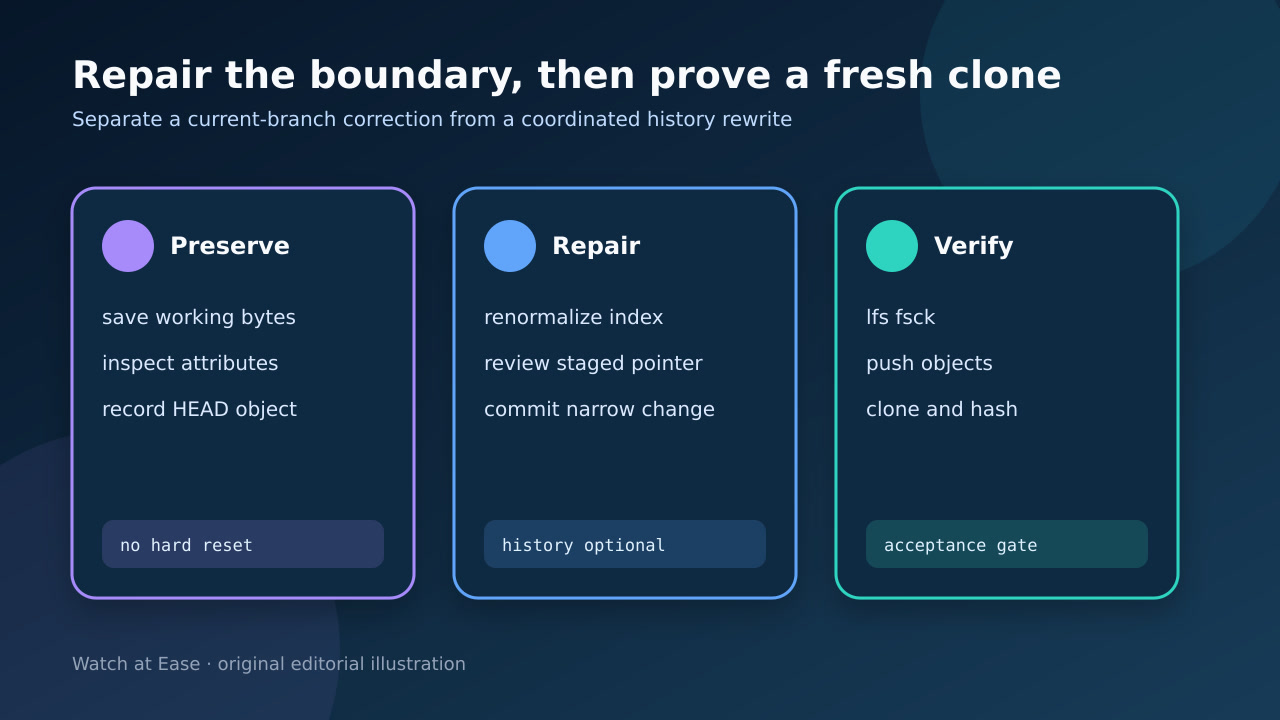
Preserve the file first, prove which attribute and Git object disagree, then choose a narrow renormalization or a coordinated history migration and verify a fresh clone.
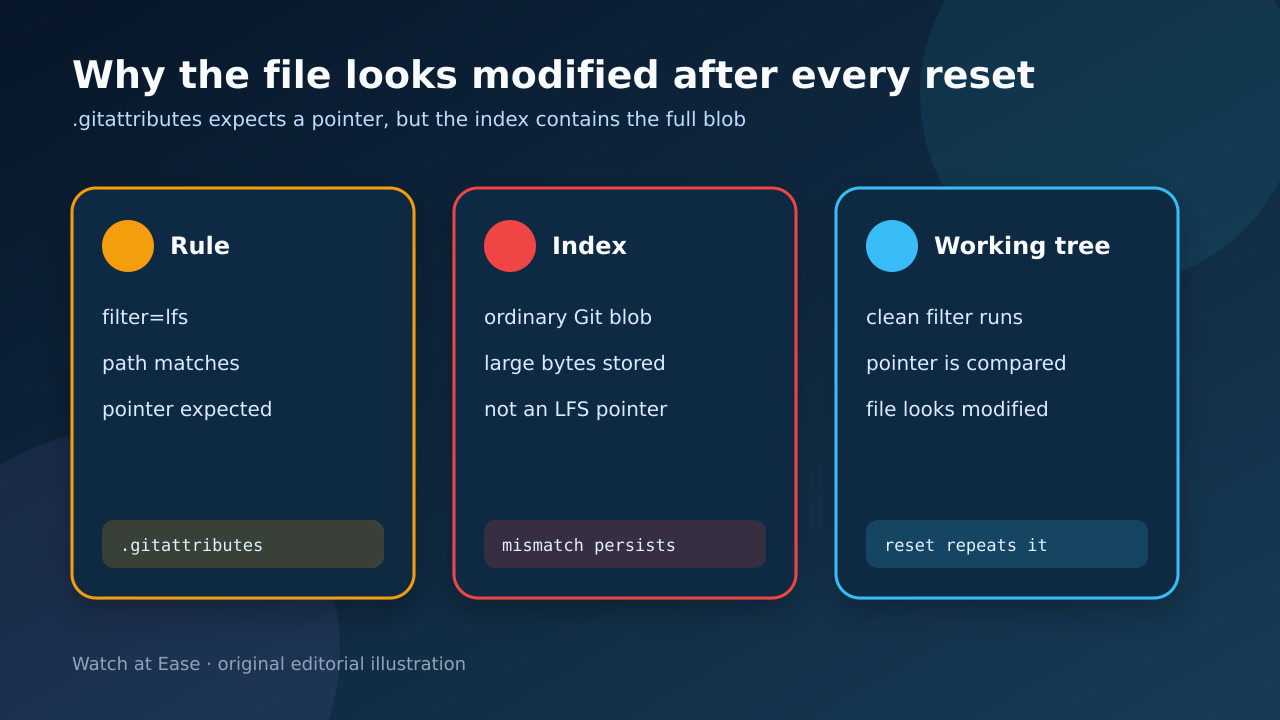
This warning usually means .gitattributes says the path belongs in Git LFS while a commit or index entry stores the full file as a normal Git blob. The clean filter produces a pointer for comparison, so the working file can appear modified again after reset.
Do not start with git reset --hard, deleting .git/lfs or a force push. Preserve the working bytes, inspect the rule and object, repair the narrowest scope, then prove the LFS object is remotely available.
1. Preserve the bytes before changing Git
Copy the affected working file outside the repository or record a cryptographic hash before any reset, checkout or migration. Also save git status, the path and the current branch.
If the tree contains unrelated work, stop. Renormalization is easiest to review on a clean branch or a disposable clone with the preserved file kept separately.
2. Prove the attribute-object mismatch
Run git check-attr -a -- path to identify the effective rule, including nested .gitattributes files and case-sensitive patterns. Then inspect the index or HEAD object type without replacing the working file.
A real LFS pointer is a short text record with a version, object ID and size. If the path is LFS-tracked but HEAD holds the full blob, the warning is describing a representation mismatch, not proof that your working bytes changed.
3. Repair the current branch first
For a current-branch correction, make the intended .gitattributes rule explicit, run git add --renormalize -- path on an otherwise clean tree and inspect the staged diff. The staged content should become a pointer while the working file retains its usable bytes.
Commit only the reviewed rule and pointer correction. This fixes that branch from the repair commit forward; repeat deliberately on other affected branches rather than assuming one commit repairs every ref.
4. Rewrite history only when required
Use git lfs migrate only when old commits must be converted or a hosting limit still sees large blobs in history. Test --no-rewrite or import --fixup behavior in a disposable clone and enumerate the exact refs.
A history migration changes commit IDs and may require coordinated force pushes, branch-protection changes and fresh clones for collaborators. Back up refs, schedule the cutover and never discover scope on the shared remote.
5. Verify pointers and remote objects
Run git lfs fsck --pointers over the chosen range and git lfs fsck for local objects. Review git lfs ls-files and the staged or committed pointer OID before pushing.
Push the LFS objects as well as the Git ref. A successful Git push or clean status does not prove the large object reached the LFS store. Keep hashes of the preserved original and restored file.
6. Accept only a fresh-clone result
Clone into an empty directory with Git LFS installed, check out the repaired ref and confirm there is no pointer warning or phantom modification. Compare the restored file hash and size with the preserved original.
Accept the repair only when attributes, committed pointers, remote LFS objects and the fresh working file agree. Keep the backup until another collaborator or CI clone passes the same test.