テクノロジー · 実用ガイド
Git の「index file corrupt」—削除前にどの index が壊れたか証明する
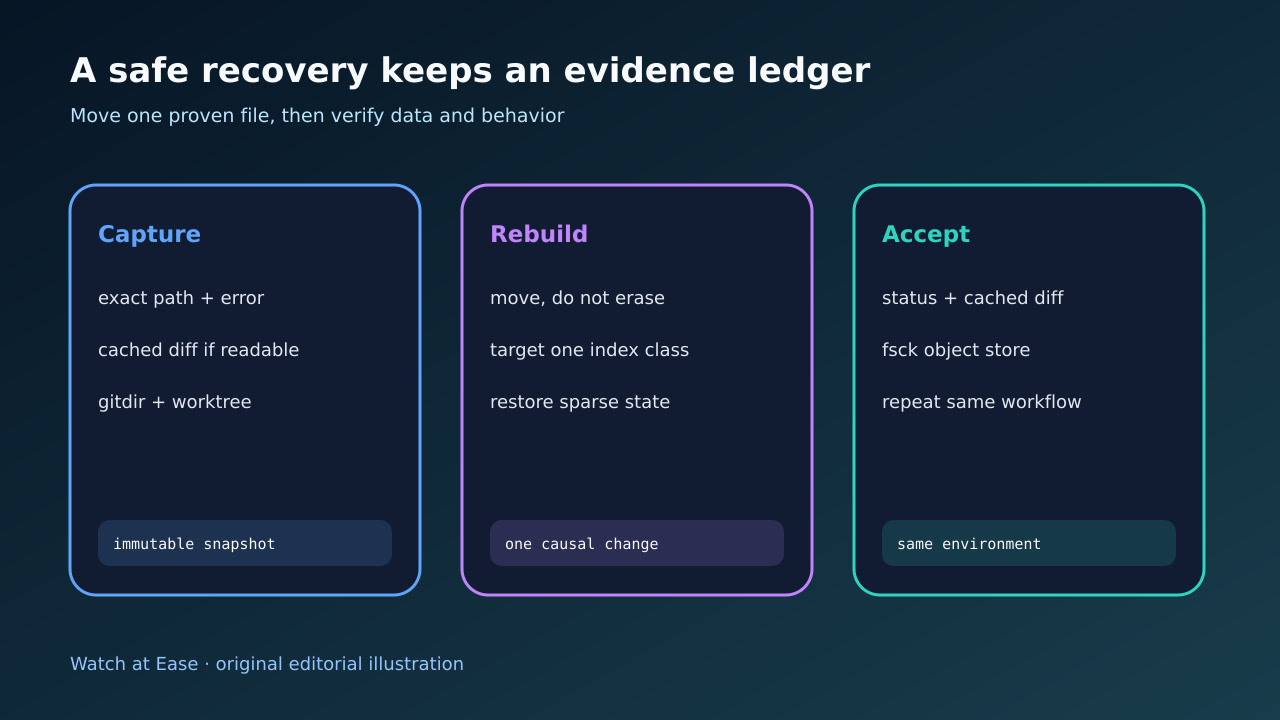
staging index、linked worktree index、split/sparse index、pack の .idx は別の障害です。読める staged ledger を保存し、実パスを解決し、その種類だけを再構築して object と再発を確認します。
staging index、linked worktree index、split/sparse index、pack の .idx は別の障害です。読める staged ledger を保存し、実パスを解決し、その種類だけを再構築して object と再発を確認します。
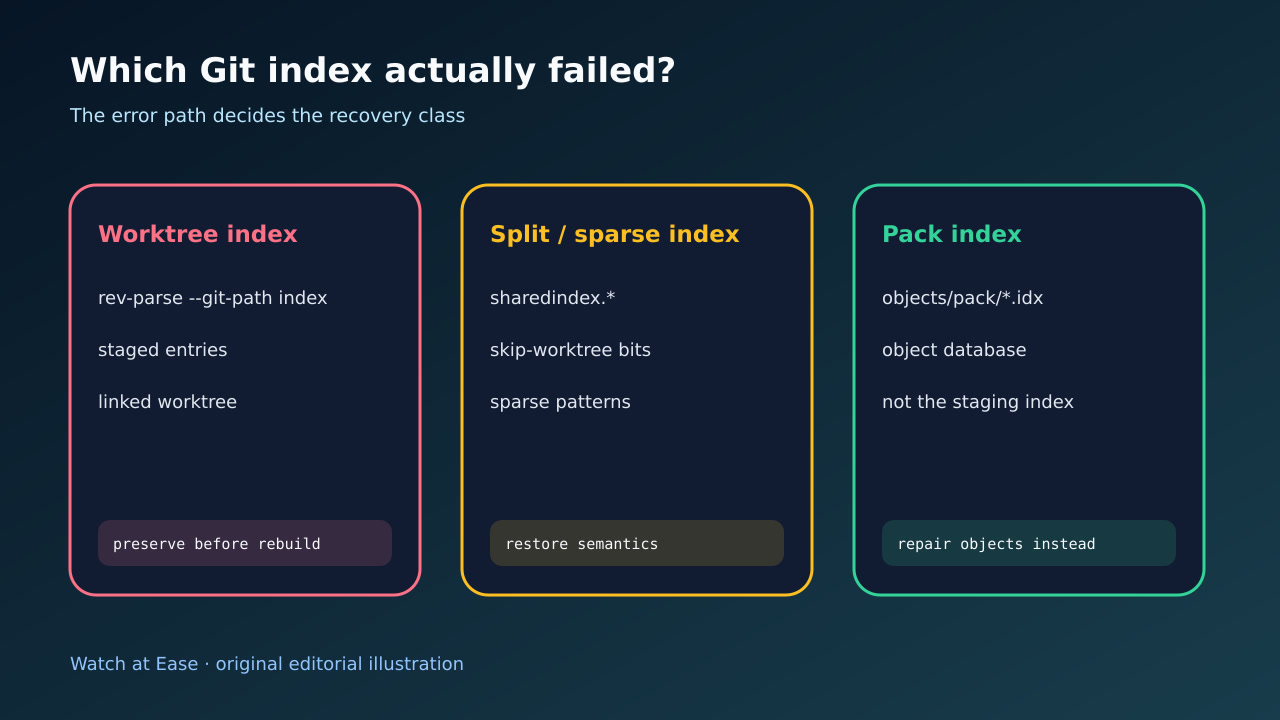
worktree index は staged entry を記録し、object database とは別です。 .git は実 gitdir を指す file の場合があり、.git/index は普遍的ではありません。
1. 正確な error path と staged evidence を保存する
完全な error、directory、command、時刻を保存します。index が読めるなら git diff --cached --binary と git ls-files --stage を保存し、reset 前に該当 file をコピーします。staged version は working tree と同じとは限りません。
最初に rm -f .git/index を実行しません。別 worktree の index や objects/pack/*.idx が対象なら誤修復になり、staged intent の証拠も失います。
2. 実際の gitdir、worktree、index identity を解決する
同じ shell と環境で git rev-parse --show-toplevel、--git-dir、--git-common-dir、--git-path index を実行します。.git file の redirect と linked worktree の私有 state を記録します。
GIT_DIR、GIT_WORK_TREE、GIT_INDEX_FILE も保存します。error path と resolved index が違えば、一般的な worktree-index 手順を止めて named file を分類します。
3. worktree・split/sparse・pack index を分類する
通常の index は staging ledger です。split index は sharedindex.<hash> を追加し、sparse checkout は skip-worktree bit と sparse index を使えます。設定と git sparse-checkout list を保存します。
objects/pack の .idx は pack object index です。staging index の削除では直りません。pack pair を保護し、object store を検証して object recovery または fresh clone を選びます。
4. 証明済みの index class だけを再構築する
壊れた worktree index と証明できたら、消去せず退避し、正しい worktree で git reset --mixed を使って HEAD から再構築します。file は残りますが staged state は消えるので保存証拠から慎重に復元します。
split/sparse では base index が読めた後、対応する sparse-checkout 設定を戻して reapply します。status を通すためだけに sharedindex を消したり sparse を無効化しません。
5. object、staged intent、同環境の再発を確認する
git status、git diff、git diff --cached と git fsck --full を実行し、commit、tree、blob、新規 file、staged-only hunk を確認します。
同じ filesystem、worktree、sandbox で元の status、checkout、CI を再実行します。再発時は storage、abrupt termination、並行 writer、antivirus、overlay を調査します。