Technology · NEWS EXPLAINER
Figma Specs and Code Layers enter open beta: access, rollout and the November 4 credit cutoff
Figma used Config India to open Specs and Code Layers more broadly. Specs gives teams a native Markdown-based home for design and technical context; Code Layers is rolling out over several weeks, with a limited paid-plan promotion before AI-credit charges apply.
Figma announced two open betas at Config India on October 15. Specs puts written product and technical context on or alongside the canvas, while Code Layers lets teams create and edit interactive coded elements there. The practical details are staggered access, plan eligibility and a November 4 credit boundary—not an instant switch for every account.
Two open betas, with different jobs
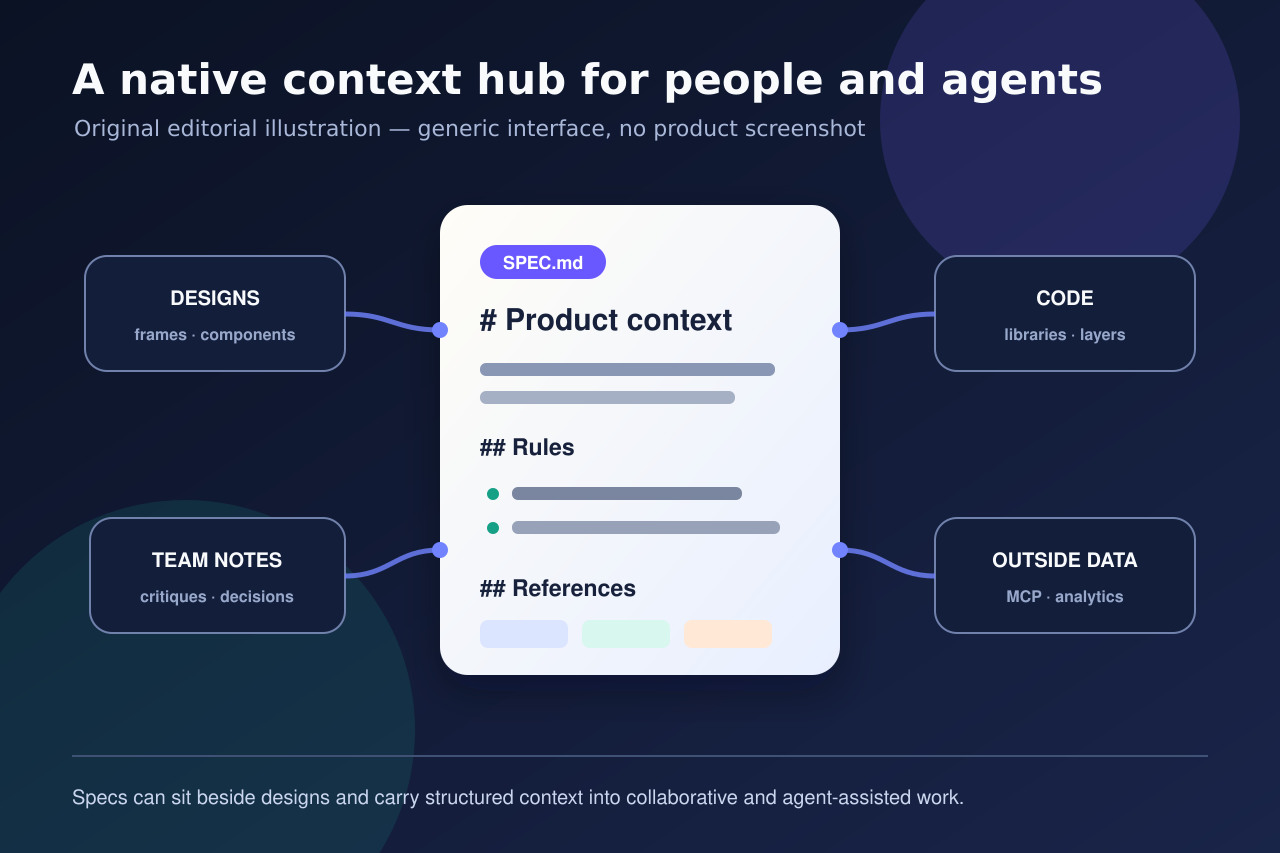
Specs is a native document for context: teams can write Markdown-based requirements, reference designs and diagrams, bring in outside material through MCP and turn a technical specification into Code Layers. Code Layers addresses a different part of the workflow by placing coded, interactive prototype elements on the design canvas. TechCrunch reported both announcements from Config India, while Figma’s own event page labels each feature as open beta. Treat them as connected tools, not one combined feature.
Who can use Specs
Figma’s help page lists Specs for Education, Professional, Organization, Enterprise and Government plans. A viewer needs view access and an editor needs edit access. The document can live as a standalone file or beside designs on the canvas, where it can reference frames, FigJam material, code layers and other work. That makes it useful as a decision record, but access to the file still follows the permissions a team grants; an open beta does not make private context public.
Code Layers is rolling out, not appearing everywhere today
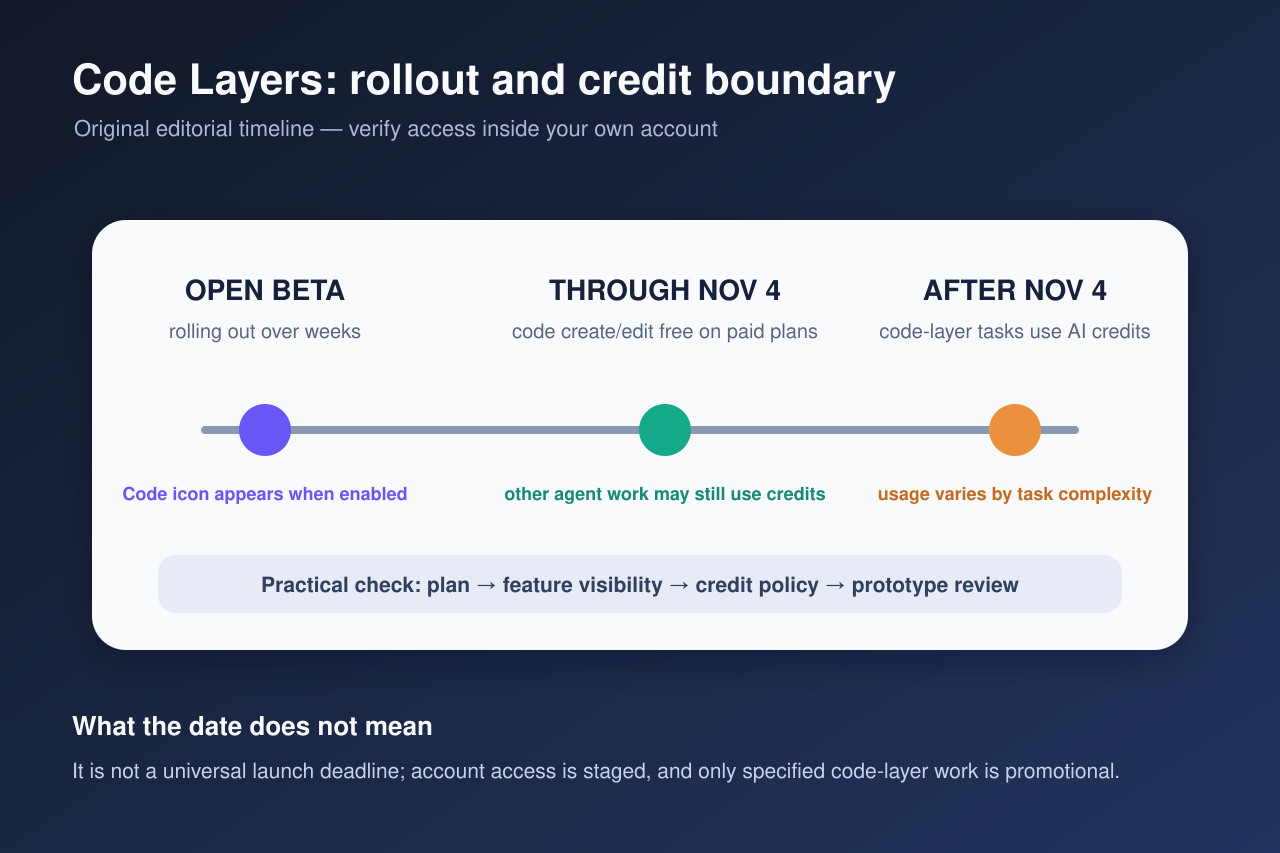
The official guidance says Code Layers is in open beta and will reach users over the next few weeks. When it is enabled, a Code icon appears in the Figma Design toolbar. This staged rollout explains why two people on similar plans may not see the feature at the same time. Reuters independently reported expanded access to Code Layers at Config India. Before changing a team workflow, verify actual account visibility rather than treating the announcement date as a universal availability deadline.
What is free through November 4—and what is not
On paid plans, creating and editing inside Code Layers is free through November 4, 2026, according to Figma. The boundary is narrower than an unlimited free-agent period: a single prompt may trigger several tasks, and only the work that creates or edits a Code Layer is covered by the promotion. Other actions performed by the Figma agent can still use AI credits. After November 4, Code Layer tasks use AI credits, with consumption varying by task complexity. Teams should check credit budgets before treating the beta as a permanent no-cost workflow.
A low-risk way to test the workflow
Start with one contained prototype and a short Spec that records goals, design rules, states, edge cases and links to approved components. Give collaborators only the access they need. When Code Layers appears, duplicate the test file, create one interactive element and note which parts used credits. Compare the result with the written Spec and the established design system before reusing it. A generated prototype is still reviewable work, not automatically production-ready code or an approved product decision.
The practical takeaway for teams
Specs reduces the distance between a decision document and the canvas; Code Layers reduces the distance between a visual idea and an interactive prototype. The important operational checks are separate: confirm that your plan supports Specs, confirm that the files have appropriate permissions, wait for the Code Layers rollout on your account, understand the November 4 promotion, and review every generated result. Figma’s announcement expands what can happen on the canvas, but it does not remove governance, accessibility, security or engineering review.