技術 · 實用指南
Docker build 顯示 COPY 找不到來源?改 Dockerfile 前先稽核真實 context
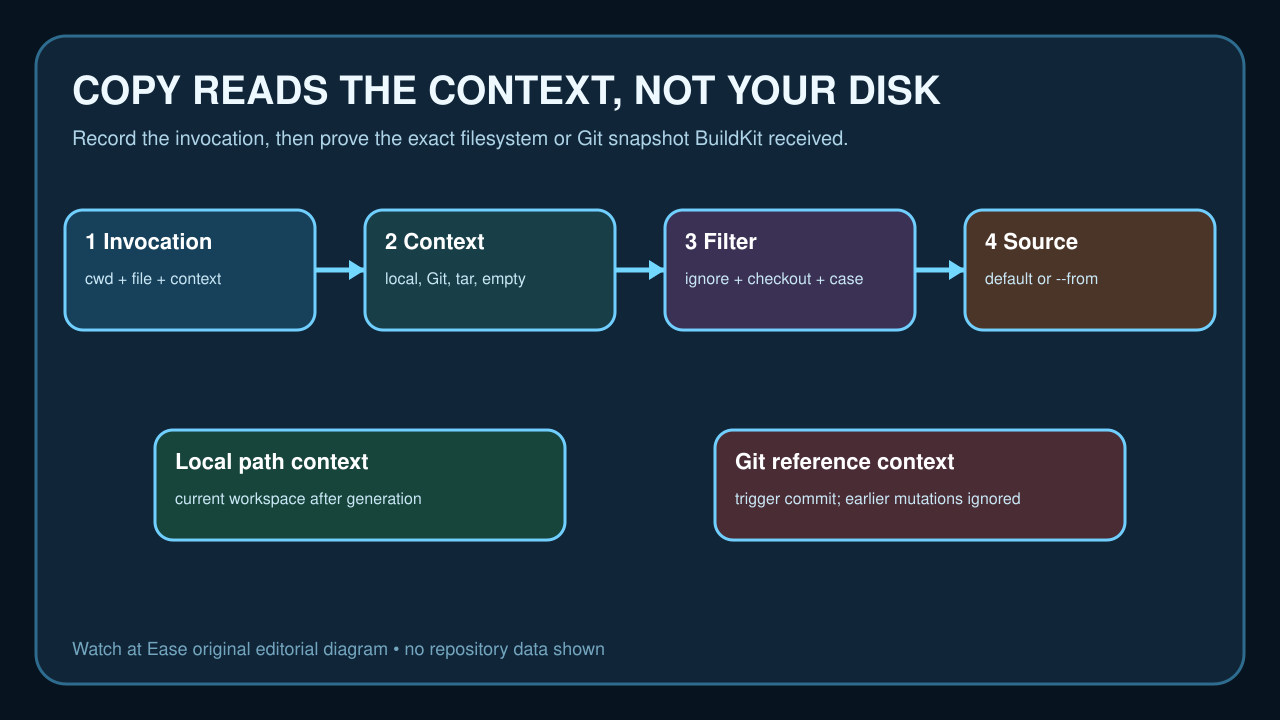
COPY 只能讀取 checkout、產生步驟與 ignore 過濾後的 build context。先保存 command 並證明實際 snapshot,再修一個邊界。
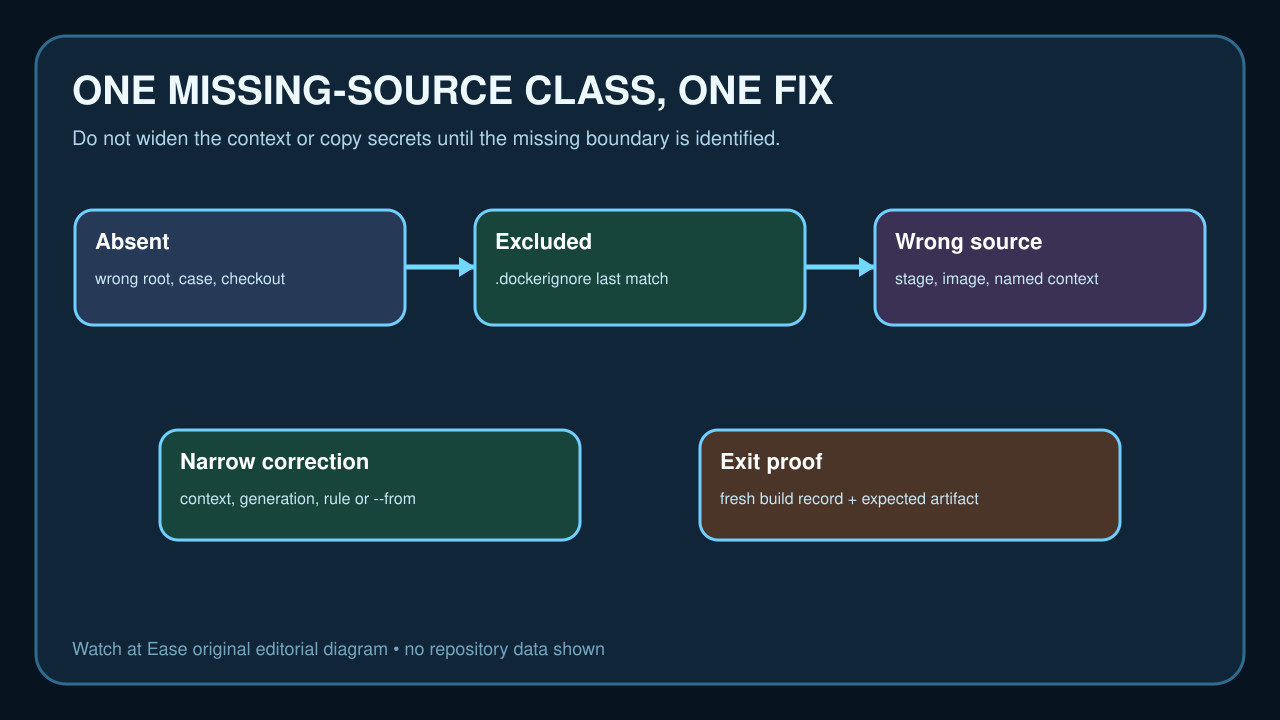
Docker COPY failure 不代表檔案不在電腦,而是 source 不在 BuildKit 收到並過濾後的 context,或 COPY 正從另一 stage、image、named context 讀取。
保存 command 與 error,證明 context type、checkout、ignore 與 source kind,只修一個邊界,避免擴大 context 或包入 Secret。
保存 command 並確認 context
記錄 error、cwd、version、builder、Dockerfile 與最後 context argument;`-f` 不改 context root。
區分 local、Git、tar、named、empty context;host 可見不代表 builder 可見。
證明 checkout 與產生 source
依 exact case 核 path、sparse checkout、submodule、LFS 與 checkout path。
若前一步產生檔案,記錄位置;default Git context 不讀 runner 新檔。
計算有效 ignore
核 root `.dockerignore` 與 Dockerfile-specific ignore;後者優先,last match 決定結果。
不要取消 broad ignore 或複製 Secret,只做最窄安全 exception。
分開 default 與 --from
plain COPY 讀 default context;--from 讀 stage、image 或 named context root。
不要用 `../` 逃出 context;需要另一 tree 就明確宣告 named context。
一次修正並驗證
只改 context、checkout、generation order、case、ignore、Git/path context 或 --from 中一項。
fresh build 後核 source 與 image;CI 要重現同一 context contract。