Technology · NEWS EXPLAINER
Malicious Claude Code extension hit Cursor users: how to check and clean up
Cursor says versions 2.1.312 and 2.1.313 from its own marketplace attempted to install a persistent SSH backdoor. Removing the extension alone may not remove dropped artifacts.
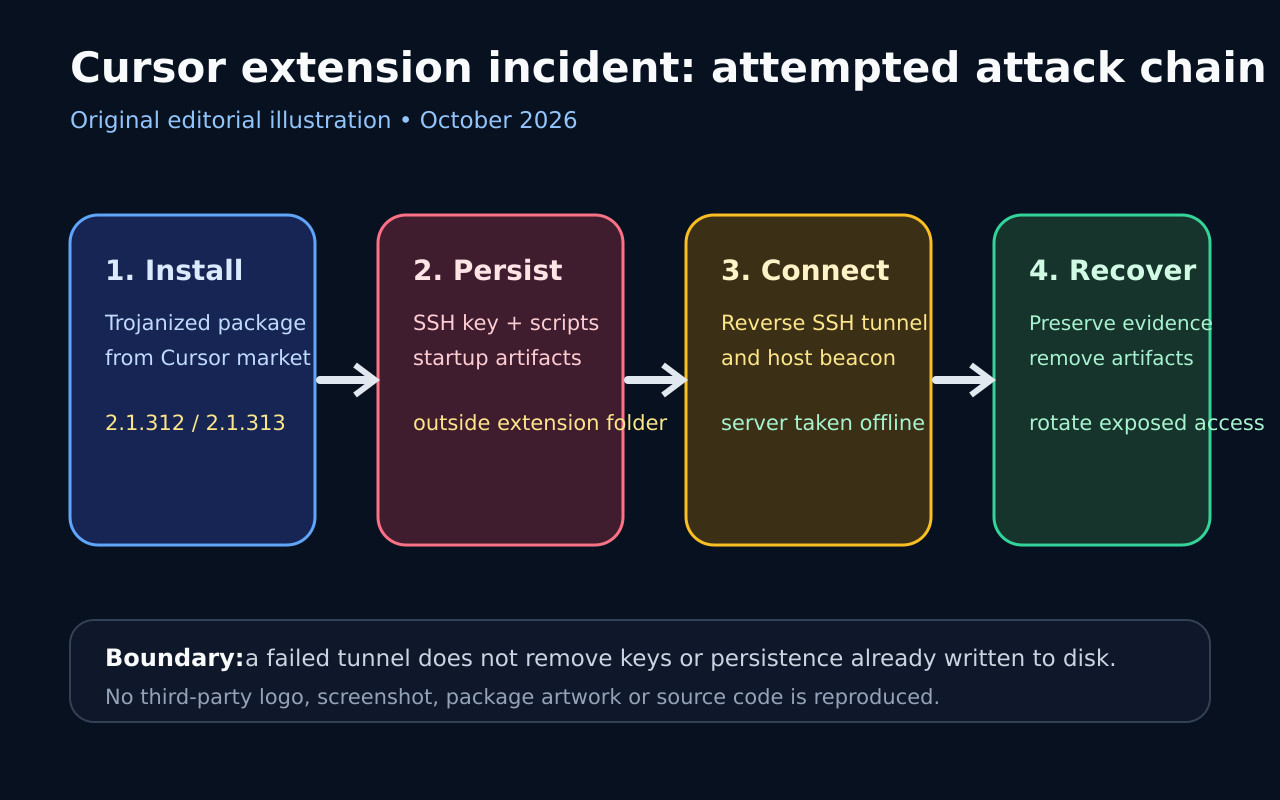
Cursor disclosed that maliciously modified Claude Code extensions were served through the Cursor VS Code Extension Marketplace on October 29. The affected Windows and macOS packages were versions 2.1.312 and 2.1.313, available from about 2:27 a.m. to 1:35 p.m. Pacific time.
The injected loader collected host details, appended an attacker-controlled SSH key, attempted to enable SSH, created reverse-tunnel and startup persistence, and reported system information. Microsoft’s independent analysis says the packages were not distributed through Microsoft Visual Studio Marketplace or the official npm channel.
Cursor says errors and missing administrator rights blocked remote SSH access on most Windows and macOS systems, and the attacker server is offline. That does not prove a host is clean: the key, scripts and persistence objects could still have been written even when the tunnel failed.
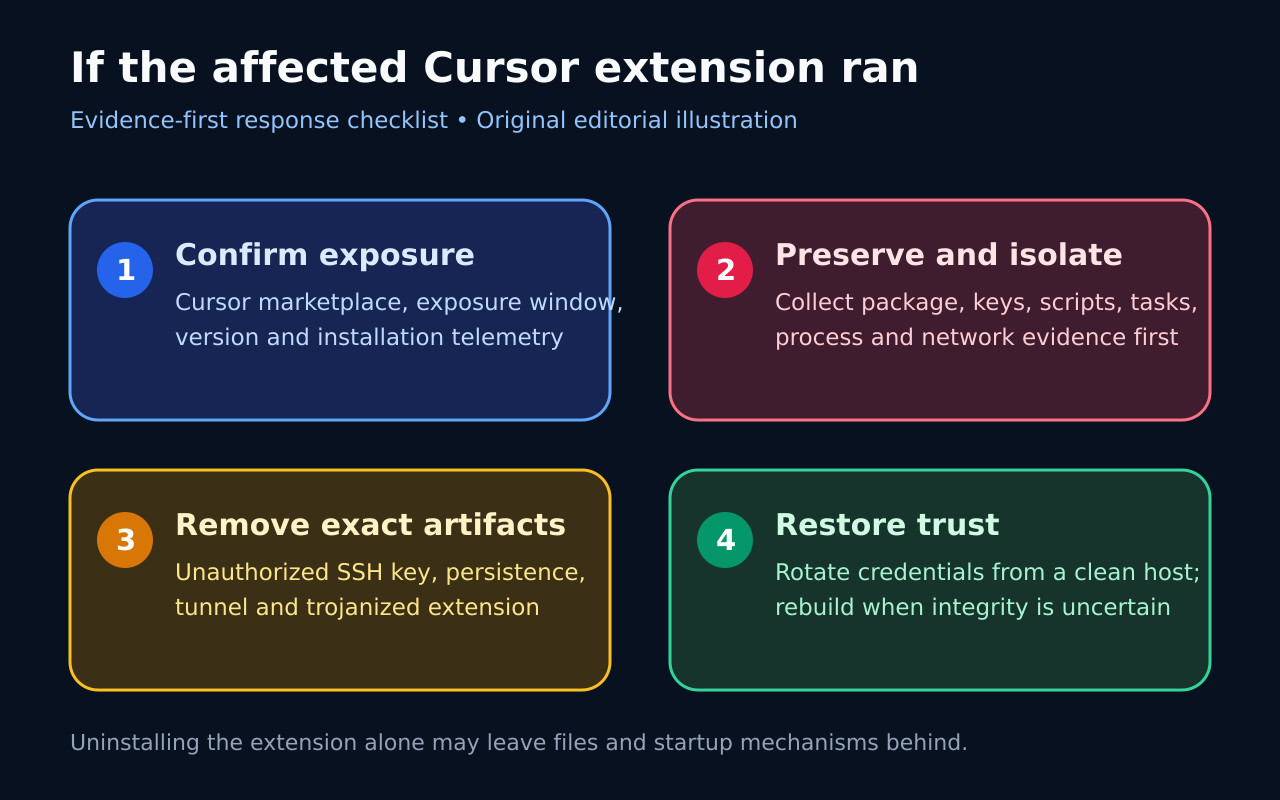
Users who installed or auto-updated the extension from Cursor during the exposure window should preserve evidence, check the exact version and indicators, isolate confirmed systems, remove the unauthorized key and persistence, and rotate exposed credentials from a trusted device. Uninstalling the extension by itself is not a complete response.
Who is actually in scope
Scope is narrow: Cursor’s own extension marketplace, the October 29 exposure window, Windows or macOS, and versions 2.1.312 or 2.1.313. Cursor says at most 5,000 users were affected.
Microsoft says the malicious packages were not published through Microsoft Visual Studio Marketplace or the official npm distribution. Anthropic told Microsoft its systems were not compromised and it did not build the altered package.
What the loader attempted
The loader ran when the extension module loaded. It gathered host and user information, added a key marked svc-telemetry, tried to enable the local SSH server, started reverse forwarding and wrote platform-specific persistence.
A running tunnel process does not prove the attacker obtained access. Successful entry depended on privileges, local SSH configuration and the remote server, but failed access still leaves the possibility of written keys and startup artifacts.
How to investigate before cleanup
First confirm marketplace source, version and installation time, then preserve the extension package, authorized_keys changes, generated identities, scripts, startup objects, processes and network evidence. Cursor publishes platform checks and exact indicators.
Do not delete every similarly named monitoring object. Inspect paths and configured actions, compare the published key fingerprint and preserve legitimate SSH keys and remote-development settings.
How to restore trust
After evidence collection, remove the trojanized extension and confirmed malicious key, scripts, startup mechanisms and tunnel processes. Verify that artifacts do not return after login or restart.
Rotate credentials and revoke sessions reachable from the host using a known-clean device. Rebuild the machine if investigation cannot restore confidence; the server takedown does not erase local persistence.