Technology · PRACTICAL GUIDE
curl error 6: Could not resolve host? Prove the hostname and runtime before changing DNS
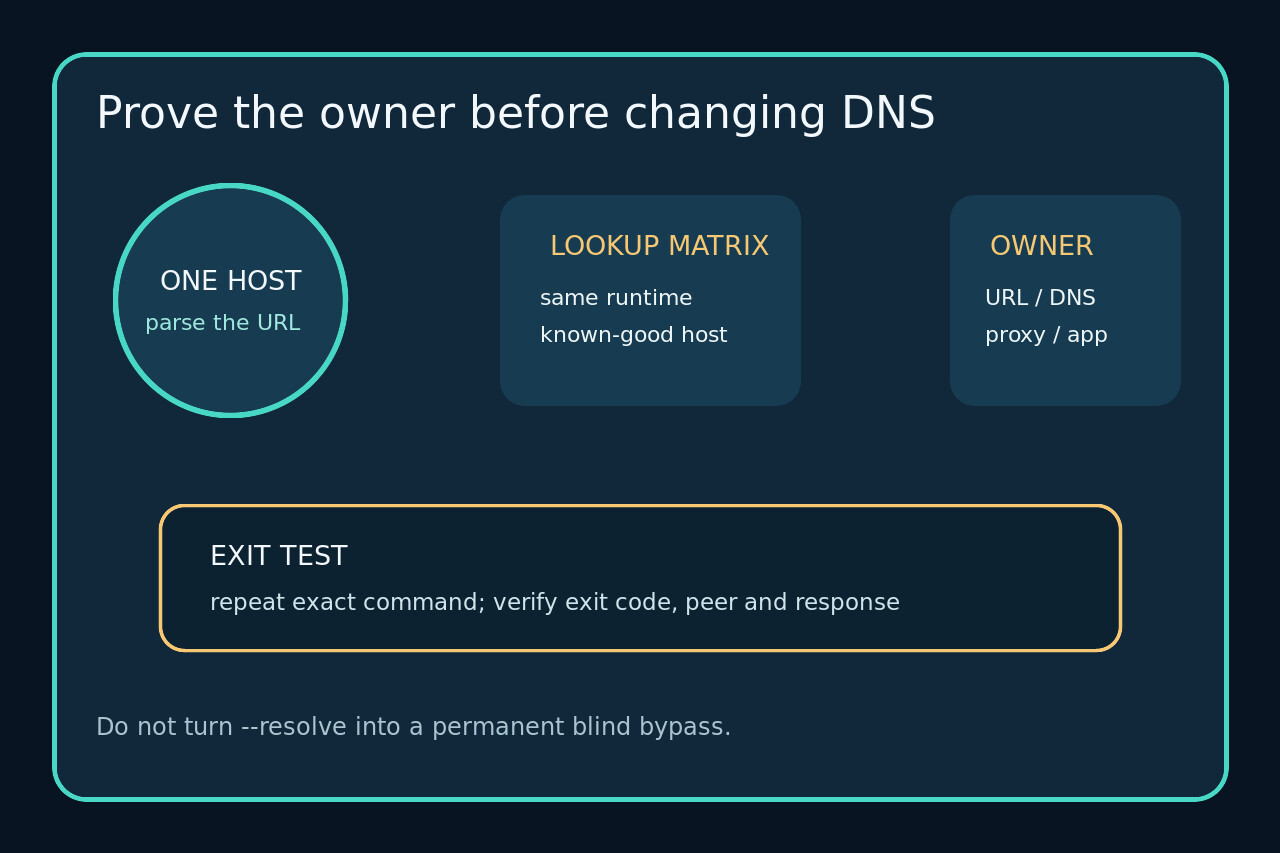
Exit code 6 does not identify the owner of failure. Preserve the exact URL, extract the hostname curl actually parsed, then test the same resolver, proxy and network namespace used by the failing process.
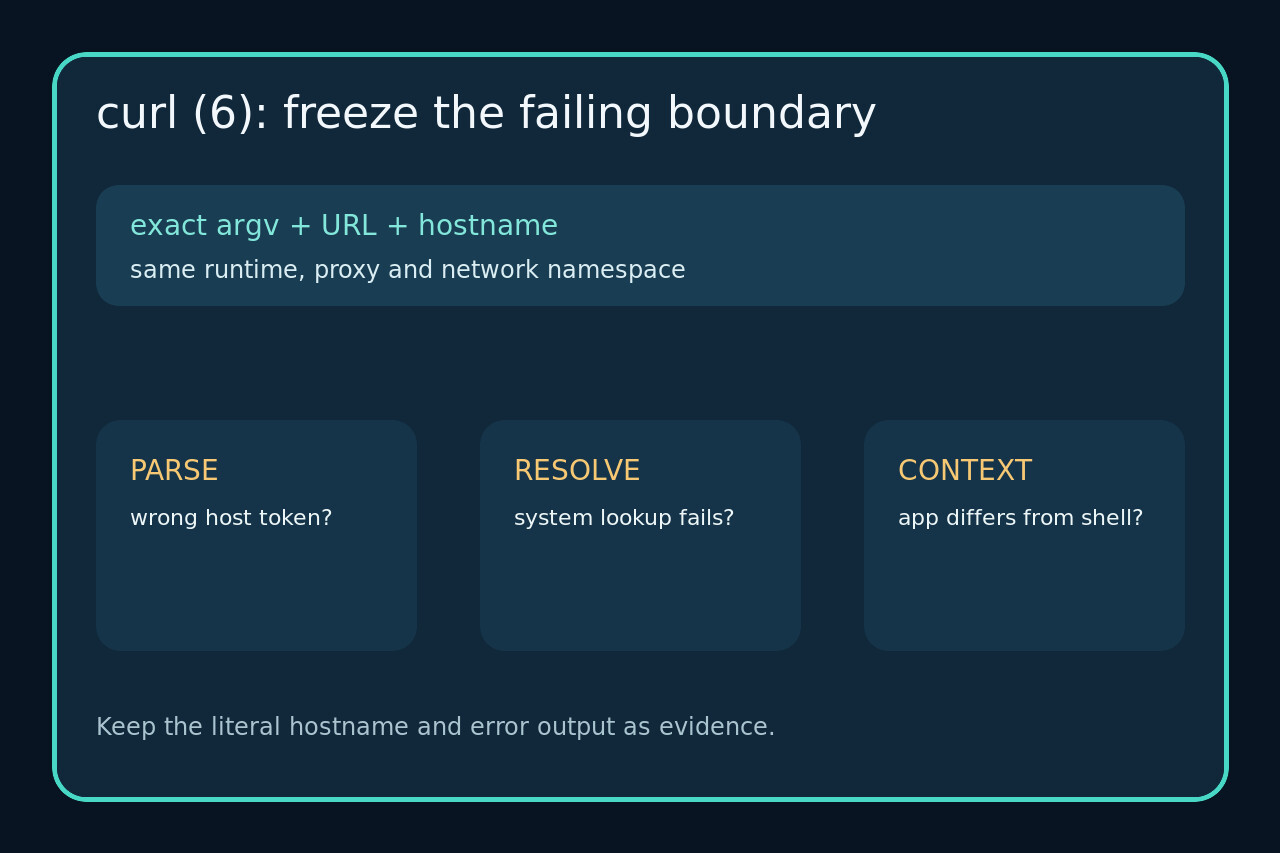
curl code 6 says the host name was not resolved. It does not prove that the public DNS provider is broken, and it does not tell you whether curl parsed the hostname you intended, resolved a proxy name instead, or ran inside a service or container with different network state.
Freeze the exact command, URL, error output and execution context. Extract the literal host, compare a target and known-good lookup inside that same runtime, then change only the verified owner.
Preserve the command and identify the hostname
Copy the exact argv, working directory, environment owner, URL and complete error before retrying. Quote the URL and inspect shell expansion, whitespace, line breaks and variables; the text after “Could not resolve host” is evidence, not decoration.
Record the URL scheme, host and port separately. If a proxy is configured, record its host too. Do not test a shortened or retyped command and assume it represents the failure.
Reproduce inside the failing runtime
Run the narrowest safe lookup and curl verbose test in the same container, service user, scheduled job or application process that failed. An interactive shell success does not clear a service with different environment or network namespace.
Compare the target hostname with one known-good hostname. If both fail, investigate runtime-wide resolver reachability; if only the target fails, preserve the returned resolver class and check spelling, search domains, local policy and authoritative records.
Separate destination resolution from proxy resolution
Inspect curl and application proxy settings with their source and scope. A stale proxy name can produce code 6 even when the destination resolves normally, while removing a required enterprise proxy can break access.
Test the proxy hostname and destination hostname independently in the same runtime. Change or unset only the setting whose owner and intended policy you can verify.
Use overrides only as bounded diagnostics
curl --resolve binds an exact host and port to a supplied address while preserving the URL hostname for HTTP and HTTPS behavior. Use a verified address and an explicit test window; save the command and result.
An override that reaches the server proves a resolution-path distinction, not that a permanent hosts-file entry is safe. DNS rotation, load balancing and address changes still exist, and HTTPS must continue to verify the name in the URL.
Close with the unchanged request
After the narrow repair, rerun the original command in the original runtime. Capture the hostname, resolved peer, proxy decision, HTTP result and process exit code without exposing credentials.
Stop if the hostname differs, the test only works with an unexplained override, or another runtime still fails. Closure requires the intended request to succeed without a broader unreviewed DNS or proxy change.