Technology · PRACTICAL GUIDE
Calibre device-only books missing from a CSV catalog? Export a cache inventory
A library catalog can omit books stored only on your reader. Convert a copied device cache, then check rows, storage and spreadsheet import settings.
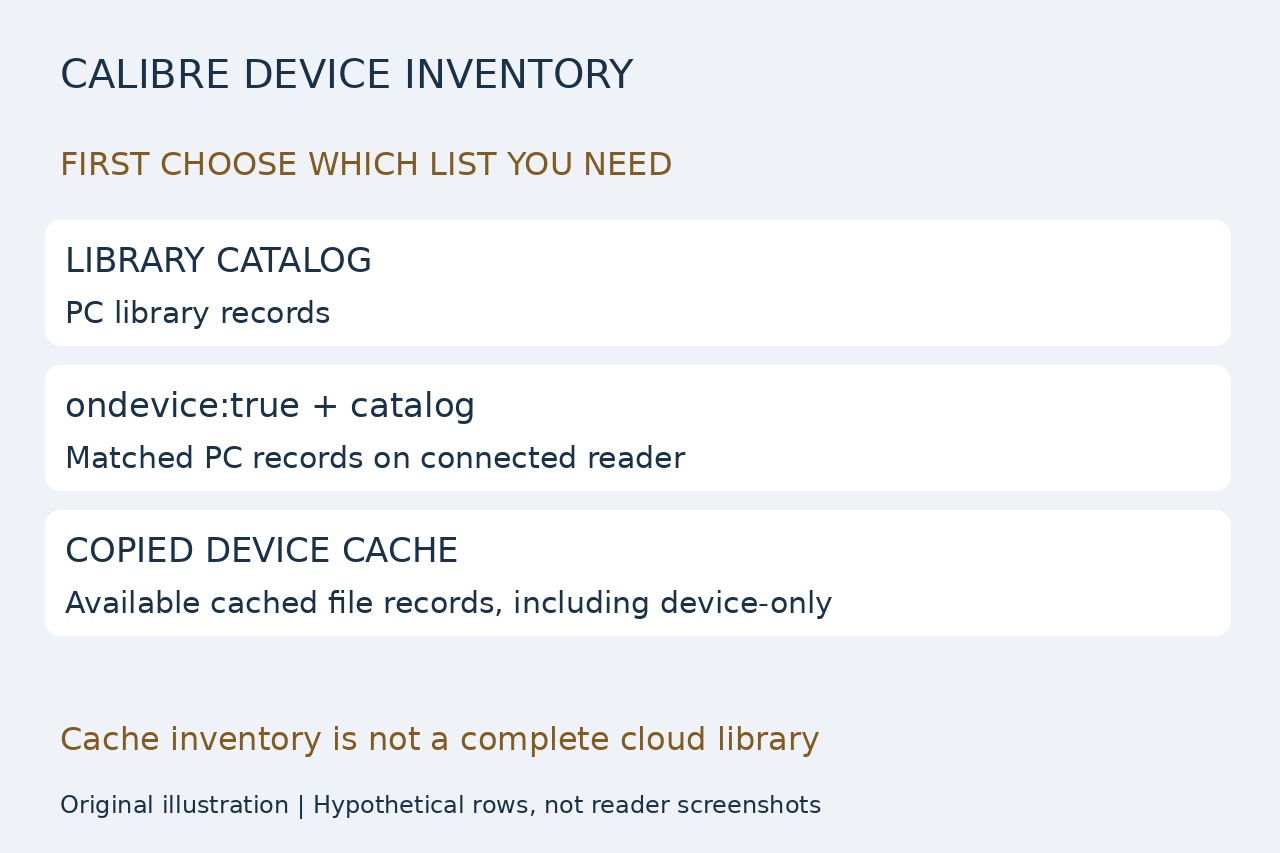
If you need a CSV list of the books on a reader, a catalog of the computer library can be the wrong list. Filtering that library with ondevice:true still starts from its own records; it does not add books that exist only on the device.
For an existing, readable metadata.calibre or .metadata.calibre file, the copy-only method below exports the available cache records without importing ebook contents. It is a cache inventory, not a promise to enumerate every cloud purchase or every file on every reader.
Record the storage and copy the cache
Use this route only when the device or managed folder exposes a local Calibre-style JSON cache. Let any existing Calibre device scan and jobs finish, record the storage you are listing and the current Device-view count with filters cleared, then close applications that could rewrite the cache. A normal scan can update the cache; the converter itself only reads your computer copy. This is not a forensic read-only acquisition procedure.
Copy the cache to a new computer folder as metadata-copy.json; keep the original in place. Record its original directory, storage label and copy time. Main memory and a card can have separate caches: process each separately with different output names. If there is no readable cache, stop this method rather than exporting the PC library and calling it a complete device list. Do not replace metadata.db with this JSON file.
Export one CSV row per cached record
With Python 3 already installed, open a terminal in the copy folder. On Windows use py -3 in place of python3. Copy the following command as one line, keeping the straight quotation marks and choosing a new output filename. It requires a JSON array whose records contain a string lpath, preserves every record and refuses to overwrite an existing CSV.
python3 -c "import csv,json,sys; r=json.load(open(sys.argv[1],encoding='utf-8-sig')); assert isinstance(r,list) and all(isinstance(b,dict) and isinstance(b.get('lpath'),str) for b in r), 'Expected an array of records with lpath'; f=open(sys.argv[2],'x',encoding='utf-8-sig',newline=''); w=csv.writer(f); w.writerow(['row','lpath','title','authors_json','series','series_index']); w.writerows([[i,b['lpath'],b.get('title'),json.dumps(b.get('authors'),ensure_ascii=False),b.get('series'),b.get('series_index')] for i,b in enumerate(r,1)]); f.close(); print(len(r),'cache rows exported')" "metadata-copy.json" "device-cache.csv"
The columns are row, lpath, title, authors_json, series and series_index. Authors remain a JSON value in one cell, so several authors do not multiply the rows; null means the cache has no value. The row number is a position in this snapshot, not a permanent book ID. Blank series fields stay blank, and a fractional series index is retained. An invalid cache or existing destination causes an error: inspect the input or choose a new output name; do not delete the source cache to fix it.
Import text and verify the list
In LibreOffice Calc, choose File > Open and Text CSV. In Text Import select UTF-8, comma as separator and the straight double quote as string delimiter. Leave Merge delimiters and Trim spaces off, turn Evaluate formulae off, and set all six preview columns to Text before accepting. If the dialog is suppressed, enable Edit filter settings in File Open. This preserves metadata strings and prevents a title beginning with = from becoming a formula.
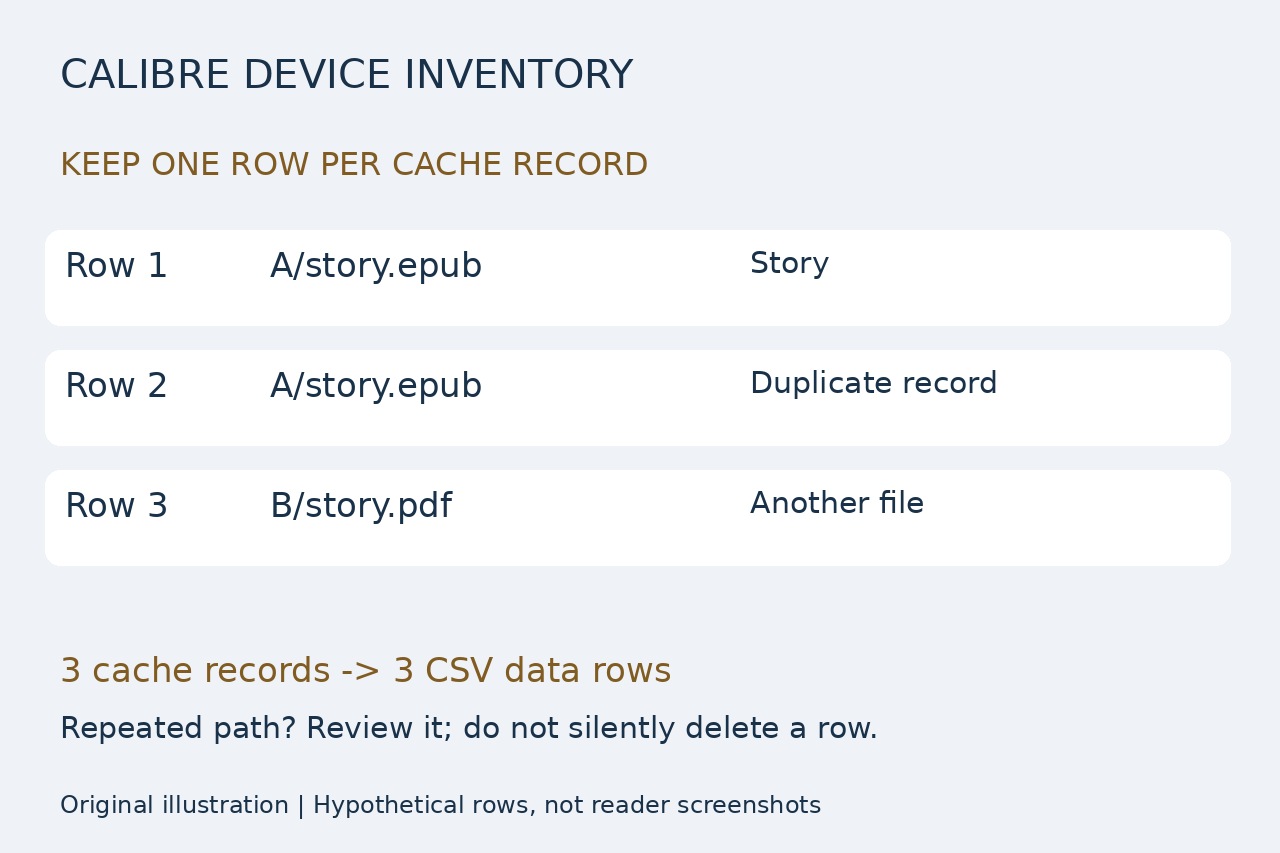
Compare the printed cache-row count with the number of CSV data rows, excluding the header. For the illustrated synthetic example, three cache records must produce three rows, even though two paths repeat. Do not count physical text lines: a quoted title can contain a newline. Keep duplicates until you investigate them. Check a familiar title, its full lpath and its actual file in the recorded original storage; moving the cache copy does not redefine that path's origin.
Know what this inventory does not prove
A missing Device-view entry or count mismatch needs investigation of filters, the chosen storage, scan completion and cache age. The USB mass-storage driver scans configured directories and supported formats; its cache is not a universal disk scan. An old cache can contain records for deleted files. Two formats of one title are separate file records, and identical titles do not establish identical books or membership in your current PC library.
KOReader can also write and simplify these caches, so absent custom metadata is not evidence that the ebook vanished. Keep the original JSON with the CSV and label the result by storage and copy time. We tested this exact converter on synthetic Unicode, commas, multiline titles, null authors, fractional indexes, duplicate paths, empty arrays, invalid input and overwrite refusal; we did not test a physical reader or Calc's interface. If you need a book backup or cloud-library inventory, this list alone is insufficient.