Entertainment · NEWS EXPLAINER
Bluey’s Happy Snaps launches: local buddy play, editions and the family checks
The photography adventure is out on Nintendo’s consoles. The important distinctions are one-console play, the second player’s role and what an edition actually adds.
Bluey’s Happy Snaps is available, Nintendo announced on October 15. For families, the useful question is not simply whether two people can play: it is how they share this particular photography adventure and which copy fits the console at home.
The official listing separates local buddy play from online play. An independent Switch 2 review also offers a reason to look beyond the cheerful trailer when deciding how much help a younger player may need.
Photography and a scrapbook drive the adventure
The setup puts Bluey and Bingo in familiar places with a camera and a scrapbook to fill. That gives the launch a specific identity: collecting pictures and exploring, rather than treating every game bearing the Bluey name as the same product. Check the full title when shopping, especially alongside older releases.
For a household, the practical question is whether the child enjoys looking around and choosing what to photograph. Consider sharing the camera role and letting the child decide when to explore instead of rushing through an adult checklist. That is our suggested approach, not a claim that we tested the game with your family.
Two players does not mean online multiplayer
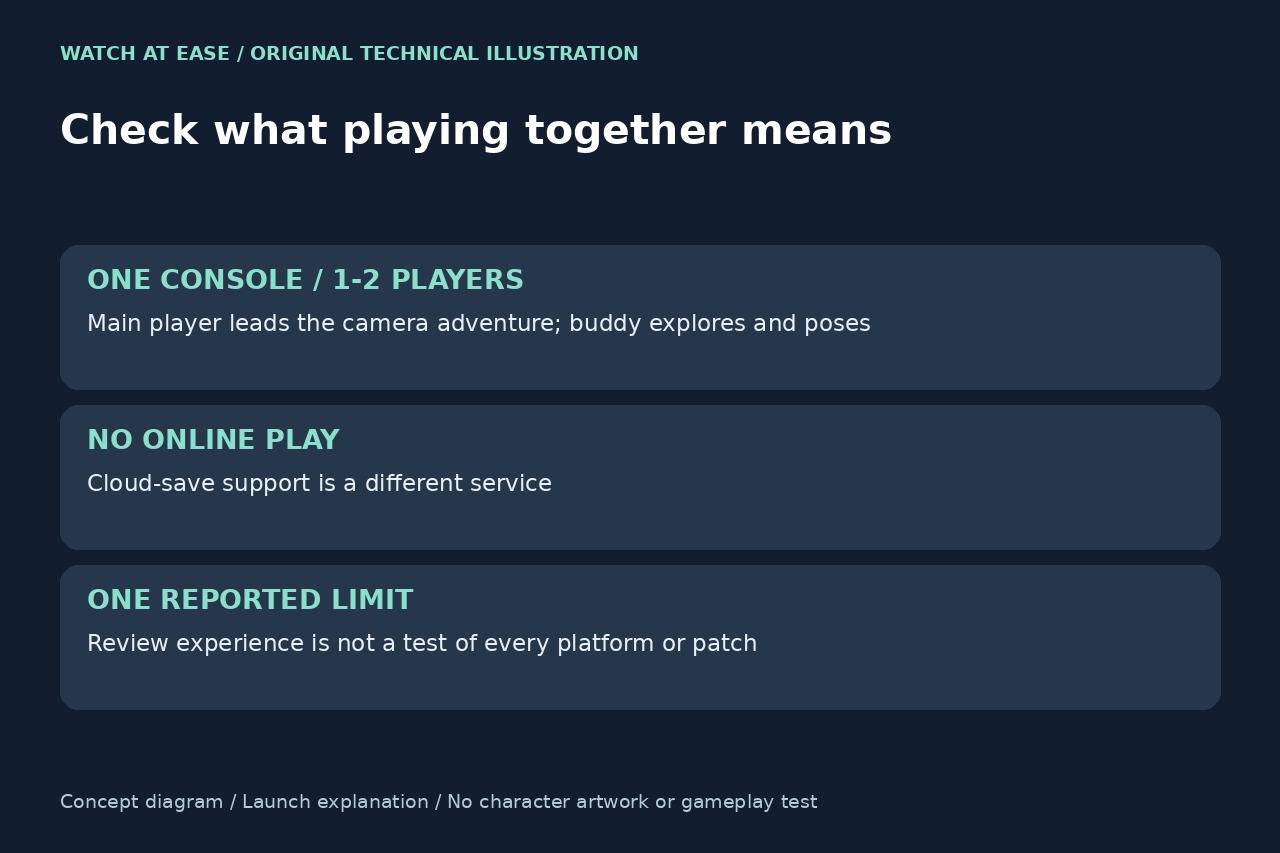
Nintendo describes the buddy as joining the exploration and posing while the main player leads the camera adventure. That is more specific than a generic co-op label. If your plan requires two equal, independent camera operators, confirm the controls rather than assume that a player count promises identical roles.
The listing explicitly rules out online play. Its separate Save Data Cloud entry does not contradict that: backing up a save and playing a session with someone elsewhere are different services. Do not buy an online membership solely on the assumption that it will unlock a remote Bluey play session. Check the exact console’s controller requirements before planning the first shared game.
One review flags a useful limit
Maxi-Geek’s Luke Henderson reported photo objectives sometimes failing to register until the framing shifted. His Switch 2 review disclosed a Gameloft-supplied review code. This is one reviewer’s experience, not our test or proof that every platform or current update behaves the same way.
For a child who becomes frustrated when a picture seems correct but an objective does not complete, a parent can be ready to help with positioning and the objective. If that is a deal-breaker, seek current information for the version you intend to buy. We have not verified a fix, a universal defect or a particular amount of play time.
Match the edition to the console and budget
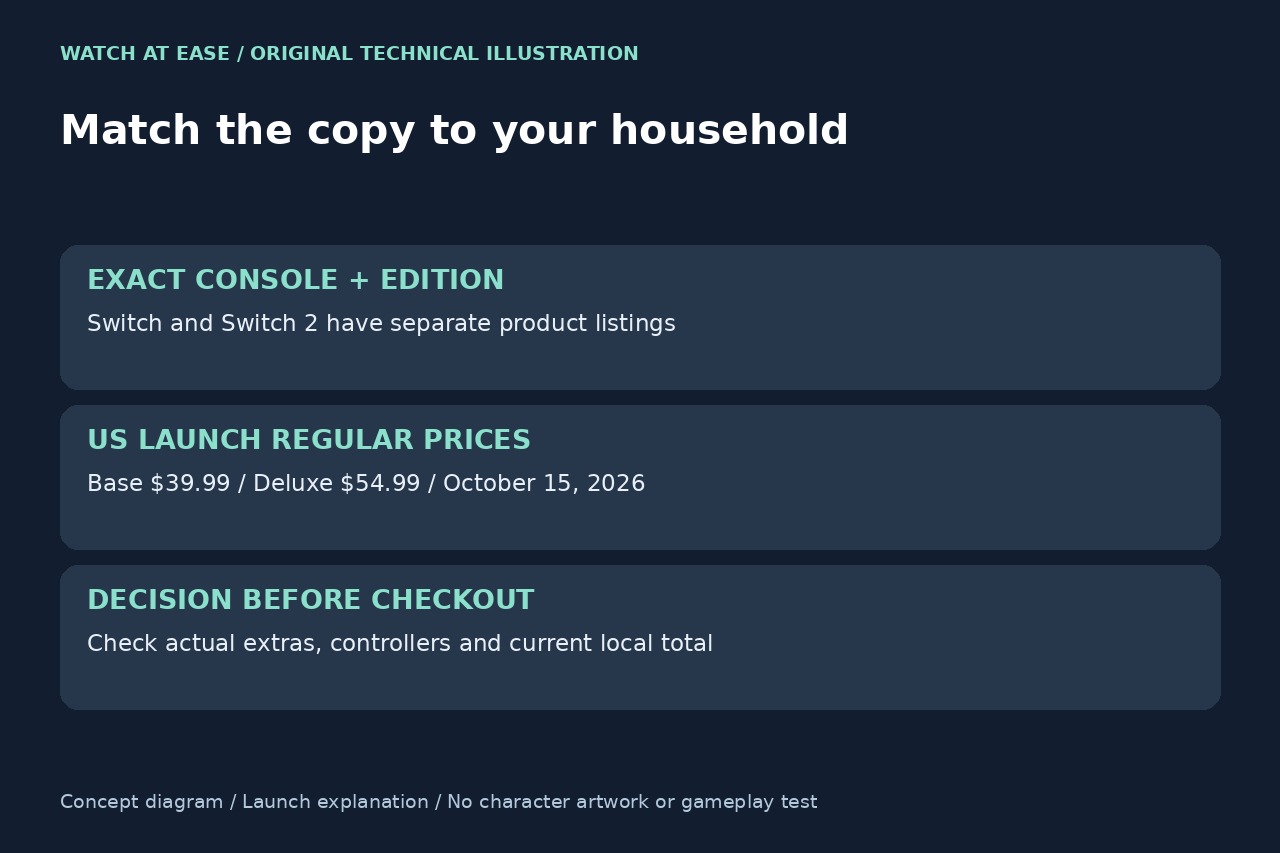
Nintendo’s US launch article shows separate Switch and Switch 2 listings and base versus Deluxe editions. Its displayed regular prices are dated launch information, not a live offer for every region. Compare the exact edition’s extras with what your family wants; the absence of in-game purchases does not make all purchase editions identical.
Before checkout, verify the full title, console version, edition contents, supported language, controllers and current local total. For a physical purchase, read that specific package’s download requirements instead of applying assumptions from a digital page. A sensible family choice starts with the right copy and a realistic plan for sharing the camera, not the most expensive edition by default.