Technology · PRACTICAL GUIDE
Turn Audacity spectral labels into CSV without misaligning frequencies
Pair each frequency line with its label, keep original seconds text, and distinguish an absent frequency record from undefined limits and real zero hertz.
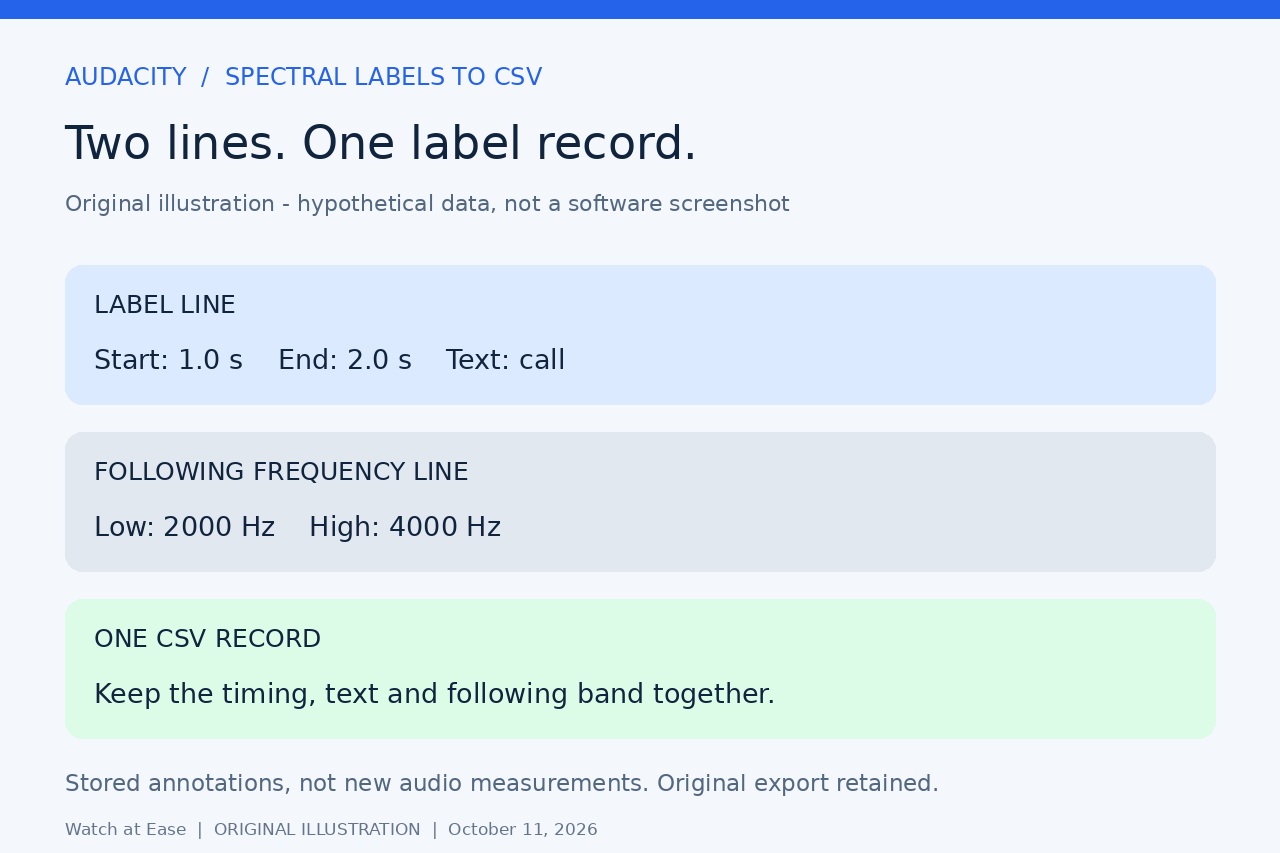
A spectral label export is not always one spreadsheet row per label. In Audacity's extended text format, timing and text occupy one line; any saved frequency range follows on a separate line beginning with a backslash. Treating every line as a new label breaks that association.
Native extended export already preserves those frequencies. This guide adds a bounded, offline CSV conversion for your own supported UTF-8 text export, with checked pairing and unchanged numerical strings. It does not analyze audio or recover frequency data missing from the export.
Export the right text and check its scope
Keep the project and original label text. Choose the plain-text label export, not SRT, WebVTT or an audio export. Where your build offers Exported Label Style, choose Extended with frequency ranges. Inspect a known spectral label in the exported text: its timing/text line should be followed by a backslash, tab, low-frequency value, tab and high-frequency value. Menu wording differs across versions; we have not run the current interface.
Check which label tracks the export includes. The current label-track manual documents exporting a particular track from its menu, and the current original export model supports track selection. Older documentation describes combining tracks. Do not delete tracks to follow an obsolete workaround. Export separately when you need track attribution, and record the project, track, version and date outside the CSV.
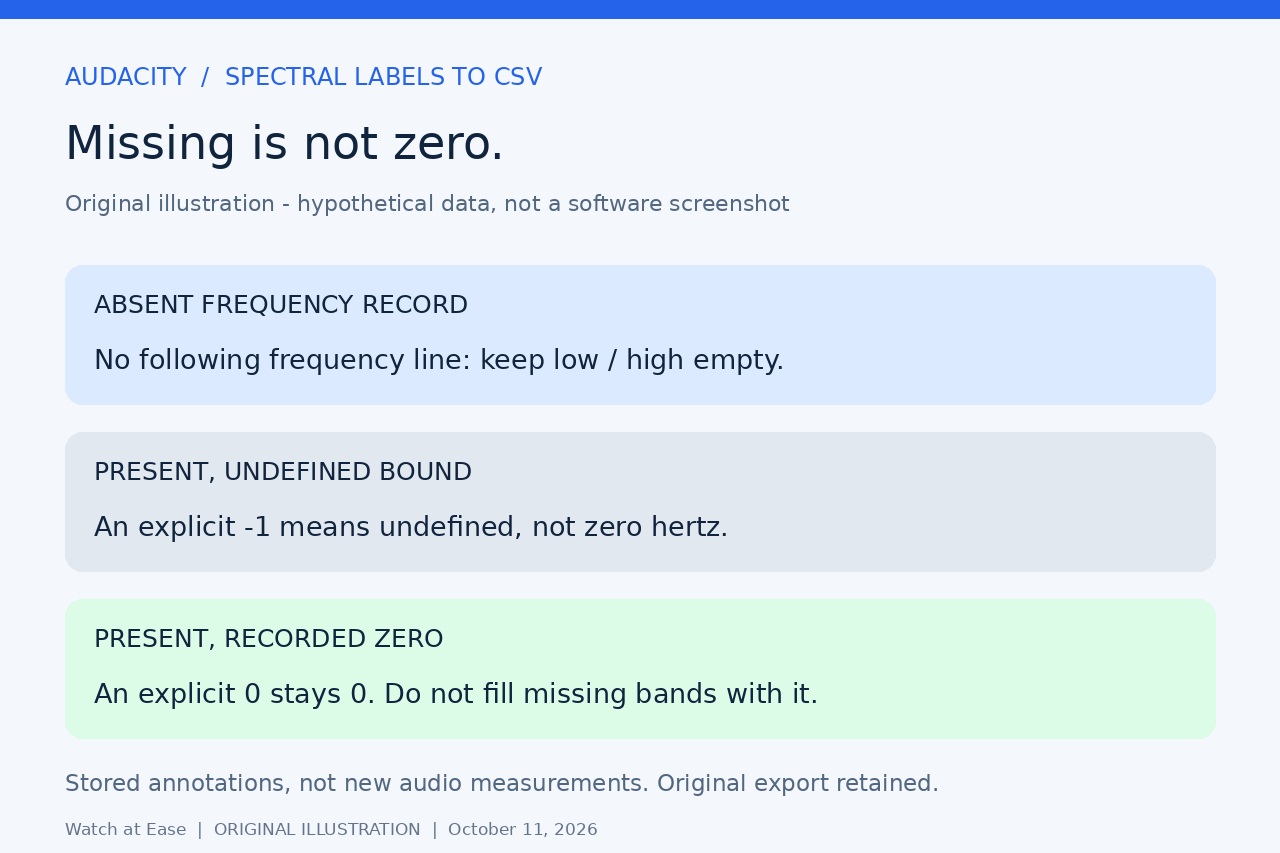
No following frequency line does not mean zero hertz. It can mean standard-style export or that no frequency range was stored. A value of -1 marks an undefined bound in the documented extended format. Inspect the original label and re-export when needed; conversion cannot infer a missing range or reconstruct track names absent from the text.
Convert a supported copy with Python 3
The recipe accepts two tab-separated, nonnegative start/end seconds fields, optional label text, and at most one immediately following frequency line. It supports dot-decimal numbers, finite nonnegative frequencies or the undefined -1 sentinel. Negative-time labels, comma-decimal numbers, blank records, extra tab fields and future continuation formats are outside this bounded recipe and stop it before output creation.
In a Linux Bash terminal with Python 3, enter the folder containing your own labels.txt copy. Copy the following as one line with straight quotes and intact backslashes. Keep the input name and choose a new output filename; an existing labels.csv is refused. This exact command was tested on Linux Bash, not Windows or macOS.
python3 -c 'exec('"'"'import csv\nfrom decimal import Decimal\nimport pathlib\nimport re\nimport sys\n\ndef number(text, minimum):\n if not re.fullmatch(r"[+-]?[0-9]+(?:\\.[0-9]*)?(?:[eE][+-]?[0-9]+)?", text):\n raise ValueError("Expected an unpadded dot-decimal number")\n value = Decimal(text)\n if not value.is_finite() or value < minimum:\n raise ValueError("Unsupported numerical value")\n return value\n\nrows = []\nraw = pathlib.Path(sys.argv[1]).read_text(encoding="utf-8-sig")\nlines = raw.split("\\n")\nif lines[-1] == "":\n lines.pop()\nfor line in lines:\n fields = line.split("\\t")\n if fields[0] == "\\\\":\n if len(fields) != 3 or not rows or rows[-1][-1] != "absent":\n raise ValueError("Orphan, repeated or unsupported frequency line")\n low, high = [number(text, Decimal(-1)) for text in fields[1:]]\n if any(value < 0 and value != -1 for value in [low, high]):\n raise ValueError("Negative frequency must be the undefined -1 sentinel")\n if low >= 0 and high >= 0 and low > high:\n raise ValueError("Reversed frequency bounds")\n rows[-1][4:] = [fields[1], fields[2], "present"]\n else:\n if len(fields) not in [2, 3]:\n raise ValueError("Expected two times and optional label, tab separated")\n start, end = [number(text, Decimal(0)) for text in fields[:2]]\n if end < start:\n raise ValueError("Reversed time bounds")\n rows.append([str(len(rows) + 1), fields[0], fields[1], fields[2] if len(fields) == 3 else "", "", "", "absent"])\nif not rows:\n raise ValueError("No label records")\nheader = ["ordinal", "start_seconds", "end_seconds", "label", "low_hz", "high_hz", "frequency_record"]\nwith open(sys.argv[2], "x", encoding="utf-8-sig", newline="") as output:\n writer = csv.writer(output)\n writer.writerow(header)\n writer.writerows(rows)\nwith open(sys.argv[2], encoding="utf-8-sig", newline="") as output:\n if list(csv.reader(output)) != [header] + rows:\n raise ValueError("Readback differs; discard output and use a new name")\nprint(len(rows), "label records checked; missing frequency is not zero")\n'"'"')' "labels.txt" "labels.csv"
Read the seven columns without changing their meaning
The CSV columns are ordinal, start_seconds, end_seconds, label, low_hz, high_hz and frequency_record. Ordinal starts at 1 in input order; it is not a track number. Present means an actual following frequency line was parsed. Absent leaves both frequency cells empty. An explicit -1 remains its original text and is not turned into zero or a guessed limit.
The converter preserves label text, duplicate records, input order and original numeric strings. Decimal values are used only to validate bounds; no floating-point rounding, duration calculation, sorting or frequency estimation is applied. CSV quoting handles embedded commas and double quotes. The output is read back and every field compared with the parsed records before success is printed.
In LibreOffice Calc import UTF-8, comma separators and straight double quotes as the text delimiter. Set all seven columns to Text and turn off Merge delimiters, Trim spaces and Evaluate formulae. Enable Edit filter settings if the import dialog is hidden. Keep an unchanged CSV master; make a separate working copy before numerical calculations and select the appropriate decimal locale there.
Check pairing and reject partial results
Compare the printed label count with the intended export, not the physical line count: a frequency continuation is not another label. Inspect a known point label, a region and a label with one undefined bound. Check nearby rows around missing bands so a later frequency is not attached to the wrong label. Exporting multiple tracks together may have already discarded attribution; this CSV does not restore it.
We executed 23 synthetic cases using this exact command, including point/region pairing, absent versus zero, -1 bounds, long numeric strings, Unicode and punctuation, duplicate empty labels and UTF-8 BOM/CRLF. Six valid cases also refused repeated writes without changing the output; input bytes stayed unchanged. We did not execute Audacity or Calc, or test this command on Windows/macOS.
Malformed or orphan frequency lines, repeated continuations, reversed bounds and unsupported records stop before creating output. If writing or readback fails, discard any partial CSV and rerun to a fresh name. Retain the original text for comparison. This table records exported selections, not measured peaks, amplitudes, species detections or completed audio exports; a frequency range is the stored annotation, not a new spectral measurement.