Technology · NEWS EXPLAINER
Apple HomeView’s first streaming catch: Apple TV needs a nearby iPhone
Apple markets HomeView as an entertainment screen, but its launch notes and a new independent review show that Apple TV and several other Apple services are not native on the device at launch.
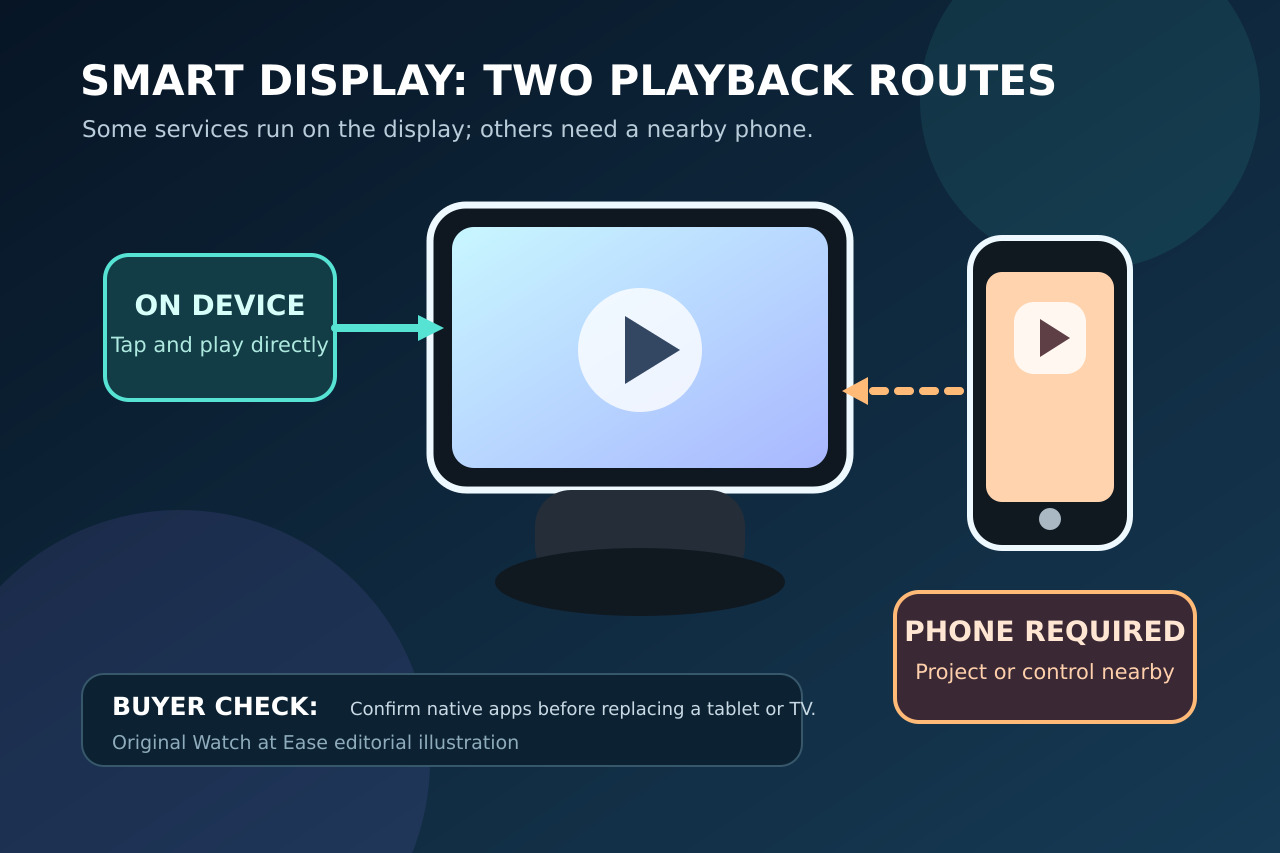
Apple’s $299 HomeView can play some entertainment directly, but buyers should not assume every Apple service is a native app. The Verge’s October 14 review of Apple’s specifications found that Apple TV, Apple Books audiobooks, Apple Music Classical and Apple News+ require a compatible iPhone nearby.
The entertainment promise has two routes
Apple presents HomeView as a place for Apple Music, Podcasts, News, Apple TV and compatible third-party services. Its footnote says select apps require a paired, compatible iPhone nearby. The Verge identified Apple TV, Apple Books audiobooks, Apple Music Classical and Apple News+ as phone-dependent, so “available on HomeView” does not always mean the app runs independently.
Capable hardware, narrower software
Apple Music and Apple Podcasts are described as direct HomeView experiences, while Apple TV and the other named services use the nearby-iPhone route at launch. HomeView has an A18 chip and 7-inch display, but no App Store. Compatible third-party apps may work through projection, yet buyers cannot assume any iPhone or iPad streaming app can be installed directly.
What to check before ordering
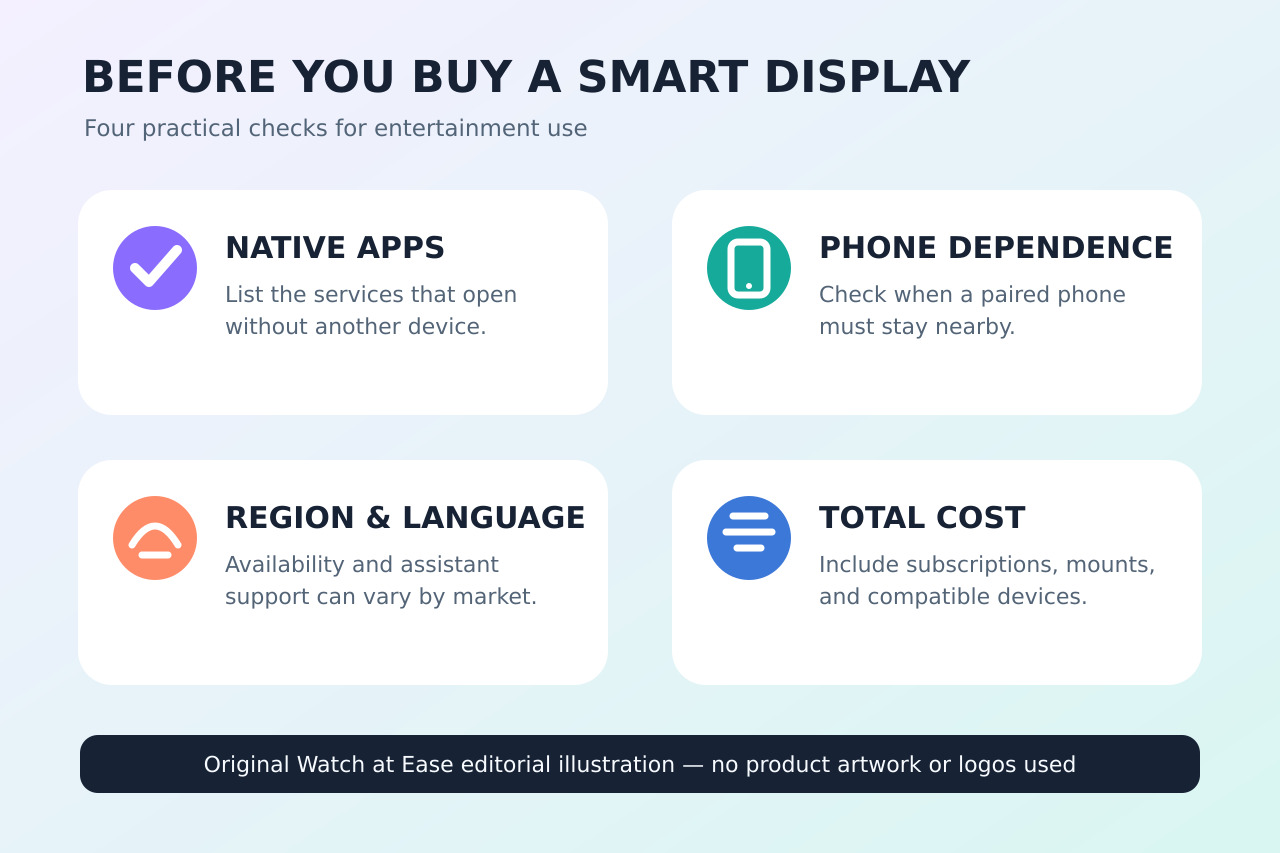
HomeView costs $299 in the United States and ships from November 13 in eight launch markets; it is not initially sold in the European Union, and Siri AI is English-only at launch. Mark each planned service as native, phone-assisted or unconfirmed. If independent Apple TV playback is the main reason to buy, wait for Apple to clarify whether a native app will be added instead of assuming a future update.